ArticleBy Rafał Czarnecki5 min read
Captions in video ads: why they matter and how to add them
In short
- Many people watch ads with the sound off, so captions keep your message readable without audio.
- A talking video ad in Ad Studio costs 150 credits. Captions add 5 credits for a clip up to a minute, 155 in total.
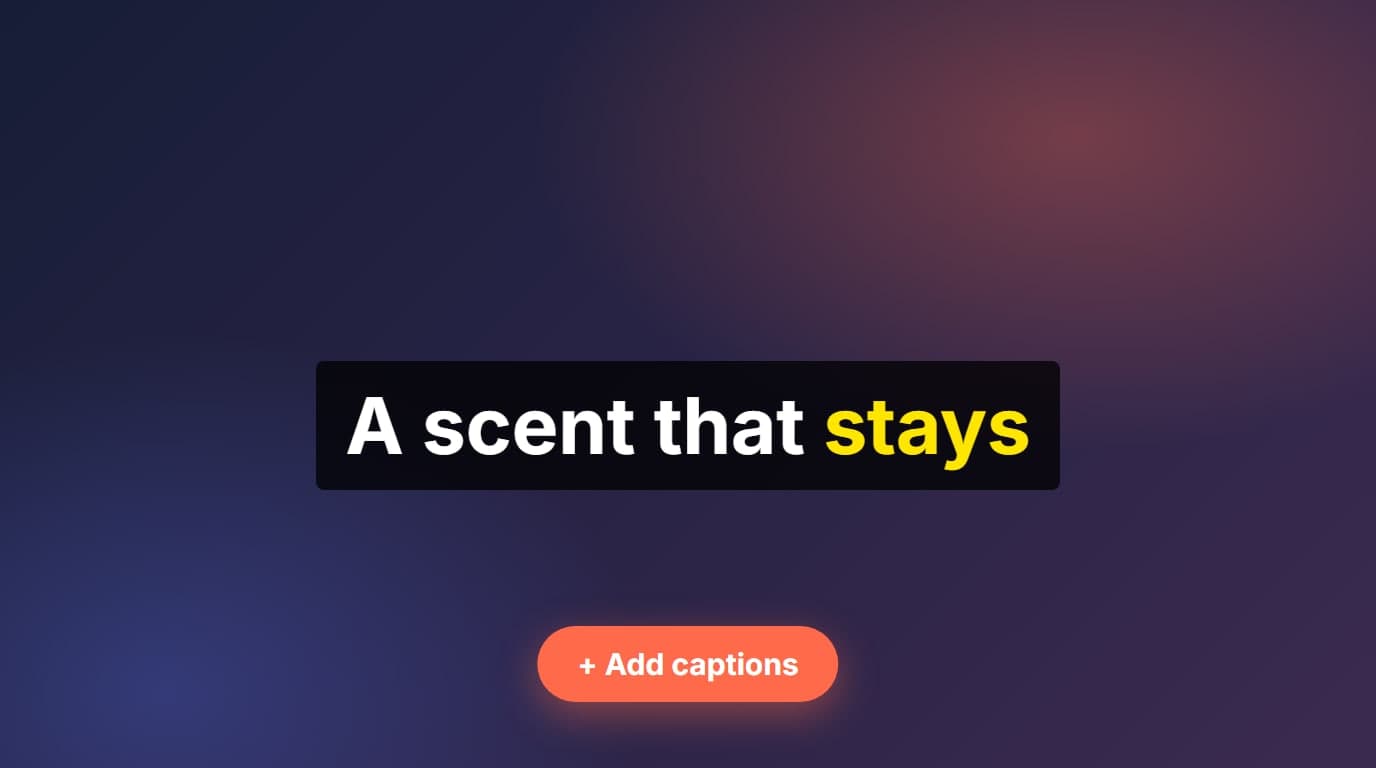
- After the ad is ready, click “Add captions”. The speech is recognised for free, then you fix and style the text.
- Captions can also go on a video made outside Fattly: an MP4 or MOV up to 50 MB and 3 minutes with someone speaking.
- Ads without a voiceover, such as unboxing clips, have nothing to caption.
Contents
A video ad has about two seconds to say what it is about, and on a phone with the sound off, the picture has to do it alone. Captions fix that: they put the spoken message on the screen word by word. In Fattly you can add them to a finished ad in one step with the captions tool.
Why an ad needs captions
- Sound is often off. People scroll in public, at work or at night, and a muted ad without captions says nothing.
- Captions carry the hook. The first three words on screen can say what the ad is about before the voice finishes its first sentence.
- They help viewers who are deaf or hard of hearing, and anyone watching in a language that is not their first.
- They look the same on every platform. Burned-in captions do not depend on a platform’s own auto-captions or on the viewer switching them on.
From ad to captioned ad in four steps
- Make the ad in Ad Studio (see how to make an AI ad). A talking video ad costs 150 credits.
- When the ad is ready, click “Add captions” under it. Fattly recognises the speech, which is free.
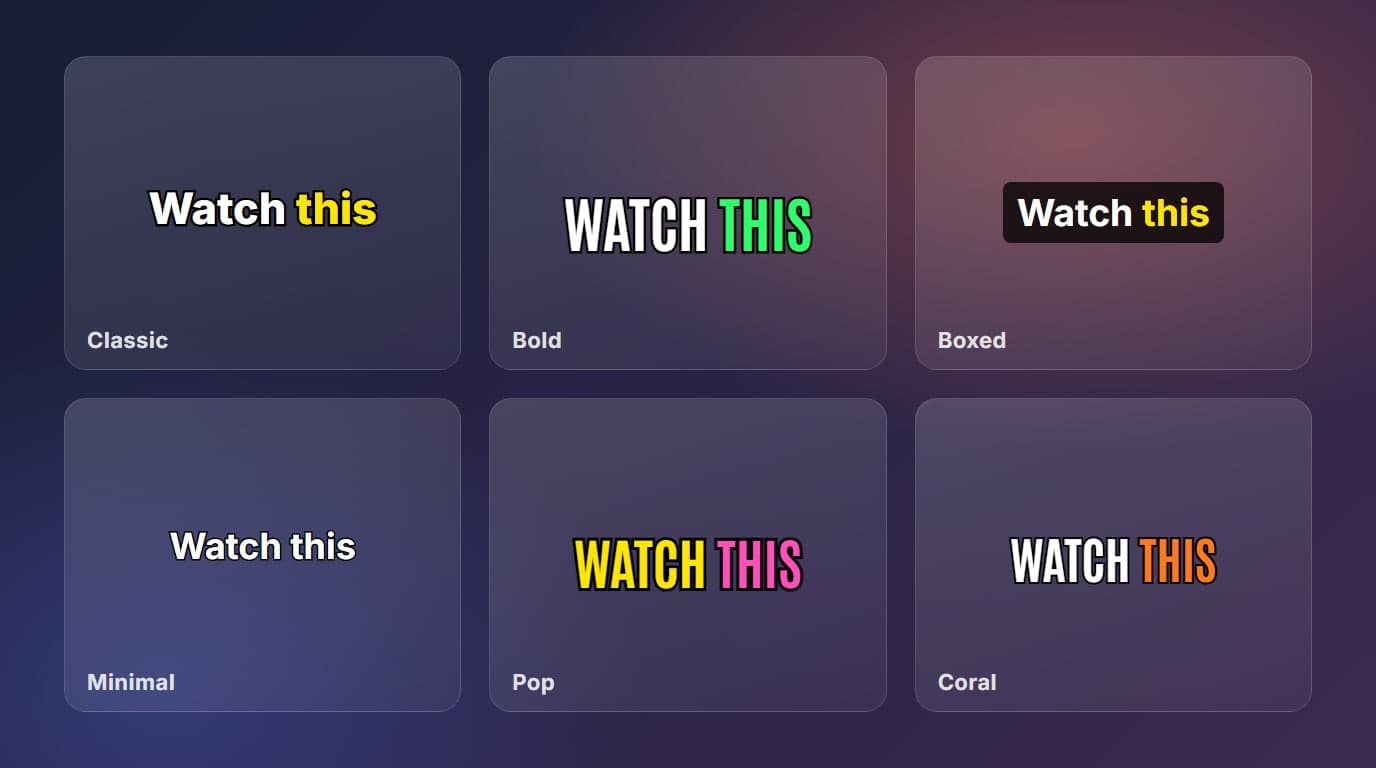
- Fix the text, pick a style and drag the captions to a spot that does not cover the product. The styles are described here.
- Click burn in, then download the MP4 and upload it to your ad platform.
What it costs
| Step | Credits |
|---|---|
| Talking video ad in Ad Studio | 150 |
| Captions for a clip up to 1 minute | 5 |
| Total | 155 |
Recognising the speech is free, up to 20 times a day. Burning the captions in costs 5 credits per started minute. The 10 free credits at sign-up are enough for captions on two clips, but not for the ad itself. Current packs are on the pricing page.
What to put in an ad’s captions
- Keep the words of your script. Ad Studio already knows what the voice says, so compare the recognised text with your script and fix any difference.
- Highlight the words that sell: the product name and the one number or offer you mention. Tap a word in the editor to highlight it for the whole caption.
- Use short captions of two to four words. A long sentence on screen makes people read instead of watch.
- Keep the captions off the product. Drag them above or below it so the item stays visible.
Common mistakes
- Burning in without reading. A misspelled brand name in an ad is a mistake that hundreds of people see.
- Captions in the bottom strip of the frame, where the platform puts its own description and buttons.
- Mixing styles across a series of ads. Pick one style and keep it, so people recognise your ads at a glance.
To keep adding to the pipeline, learn how to add captions to a video automatically, and see UGC ads in your language for ads with a native voiceover.
Frequently asked questions
Can I add captions to a video ad made in Fattly?
Yes. When an Ad Studio ad with a voiceover is ready, click “Add captions” under it. The speech is recognised for free, you fix and style the text, and then you burn it in.
How much do captions cost for an ad?
5 credits for a clip up to a minute (5 credits per started minute), on top of the 150 credits for the ad, so 155 in total. Recognising the speech costs nothing.
Can I add captions to an ad made somewhere else?
Yes. Upload an MP4 or MOV up to 50 MB and 3 minutes in the captions tool. Someone has to speak in it, because the captions are made from the speech.
Which languages work?
English, Polish, German, Spanish and French. You choose the language spoken in the clip, and the captions are made in that language. The tool does not translate them.
Will the captions show on every platform?
Yes. They are burned into the picture of the MP4, so any platform that plays the video shows them. The flip side is that nobody can switch them off.
Ready to try?
Add captions to your ad