AI Video Generator
An AI video generator is a tool that turns a scene description or a single photo into a short MP4 clip. In Fattly you pick one of 16 video models (including Veo, Kling, Seedance, Hailuo and LTX), the clip length and the format, and download the finished video 1–3 minutes later. You don’t need a camera or an editor, and a clip costs from 30 credits. Some models generate sound together with the picture. Generating requires an account with a confirmed e-mail address. Prefer to read first? How to make faceless videos with AI.
Why FATTLY for AI video
From text or from an image
Describe a scene or upload a starting photo (JPG, PNG or WebP up to 10 MB). 13 of the 16 models animate photos, and 3 work from text only.
16 models, from 30 to 1800 credits
From the cheap LTX-2 to Seedance 2.5, which makes clips up to 30 s. Every model shows a “from X cr” price, and you can sort the list by cheapest.
Models with sound
Gemini Omni Flash 1.1, Veo 3.1, Veo 3.1 Fast and Seedance 2.5 generate sound together with the picture. LTX-2, LTX-2.5 and Veo 3.1 Lite make clips without sound.
Social formats and refunds on errors
Aspect ratios 16:9, 9:16 and 1:1, and each finished clip stays in your history for 30 days. If a generation fails, your credits come back automatically.
How to make an AI video in 4 steps
- 01
Describe the scene or upload a photo
Write 1–3 sentences: who, where, what they do and how the camera moves. You can write in your own language, because the prompt is translated into English before it goes to the model. The free “Enhance prompt” button expands a few words into a full description. The starting photo is optional.
- 02
Pick a model and language
Every model shows a “from X cr” price. With a photo, choose a model that accepts one (Veo 3.1, Veo 3.1 Lite and Wan 2.7 are text only). The “Polski” language setting narrows the list to 4 models with good Polish speech.
- 03
Set length and aspect ratio
Length depends on the model: usually 5–10 s, 8 s for Gemini Omni Flash 1.1 and Veo, up to 30 s for Seedance 2.5. Ratios: 16:9 (default), 9:16 for TikTok and Reels, or 1:1. The cost is on the button.
- 04
Generate and download the MP4
A clip usually takes 1–3 minutes. Download it or share it, and it stays in your account history for 30 days. A failed generation ends with an automatic refund.
Frames you can bring to life
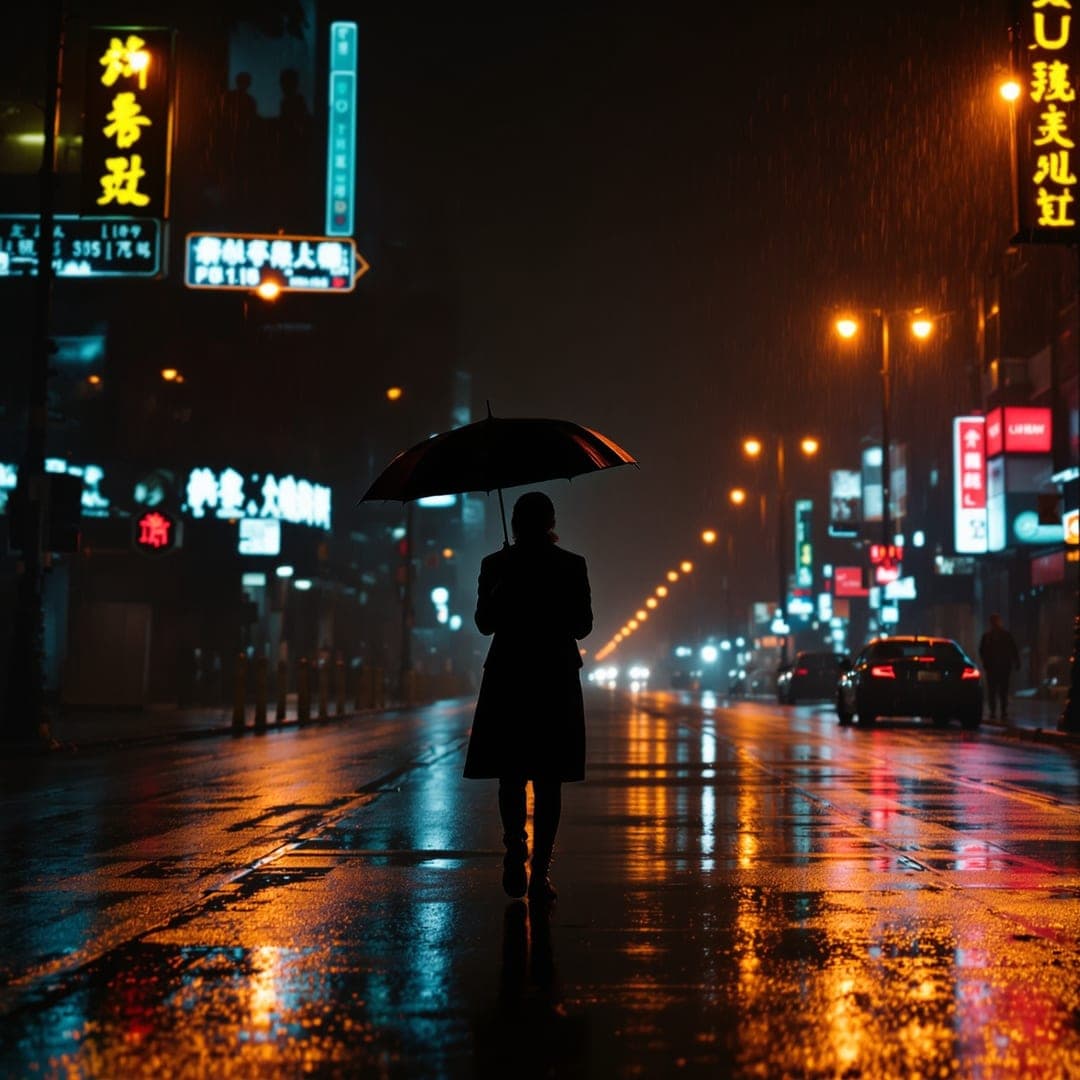
These are still AI images. Upload a frame like this as the starting photo and describe what should move.


How much an AI video clip costs
| Enhance prompt (expands your description) | 0 credits |
|---|---|
| LTX-2, 6 / 8 / 10 s, no sound | 30 / 40 / 50 credits |
| PixVerse v6, 5 / 8 s | 35 / 56 credits |
| MiniMax Hailuo 02, 6 / 10 s | 42 / 70 credits |
| Grok Imagine, 5 s | 45 credits |
| MiniMax Hailuo 3.0, 6 / 10 s | 48 / 80 credits |
| Kling 3.0 Standard, 5 / 10 s | 50 / 100 credits |
| Ready-made Trends effect, 5 s | 50 credits |
| Wan 2.7, 5 s, text only | 55 credits |
| LTX-2.5, 6 / 8 / 10 s, no sound | 60 / 80 / 100 credits |
| Kling 3.0 Pro, 5 / 10 s | 80 / 160 credits |
| Seedance 2.0 Fast, 5 / 10 s | 105 / 210 credits |
| Veo 3.1 Lite, 8 s, no sound, text only | 112 credits |
| Gemini Omni Flash 1.1, 8 s, with sound | 144 credits |
| Seedance 2.0, 5 / 10 s | 150 / 300 credits |
| Veo 3.1 Fast, 8 s, with sound | 160 credits |
| Veo 3.1, 8 s, 1080p, with sound, text only | 384 credits |
| Seedance 2.5, with sound, 5 / 10 / 30 s | 300 / 600 / 1800 credits |
Up to 60 credits are cheap tests, the middle of the range starts at 80, and the models with sound listed above start at 144. The cost is the price per 5 s times the seconds divided by 5, and you see it on the button before you click. You get 10 free credits at signup with no card, but that is not enough for a clip, because the cheapest one costs 30. The smallest pack is 150 credits, for example 5 LTX-2 clips or 3 ready-made Trends effects (pack prices are on the pricing page). Credits never expire, and a monthly subscription is optional. The model list and prices change along with the providers, so check the generator for current numbers. Current credit pack prices: pricing page.
All packs and plansFrequently asked questions about the AI video generator
Is the AI video generator free, and does it work with no sign up?
Only partly. Generating needs an account with a confirmed e-mail address, so there is no way to make a clip without signing up. You get 10 free credits at the start with no card, but the cheapest clip costs 30 credits (LTX-2, 6 s), so your first video means buying a pack. The “Enhance prompt” button is free, and a failed generation costs nothing. Credits never expire, and a monthly subscription is optional.
How do I make an AI video from text?
Type the scene in the Prompt box in 1–3 sentences: who, where, what they do and how the camera moves, for example “A woman in a yellow coat walks down a wet neon street at night, the camera slowly follows her, rain and light reflections in the puddles”. Then pick a model, length and aspect ratio and click “Generate video”. Every one of the 16 models works from text alone. If you only have a rough idea, “Enhance prompt” expands it for free. For ideas for whole videos without a face, see the guide to faceless YouTube videos.
How do I make a video from an image?
Upload a photo in the “Starting image” field (JPG, PNG or WebP up to 10 MB) and describe what should move, for example “the person blinks and smiles slightly, camera still, face unchanged”. 13 models accept a photo. Veo 3.1, Veo 3.1 Lite and Wan 2.7 are text only, and if you pick one of them the generator shows a message and takes no credits. Kling 3.0 Standard (50 credits for 5 s) is a good choice for portraits, and Seedance 2.5 can take up to 50 reference images at once. More about animating photos is on the AI photo animation page.
Can I write the prompt in another language, and what does the Language setting do?
Yes. You can write the scene in your own language: we translate it into English before it goes to the model, and text in quotation marks, for example a line to be spoken, stays unchanged. The Language menu offers English, Polish, German and Spanish, and only Polish changes anything: it narrows the model list to the 4 models with good Polish speech (Gemini Omni Flash 1.1 and three Veo versions). For the other languages the list stays full, so check the first result before you order longer clips. It is a filter on the list, not a separate generation setting.
How long does generation take, and can I close the tab?
The generator quotes 1–3 minutes per clip, and the biggest models, such as Seedance 2.5, can be slower. Credits are taken at the start. If a generation fails, the content check blocks the result, or the job does not finish within 30 minutes, your credits come back automatically. The generator asks you not to close the page, but if you do, the server checks unfinished jobs every 10 minutes and saves the finished clip in your account history.
How long can a clip be, and does it have sound?
Gemini Omni Flash 1.1 and the three Veo versions make a fixed 8 seconds, Wan 2.7 and Grok Imagine make 5 seconds, the other models usually 5–10 s, and Seedance 2.5 goes up to 30 s. Gemini Omni Flash 1.1, Veo 3.1, Veo 3.1 Fast and Seedance 2.5 generate sound together with the picture. LTX-2, LTX-2.5 and Veo 3.1 Lite make clips without sound, and the descriptions in the generator also mention audio for Kling 3.0 Pro and optional audio for PixVerse v6. More about models with sound is in the guide to an AI video generator with sound, and a tool comparison is in the video generator ranking.
Can I use the clips commercially, and what is not allowed?
In general yes, within what the Terms and the AI model providers’ terms allow, for example in a post, an ad or on a shop page. The service allows safe content only (SFW): your prompt and uploaded photo are checked before generation and the finished clip is scanned, so a blocked generation ends with a refund. Don’t upload photos of people who haven’t agreed to it. The details are in the Terms.
How is the video generator different from ads, Trends and Cinema Studio?
Here you have full control: you pick the model, length and aspect ratio, and you pay the model’s price. For a finished ad with a voiceover, the AI ad generator is faster, because it turns one product photo into a UGC ad. If you don’t want to write a prompt, Trends are 7 one-click effects at 50 credits each: upload a photo and get a clip. And cinematic AI video has 33 shot presets (camera moves, looks, moods, scenes), where only Kling 3.0 Pro and Seedance 2.0 work with a starting photo.
Guides
Ready for your first clip?
Create an account, claim 10 free credits and make your first AI video clip from 30 credits.