Photo to Video AI
Photo to video AI, also called image to video, works like this in Fattly: upload one photo, describe what should move, and download an MP4 clip, usually after 1–3 minutes. A portrait blinks and smiles, a product turns in the light, clouds drift over a landscape, an old family photo comes to life. Choose from 13 image-to-video models, from LTX-2 at 30 credits to Seedance 2.5 with sound, or pick a ready-made effect that needs no prompt at all. It runs online in your browser, on a phone too.
Why animate photos with FATTLY
13 models, from 30 credits a clip
LTX-2 at 30 credits for a test, Kling 3.0 Standard (50 credits for 5 s) for portraits, Gemini Omni Flash 1.1, Veo 3.1 Fast or Seedance 2.5 for clips with sound. The price is on the button before you click.
One-click effects, no prompt
On the Trends page you upload a photo and click once: Bring an old photo to life, Cinematic moment, Warm hug and 4 more effects, 50 credits for a 5-second clip.
Describe the motion in plain words
Write in English or in your own language; other languages are translated before the prompt reaches the model. “Enhance prompt” turns a few words into a full motion description for free.
MP4 in vertical, horizontal or square
9:16, 16:9 and 1:1, clips usually 5 to 10 s long (up to 30 s on Seedance 2.5). No visible watermark, and commercial use is allowed within our Terms.
How to animate a photo with AI in 4 steps
- 01
Upload a photo
JPG, PNG or WebP up to 10 MB, ideally sharp and with a clear subject. An image you made earlier in Fattly moves over from your history with “Turn into video”.
- 02
Pick a model
After sign-up, the button on this page opens the generator with Kling 3.0 Standard (50 credits for 5 s) selected. 13 models in the list animate photos; “Cheapest first” puts LTX-2 at 30 credits at the top.
- 03
Describe the motion
One or two sentences: what moves, how the camera moves and what stays the same, for example “the person blinks and smiles softly, static camera, face unchanged”.
- 04
Set the format and download
Choose the length and the ratio (16:9 by default, 9:16 for TikTok and Reels). The MP4 is usually ready in 1–3 minutes and stays in your history for 30 days.
Photos that animate well
Sharp shots with a clear subject and something that can move. Images generated in FATTLY.

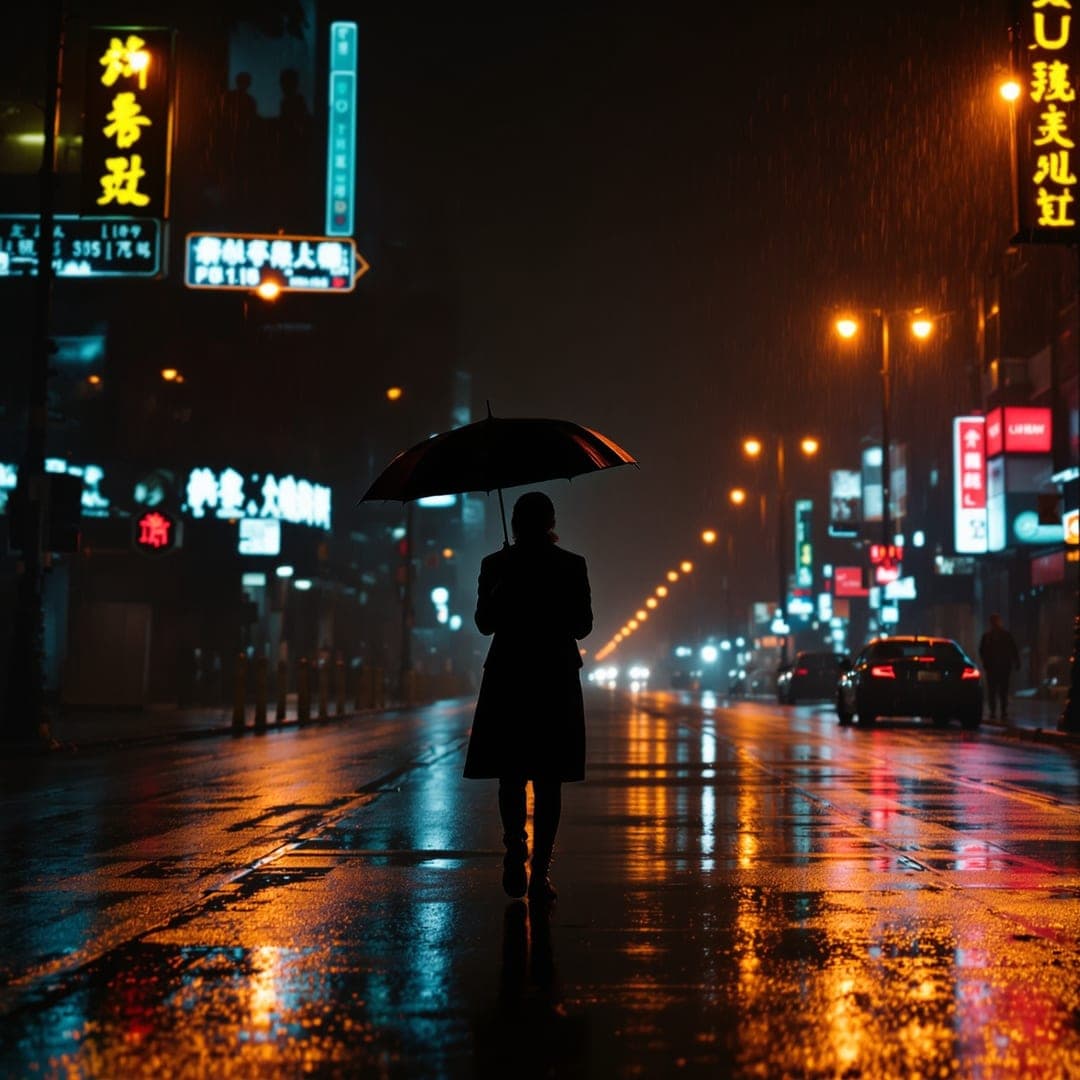
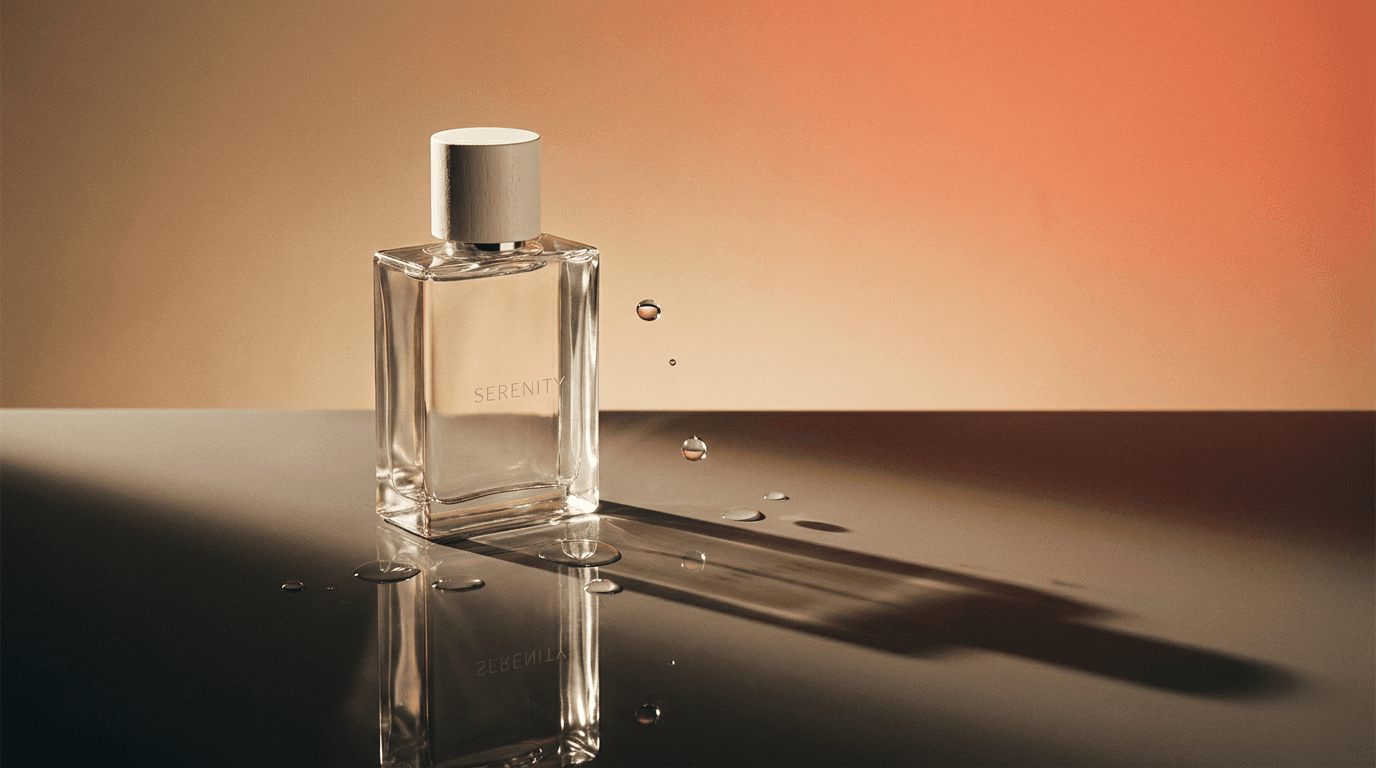
How much it costs to animate a photo
| Enhance prompt (expands your motion description) | 0 credits |
|---|---|
| LTX-2, 6 / 8 / 10 s, no sound | 30 / 40 / 50 credits |
| PixVerse v6 (5 s) / MiniMax Hailuo 02 (6 s) | 35 / 42 credits |
| Ready-made effect from Trends, 5 s | 50 credits |
| Kling 3.0 Standard, 5 / 10 s | 50 / 100 credits |
| Kling 3.0 Pro, 5 / 10 s | 80 / 160 credits |
| Gemini Omni Flash 1.1 with sound, 8 s | 144 credits |
| Veo 3.1 Fast with sound, 8 s | 160 credits |
| Seedance 2.5 with sound, 5–30 s | 300–1,800 credits |
All 13 models and their prices are listed in the generator, and the cost is on the button before you click. You get 10 free credits at sign-up, no card needed, but that isn't enough for a clip: the cheapest costs 30. The smallest pack is 150 credits, for example 5 LTX-2 clips or 3 ready-made effects. Credits never expire, a subscription is optional, a failed generation refunds your credits automatically, and current pack prices are on the pricing page.
Photo to video AI: frequently asked questions
Is photo to video AI free?
Partly. You get 10 free credits at sign-up with no card, but the cheapest clip from a photo costs 30 credits (LTX-2, 6 s) and a ready-made effect from Trends costs 50. “Enhance prompt” is free, and a failed generation costs nothing. More clips need a credit pack; credits don't expire.
Can I animate a photo online without signing up?
No. It runs online in your browser, but generating requires an account with a confirmed email address. You get 10 free credits when you sign up.
Is there a photo to video AI app?
Fattly has no separate app to download. It works in the browser on your phone and your computer, so there's nothing to install. On a phone you save the finished clip to your gallery through the share menu.
Which photos work best?
Sharp, well lit, with one clear subject and some depth, such as a portrait against a landscape or a product on a table. Things that move naturally help: hair, fabric, water, clouds, steam. Upload the photo in the shape of the final video, for example vertical for TikTok.
How long does it take, and how long is the clip?
Generating usually takes 1–3 minutes. A clip is usually 5 to 10 seconds long depending on the model; Gemini Omni Flash 1.1 and Veo 3.1 Fast make 8 seconds and Seedance 2.5 up to 30. If you close the tab, the finished video still lands in your history.
Can the animated photo have sound?
Yes. Gemini Omni Flash 1.1 (144 credits), Veo 3.1 Fast (160) and Seedance 2.5 (from 300) generate sound together with the picture. LTX-2 and LTX-2.5 make silent clips.
Is there photo to video AI with no restrictions?
No. Fattly is safe-for-work only: photos, prompts and finished clips are checked automatically. Animate a photo of another person only with their consent, because our Terms prohibit impersonation and misleading depictions of real people. Don't use photos of children, and when you publish a realistic clip of a real person, say it was made with AI.
Can I use the videos commercially?
Yes, within our Terms and the model providers' terms, for example in a post, an ad or on a store page. There is no visible watermark, and the AI label is stored in the file's metadata.
Guides
Bring your photos to life
Create an account, claim 10 free credits and animate your first photo from 30 credits a clip.