AI Video Dubbing
AI video dubbing swaps the speech in a short clip into another language: a new voice and lips matched to the new words, instead of subtitles laid over the top. In FATTLY you upload a clip of up to 10 s (MP4 or MOV) with one clear face, pick English, Polish, German, Spanish or French, and choose an AI voice or your own saved voice. It is built for hooks, UGC ads and reels, not for dubbing whole films. A dub costs 20 credits (35 with your own voice), so the 10 free credits you start with do not cover one. Prefer to read first? How AI video dubbing works.
What you get with FATTLY dubbing
Lips match the new words
We transcribe the speech in your clip, translate it, read it in the voice you pick and redraw the mouth movement for the new sentences. The person on screen stays the same, only the language changes.
5 target languages, source detected for you
Choose English, Polish, German, Spanish or French as the target. You never set the language of the recording: we detect it automatically.
A flat price you see before you start
20 credits per clip with an AI voice, 35 with your saved voice, with no surcharge for language. The amount is on the button, and credits come back if the job fails.
In your browser, same frame format
No editing suite or dubbing studio. Upload a file and a vertical clip stays vertical. Watch the result right away and download it as an MP4.
How to dub a video in 4 steps
- 01
Trim and upload your clip
MP4 or MOV, up to 10 s and 50 MB. Best with one person facing the camera and clear speech. The app will not dub a longer clip, it asks you to trim it.
- 02
Pick the language and voice
Target language: EN, PL, DE, ES or FR. Voice: one of seven AI narrators (20 credits) or your saved voice (35 credits).
- 03
Confirm your rights and start
You tick that you have the rights to the person in the video. Then FATTLY transcribes the speech, translates it, reads it in the new voice and syncs the lips.
- 04
Watch and download
The video renders in the background and the finished clip also lands in your history. Play it in the browser and download it as an MP4.
The kind of footage that works for dubbing
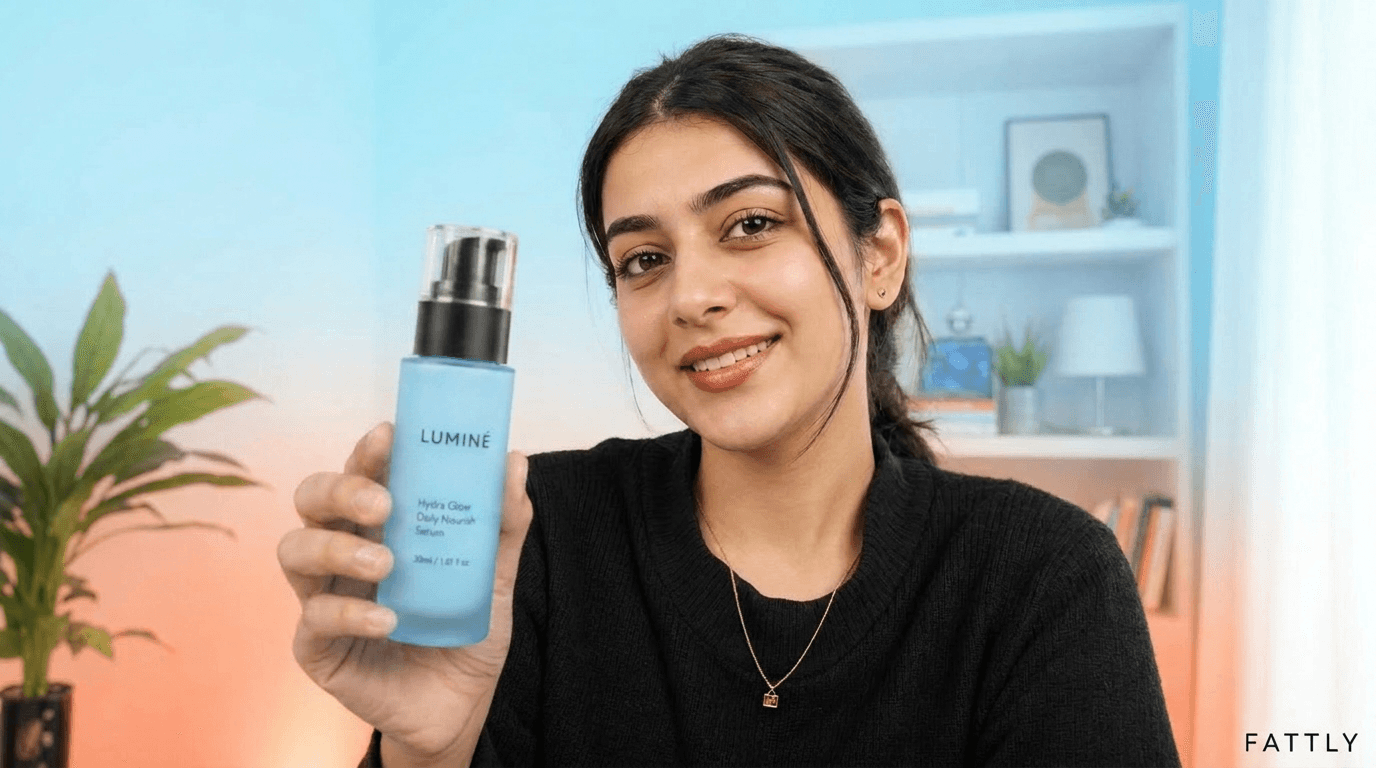
Reference photos: one person, a visible face, talking to camera. These are not dubbing results.


How much AI video dubbing costs
| Dub a clip up to 10 s, AI voice (7 voices to choose from) | 20 credits |
|---|---|
| Dub a clip up to 10 s, your saved voice | 35 credits |
| Saving your own voice in Audio (one-off, first recording) | 150 credits |
| Transcription and translation | included |
| 60 s of video cut into 6 clips, AI voice | 120 credits |
| Dub that fails (no face, no speech, outage) | credits refunded |
The 10 free credits you get at signup (no card) do not cover a dub, because the cheapest clip is 20 credits. The smallest pack is 150 credits: with the free ones that is 160, or 8 dubs with an AI voice. Current pack prices are on the Pricing page. Credits never expire, and a subscription is optional. Current credit pack prices: pricing page.
All packs and plansAI video dubbing: frequently asked questions
What is AI video dubbing, and how is it different from a voice-over?
AI dubbing transcribes the speech in a clip, translates it, reads it in a new voice and redraws the lips so they match the new words. A voice-over only lays a voice on top of the original, and the mouth keeps saying the old language. This tool is for short clips with a visible face. For narration with nobody on screen, a voice generator (AI voice-over) is the better fit.
Is AI video dubbing free, with no sign up?
Not really. You start with 10 free credits and no card, but a dub costs 20 credits or more, so they do not cover even one clip. An account is free, yet nothing can be generated without an account and a confirmed email, so a no sign up version does not exist. The smallest pack (150 credits) plus the free credits gives 8 dubs with an AI voice. There is no unlimited free tier. Credits never expire and a subscription is optional.
How long can the video be?
A clip can be up to 10 s and 50 MB (MP4 or MOV). That is a lip-sync limit, not a suggestion. You cannot dub a full film, episode or webinar with this tool. A longer video can be cut into 10 s clips and dubbed one by one, but each is translated and charged separately: 60 s is 6 clips, or 120 credits with an AI voice.
Which languages can I dub into?
The target can be English, Polish, German, Spanish or French. You do not choose the source language, because we detect it, and the direction is not fixed: Polish to English, English to Polish or German to French all work. Clear speech with little noise gives a better transcript and translation.
Will the voice sound like the original speaker? What about my own voice?
No, the voice in the recording is not cloned. You pick one of seven AI narrators (four female, three male) for 20 credits. To have your own voice speak, choose My voice for 35 credits: it needs a saved voice that you create beforehand in Audio (the first recording costs 150 credits, details: My voice). A saved voice can expire after about a week of not being used, and then the dub fails with a refund and you have to save the voice again.
When does dubbing fail, and can I edit the translation?
It works best with one person facing the camera and clear speech. A dub fails when the clip has no speech, no talking face is visible or the text does not pass the content filter. In those cases credits come back automatically. You cannot edit the translation before rendering, because it is generated from the transcript. Only the new voice goes into the engine, so add music from the original afterwards in an editor.
How long does it take, and what happens to the finished video?
The video renders in the background. The page checks for the result every few seconds for about 12 minutes, and if you close the tab the finished clip waits in your history. Files in the history are kept for 30 days, so download what you want to keep. The result has no visible watermark, and the MP4 metadata carries a marker that the video was generated by AI.
Can I dub someone else's video and use it in an ad?
Only if you have the rights to the person on screen. Before you start you tick a declaration that it is you in the recording or that you have the person's express consent (for a minor, the legal guardian's), as set out in section 10 of the Terms. Without it the button does not work. Intimate, ridiculing and misleading content is banned, and the transcript and translation go through an SFW filter. You can use the result in ads within the Terms.
Guides
Dub your first clip
Create an account, claim 10 free credits, add a pack and dub a clip of up to 10 s into another language.