GuideBy Rafał Czarnecki5 min read
How to dub a video with AI (translate the voice with lip-sync)
In short
Dubbing a video used to need translators and voice actors. AI translates the speech and re-voices it with lip-sync. Here is how to dub a video, step by step.
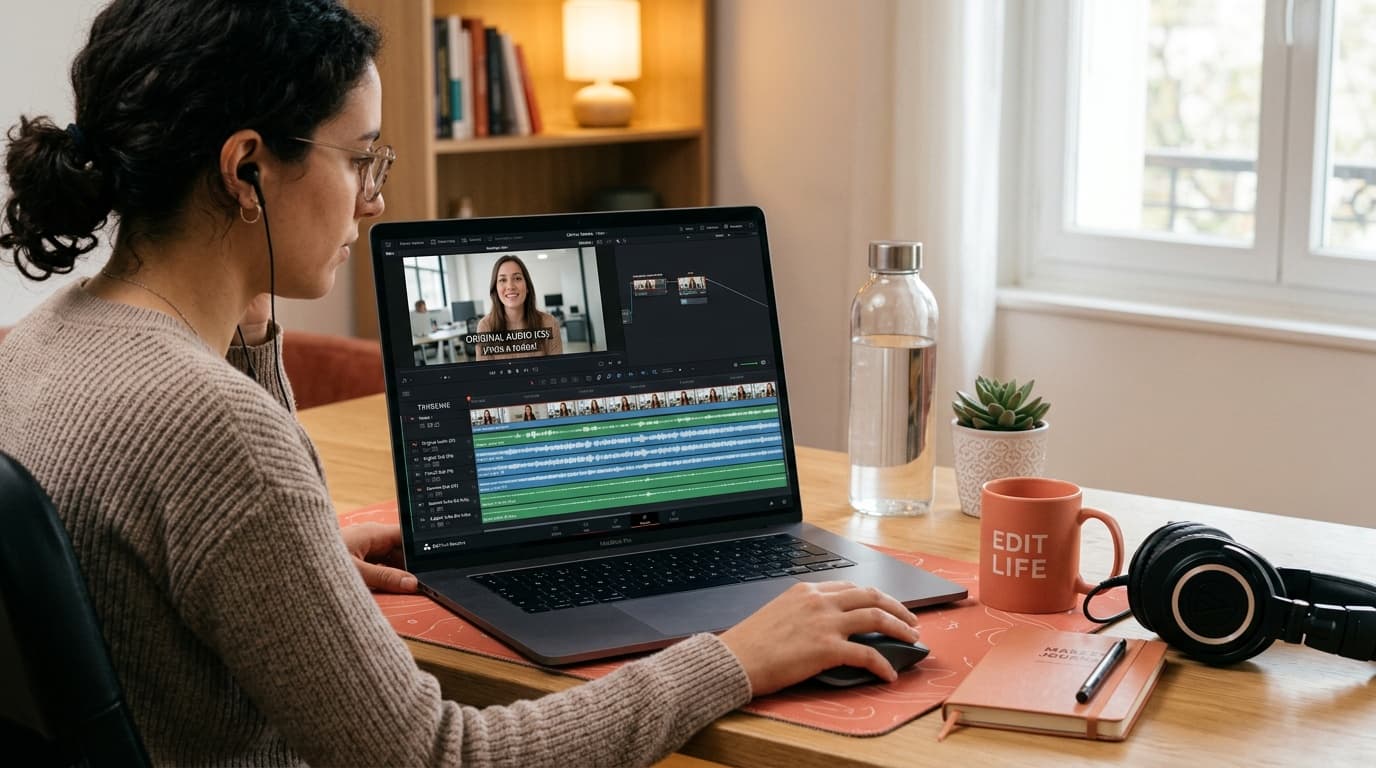
Dubbing a video into another language used to mean a translator, a voice actor and a studio session. AI does the whole chain: it transcribes the speech, translates it and re-voices the clip in the new language with lip-sync that matches the mouth. Here is how to dub a video with AI, step by step.
1. Upload the clip
Start with a short video where someone is speaking to camera — a talking-head, an ad, a lesson, a social clip. Clear speech and a visible mouth give the cleanest dub.
2. Pick the target language
Choose the language you want the video dubbed into. The AI handles the translation, so you do not need to write it — one clip can become several language versions for different markets.
3. Generate the dub
The model transcribes the original, translates it, generates a natural voice in the new language and re-times the lips so the mouth matches the new words. It runs in the background and comes back as a finished, dubbed clip.
4. Review the result
Watch it through, checking the lip-sync and that the translation keeps your meaning. Short clips dub most cleanly; if a line runs long in the new language, trimming the source phrasing helps the timing.
Summary
Dubbing a video with AI is now upload, pick a language, generate — translated speech with matching lip-sync, no translator or voice actor. In FATTLY you upload the clip and get the dubbed version back.
Frequently asked questions
Does the mouth match the new language?
Yes — AI dubbing re-times the lips to the translated words, so the mouth follows the new speech rather than the original. Clear, front-facing footage gives the best lip-sync.
Which languages can I dub into?
Multiple languages, so one video can become versions for several markets from a single upload. You pick the target language before generating.
Is it better than subtitles?
For reach, usually yes — dubbed audio lets viewers watch in their own language without reading, which lifts completion. Subtitles still help for silent, on-mute viewing; many creators use both.
Ready to try?
Dub a video with AI