AI Image Generator
Describe what you want to see and the AI image generator turns it into a product photo, a poster, a logo or a social post, usually in seconds. Choose from 16 models, including Nano Banana (Google Gemini), GPT Image 2, Seedream, FLUX.2 and Recraft, or switch to edit mode to create an image from your own photo. You see the price of every image, from 1 credit, before you click “Generate”. It runs online in your browser, on a phone too.
Why FATTLY for AI images
16 models, from 1 credit per image
From the fast Z-Image Turbo at 1 credit to Nano Banana Pro at 15 for complex scenes. Test the idea cheaply, then make the final on a stronger model.
Images from your own photo
Upload a photo and describe the change: a new background, a different style, a photo turned into an illustration. Face swap has its own tab.
Readable text on the image
Put the headline in quotes and pick a model built for text, such as GPT Image 2 or Ideogram 4.0. Recraft V3 can deliver a logo as a vector SVG file.
Pay per image, not per month
The price is on the button, credits never expire, and if a generation fails they come back automatically. A subscription is optional.
How to generate an AI image in 4 steps
- 01
Describe the image
Subject, setting, light, style and framing, in plain words. “Enhance prompt” turns a few words into a full description for free.
- 02
Pick a model
A 1–3 credit model for drafts; Seedream 5.0 Pro, Nano Banana 2 or GPT Image 2 for the final. For text on the image, GPT Image 2 or Ideogram 4.0.
- 03
Set the ratio and number of images
Six aspect ratios: 1:1, 16:9, 9:16, 4:3, 3:2 and 2:3. Up to 4 images at a time, each at the model's price.
- 04
Download or refine
Images are usually ready in seconds and stay in your history for 30 days: download them, recreate them with the same prompt or turn them into a video (a separate, paid generation).
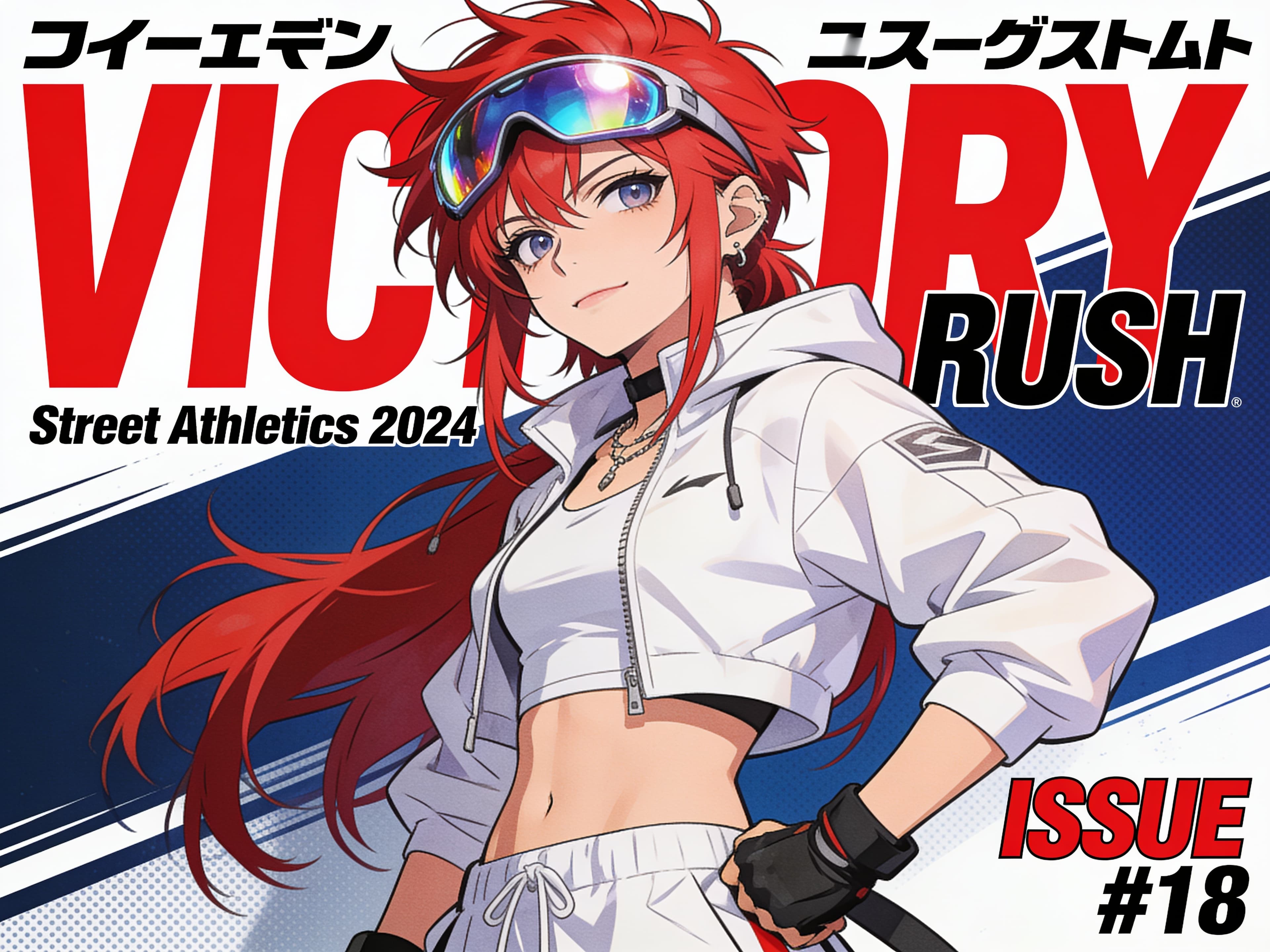
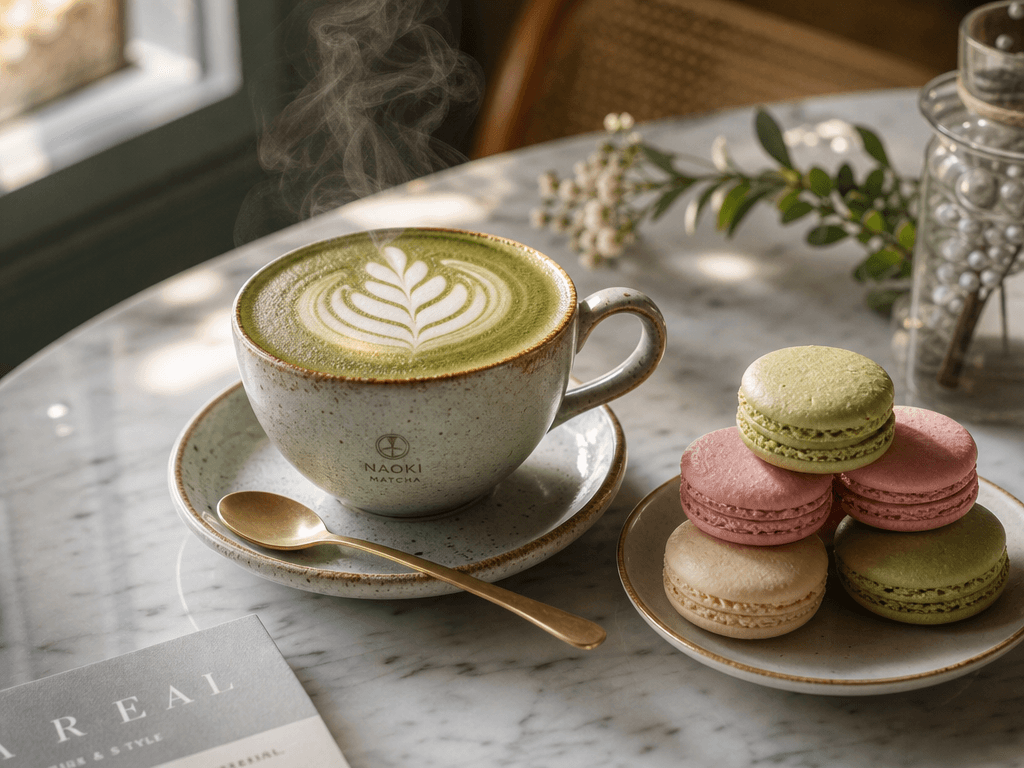
Examples FATTLY creates
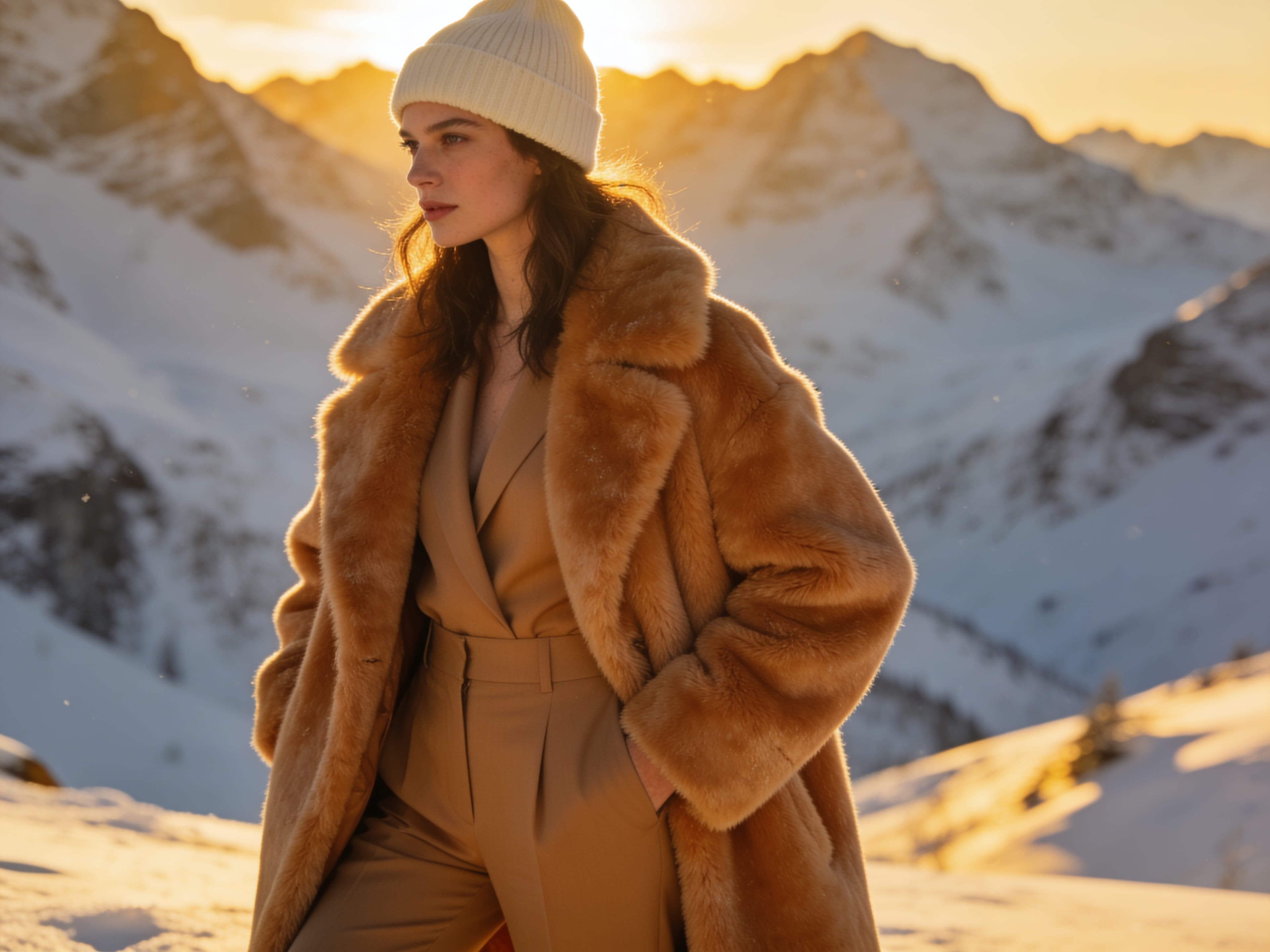
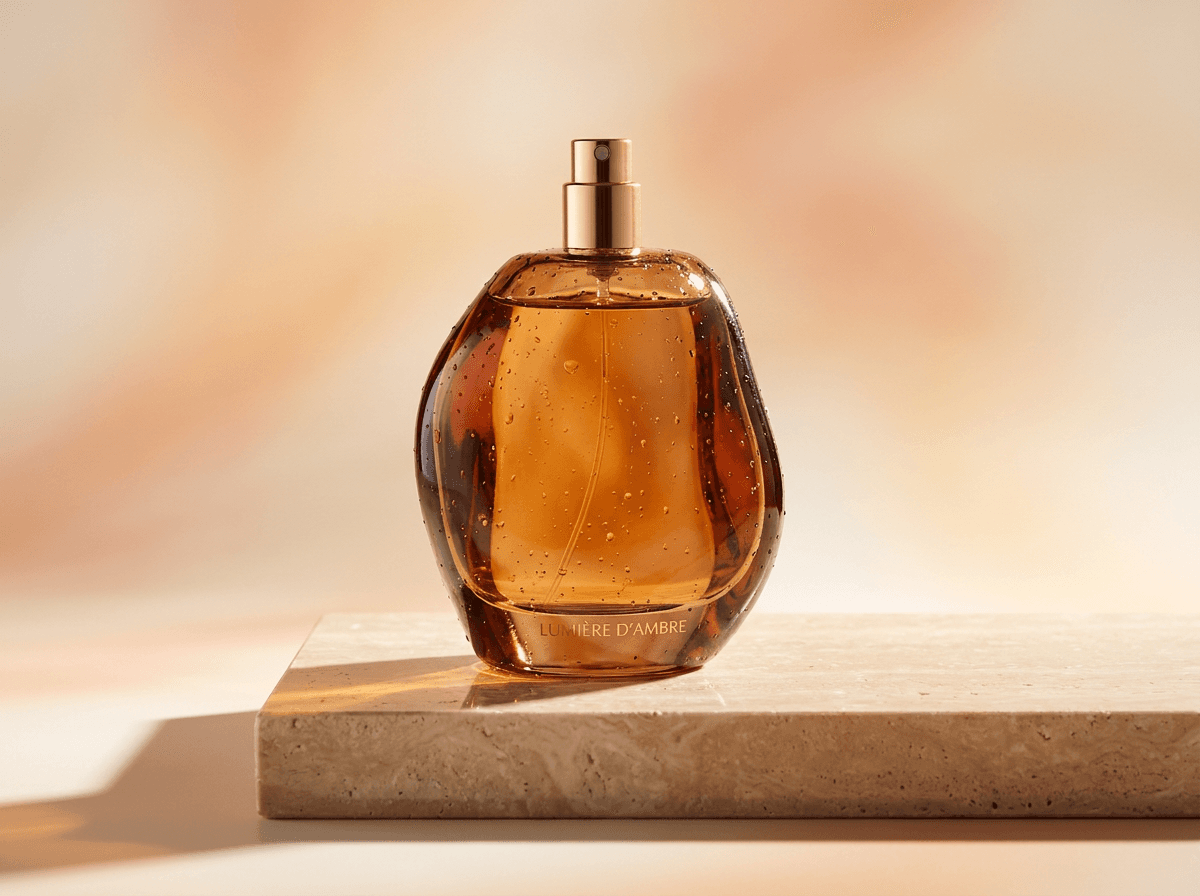
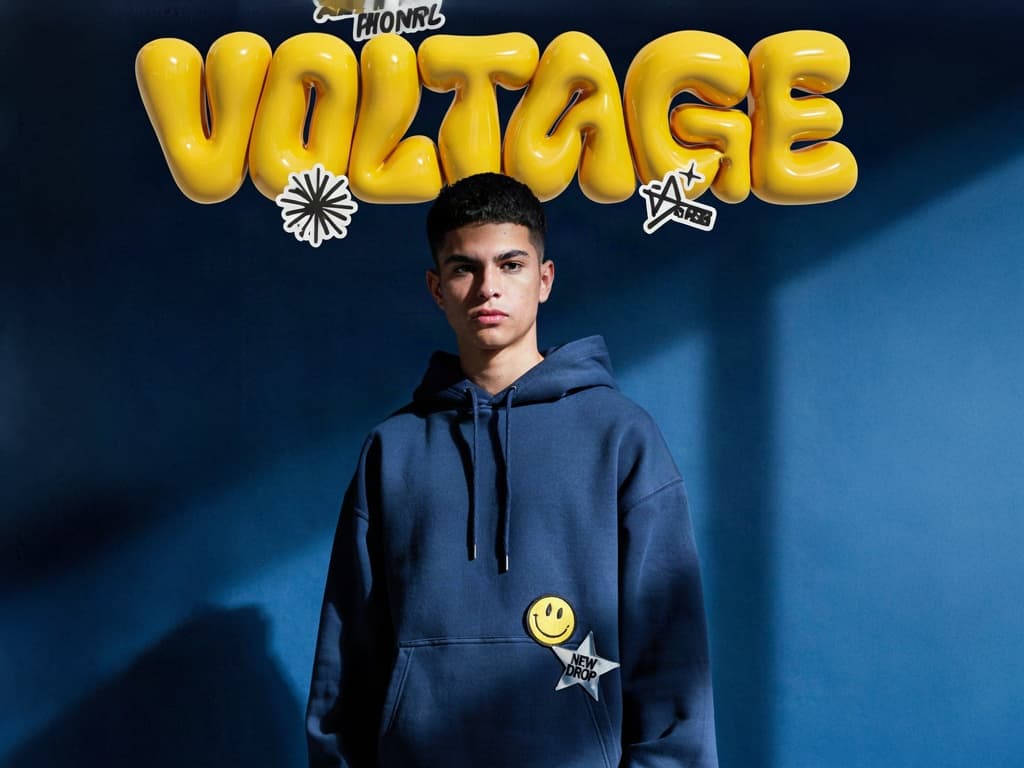
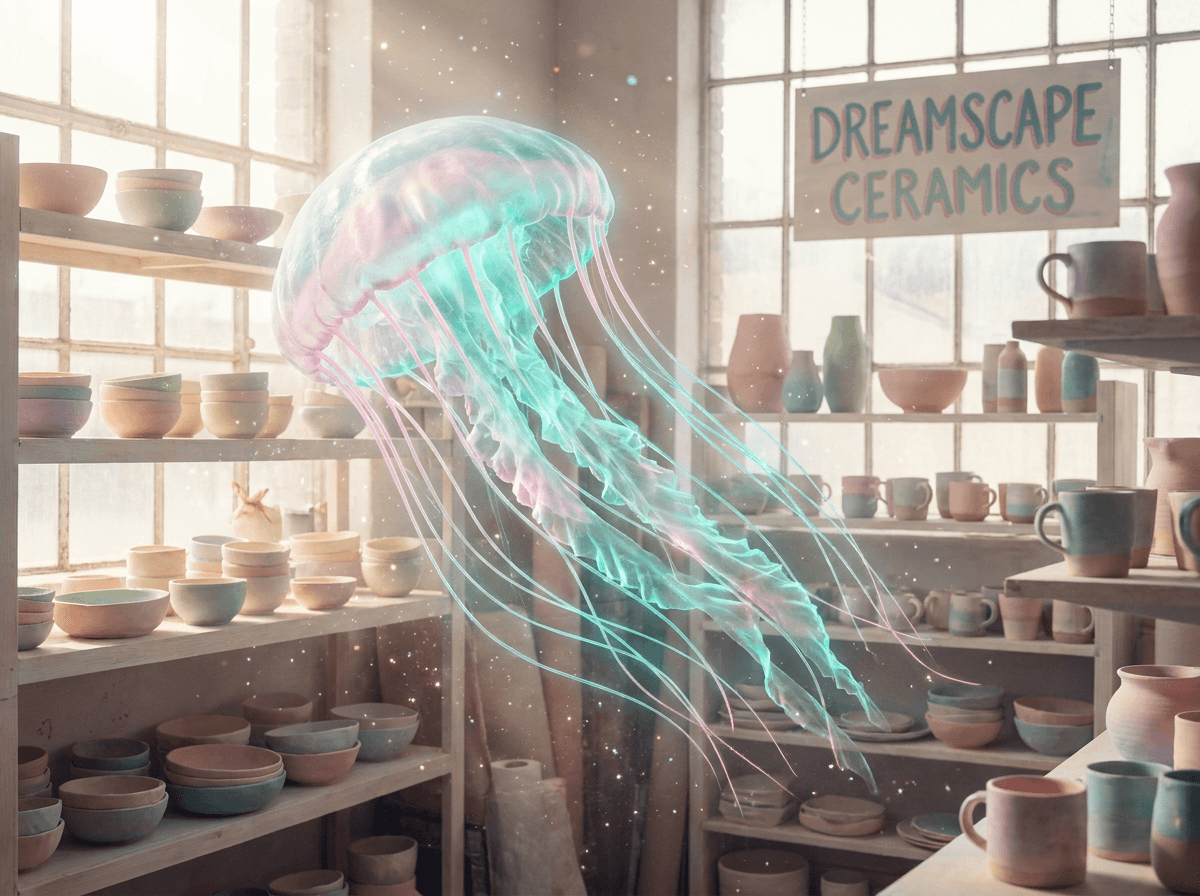
Real graphics generated on the platform.
How much an AI image costs
| Prompt enhancement and ready-made example prompts | 0 credits |
|---|---|
| Cheapest: Z-Image Turbo, Z-Image, Nano Banana 2 Lite, Grok Imagine | 1–3 credits |
| Recraft V4 and V3, Seedream 5.0 Lite, Qwen Image 3.0, Krea V2 Large | 4 credits |
| FLUX.2 [pro], SD 3.5 Large, Seedream 5.0 Pro | 5–6 credits |
| Nano Banana 2 (default), Ideogram 4.0 | 7 credits |
| GPT Image 2, best text rendering | 9 credits |
| Nano Banana Pro, complex scenes and infographics | 15 credits |
| Photo edit: Recraft V3 Restyle / Nano Banana 2 / Nano Banana Pro | 4 / 11 / 20 credits |
| Face swap | 14 credits |
Prices are per image: 2 or 4 images at once cost 2 or 4 times as much, and a Recraft V3 vector (SVG) style costs double. You get 10 free credits at sign-up, no card needed, for example 10 Z-Image Turbo images or one Nano Banana 2 image. Credits never expire, a subscription is optional, and current pack prices are on the pricing page.
Frequently asked questions about the AI image generator
Is this AI image generator free?
Partly. You get 10 free credits at sign-up with no card: up to 10 images on the cheapest model (1 credit) or one image on the default Nano Banana 2 (7 credits). Prompt enhancement is always free. There is no unlimited free mode; more images need a credit pack, and credits don't expire.
Can I generate AI images without signing up?
No. Generating requires an account with a confirmed email address, which protects the tool from abuse. You get 10 free credits when you sign up.
Can I generate an image from a photo?
Yes. In the “Edit photo” tab you upload a JPG, PNG or WebP file (up to 10 MB) and describe the change, such as a new background or a different style. Choose Recraft V3 Restyle (4 credits), Nano Banana 2 Edit (11) or Nano Banana Pro Edit (20). The result keeps the proportions of your photo.
Is an AI photo generator different from an AI image generator?
In Fattly it is the same tool. For a realistic photo, write “photo” in the prompt and pick a photorealistic model such as Seedream 5.0 Pro (6 credits) or Nano Banana 2 (7). For logos and vector art, Recraft (4) is the better fit.
Can it put readable text on the image?
Short text, yes. Put it in quotes and keep it to a few words. GPT Image 2 (9 credits) and Ideogram 4.0 (7) are the most reliable for posters and logos. If your text has accented letters and the selected model tends to garble them, the generator warns you before you generate.
How long does it take, and which formats can I use?
An image is usually ready in seconds; premium models take longer. The ratios are 1:1, 16:9, 9:16, 4:3, 3:2 and 2:3, with up to 4 images at a time. Finished images stay in your account history for 30 days.
Which AI models are available?
16 models that create images from text, including Nano Banana 2 and Nano Banana Pro (Google Gemini), GPT Image 2 (OpenAI), Seedream 5.0, FLUX.2 [pro], Ideogram 4.0, Recraft V4, Qwen Image 3.0 and Z-Image, plus 3 models for editing photos. Each shows its price in the list before you pick it.
Can I use the images commercially?
Yes. Our Terms allow commercial use within the law and the model providers' terms. Don't generate real people without their consent or other companies' trademarks. There is no watermark on the image; the AI label is stored in the file's metadata.
Guides
Ready to create AI images?
Create an account, claim 10 free credits and generate your first image.