AI Virtual Try-On
AI virtual try-on is a tool that puts a garment from one photo onto a person in another, so you can see how it looks worn without a photoshoot, a model or a studio. In FATTLY you upload a photo of the garment, pick a person from the catalog or upload your own photo, and get the result in about 30 seconds. It is built for clothing shops, second-hand listings and ads. One try-on costs 20 credits, which is more than the 10 free credits you get at sign-up. Prefer to read first? How virtual clothing try-on works.
Why try-on with FATTLY
Your garment, not an invented outfit
The try-on model receives your garment photo and places it on the person, instead of drawing an outfit from a text description. Cut, colour and large prints usually match; always compare small text and logos with the original.
A person from the catalog or your own photo
Choose one of five people in the catalog (Emma, Nadia, Hana, Marcel and Leo) or upload your own photo, for example of a customer or yourself. With your own photo you confirm the consent of the person shown.
No photoshoot for every new piece
Turn one garment photo into an on-body photo in about 30 seconds. It suits product pages, listings and ads. It will not replace a full lookbook shoot, but it saves one where you only need a quick preview.
You know the cost before you click
A try-on is 20 credits and the optional video is 50. The price is on the button before you generate anything. Credits never expire and a subscription is optional.
How AI virtual try-on works in 4 steps
- 01
Open the try-on
After you sign in, pick the Try-On tile on the start page. It opens Ad Studio with the “AI Try-On” style ready, where you set the garment category to Auto, Top, Bottom or Dress / one-piece.
- 02
Upload the garment photo
JPG, PNG or WebP up to 10 MB. One garment, fully visible, sharp and evenly lit, ideally on a plain background: laid flat or on a hanger.
- 03
Pick the person
One of the five people in the catalog, or your own photo: standing facing the camera, body visible, hands not covering the garment. With your own photo, tick the consent of the person shown.
- 04
Generate and download
The button shows the price: 20 credits. After about 30 seconds you download the photo, or for 50 credits turn it into a video of about 5 seconds. The result stays in your history for 30 days.
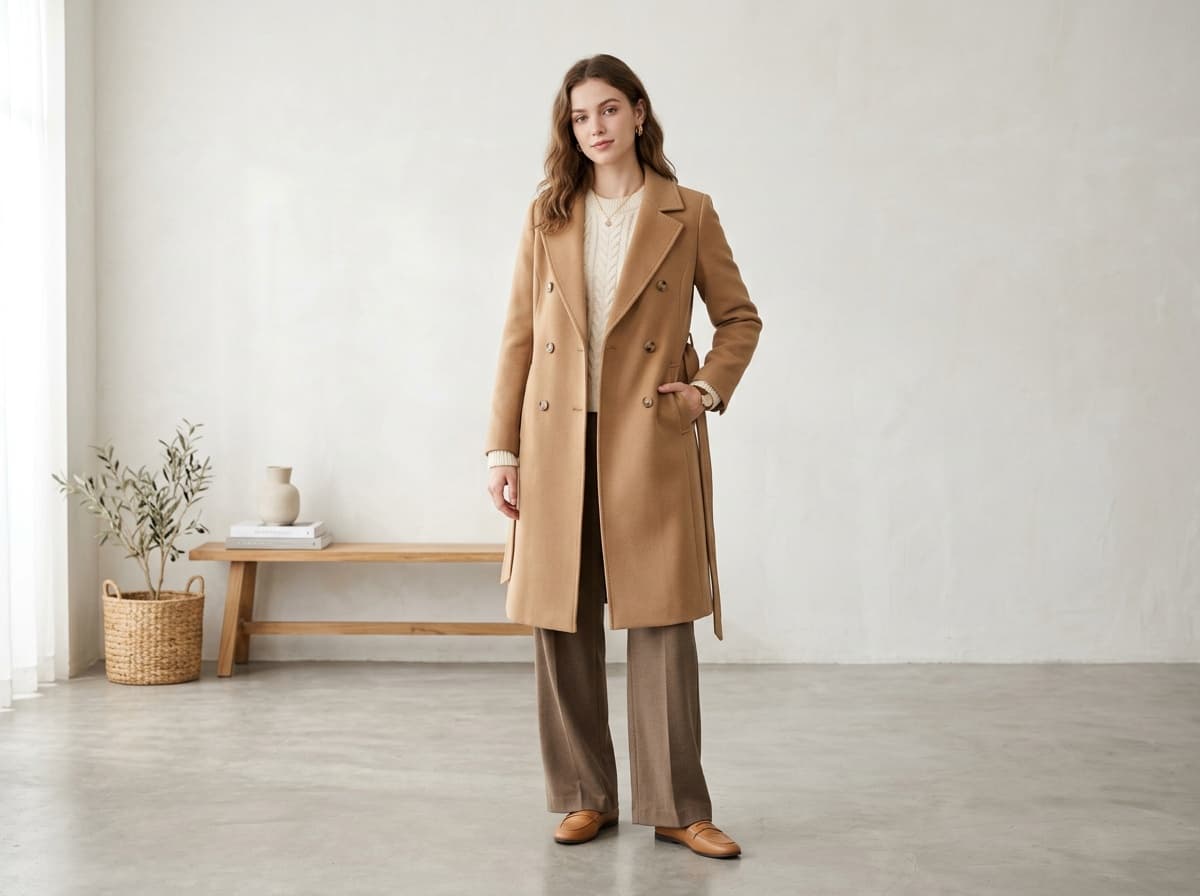
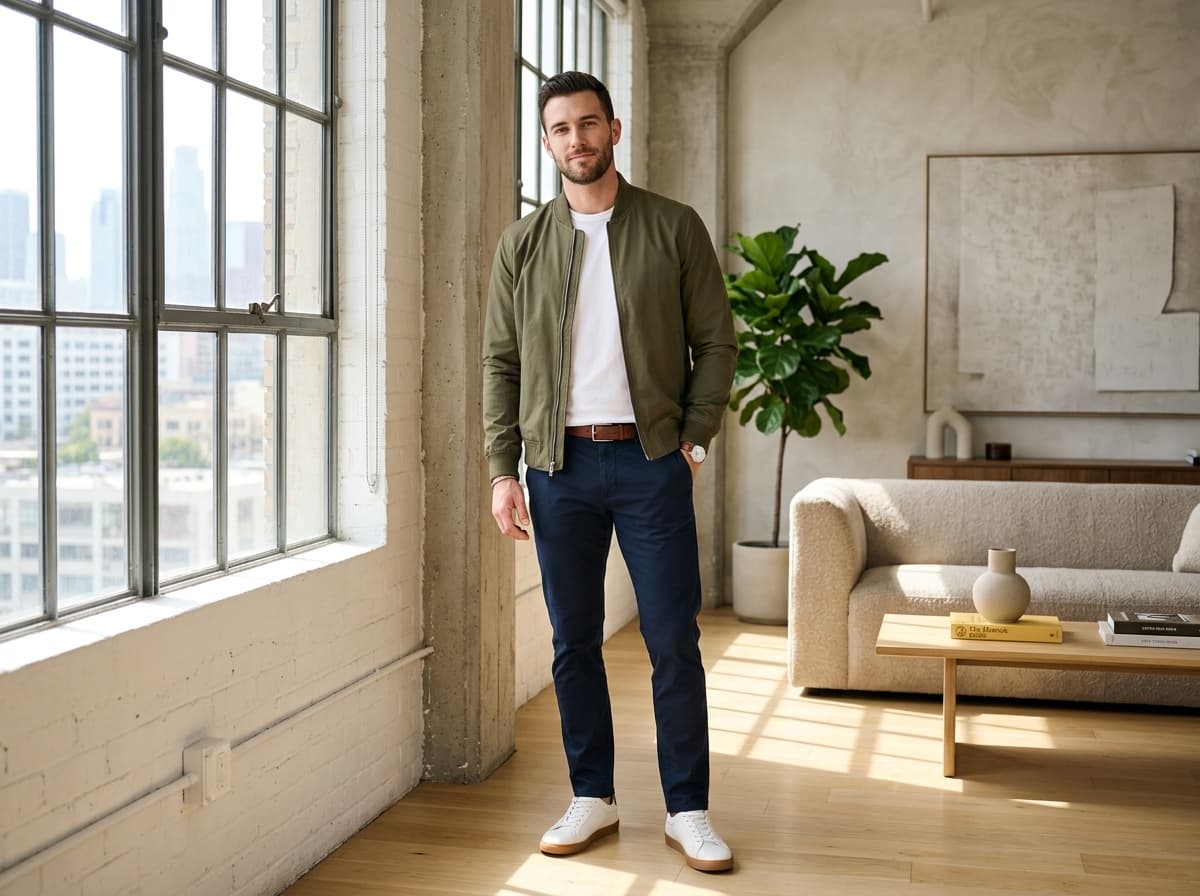
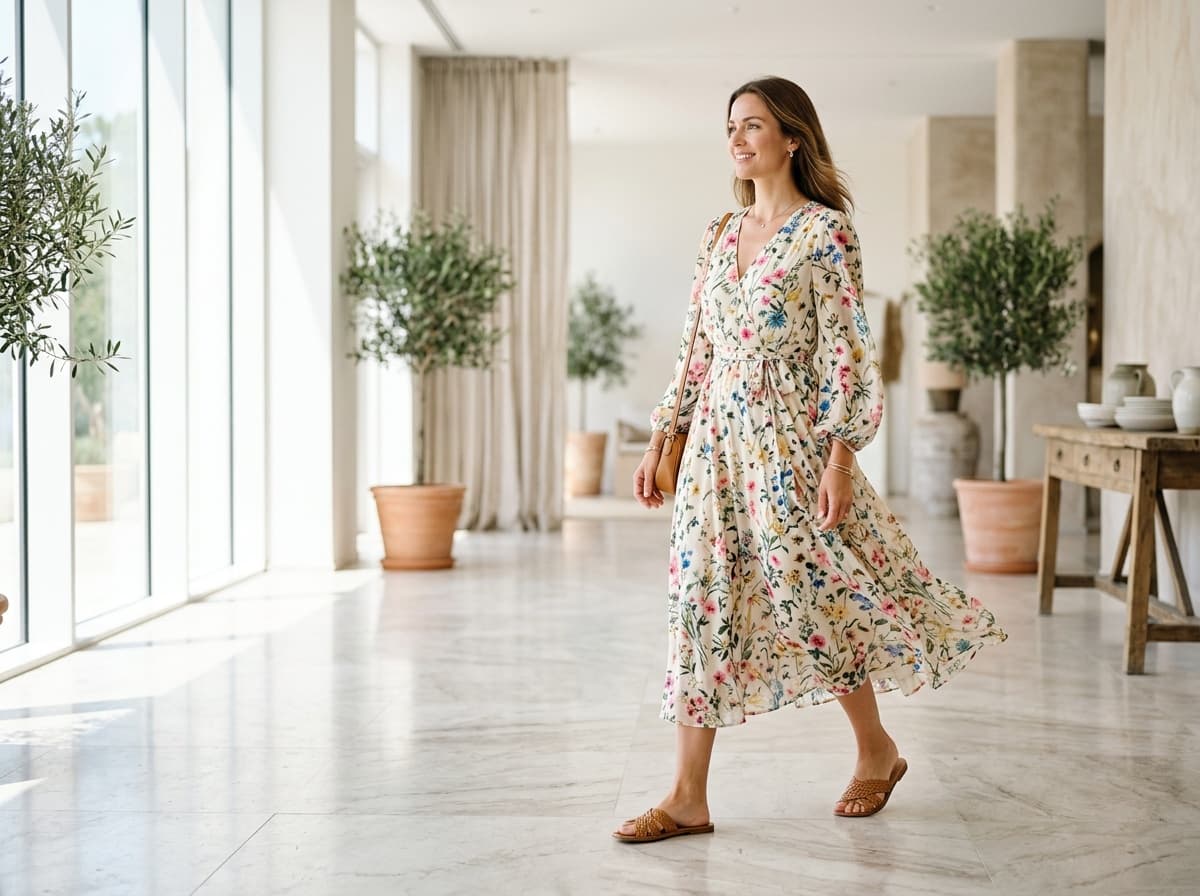
AI fashion photos made with FATTLY
Styled shots generated on the platform. A try-on result is the photo of the person you pick with the new garment on, so the background stays as in their photo.
How much AI virtual try-on costs
| Try-on of a garment (1 photo) | 20 credits |
|---|---|
| Turn the result into a video, about 5 s (optional) | 50 credits |
| Try-on and video together | 70 credits |
| Try-ons covered by the 10 free credits | 0 |
| Smallest pack, 150 credits | 7 try-ons |
| Smallest pack plus the 10 free credits | 8 try-ons |
| 700-credit pack | 35 try-ons |
You get 10 free credits after sign-up with a confirmed email, no card. That is 10 credits short of one try-on, so you need a pack. Credits don't expire, a subscription is optional, and current pack prices are on the pricing page. Credits are refunded automatically only when a generation fails or the safety filter blocks the result. Current credit pack prices: pricing page.
All packs and plansAI virtual try-on: frequently asked questions
Is the virtual try-on AI free?
Partly. The account is free and you get 10 credits with no card, but one try-on costs 20 credits, so you are 10 short of the first one. The smallest pack (150 credits) covers 7 try-ons, or 8 together with the 10 free credits. You can spend the free credits in the image generator to see how the service works. Credits never expire and a subscription is optional.
How does virtual try-on for clothes work?
You upload a photo of the garment and pick a person: a model from the catalog or your own photo. A dedicated try-on model, not a general image edit, places the garment on the person and returns one photo. A text description does not affect the result and you do not choose a scene, because that option is switched off for this style. The garment category (top, bottom, dress or one-piece) is detected by the model or set by hand. It all runs in the browser, on a phone too.
Will it keep the print and cut of my garment?
Usually, because the model receives your garment photo and places it, instead of drawing an outfit from a description. It is still AI, so we do not promise a pixel-exact copy. Check small text, logos, thin stripes and buttons, and hands when the sleeves are long. If the result differs from the product, do not use it in a listing, because the buyer would get something different from the photo.
Which photos work best?
Garment: JPG, PNG or WebP up to 10 MB, one piece fully visible, sharp, evenly lit, ideally on a plain background. Person: standing facing the camera, body visible, hands not covering the garment. The catalog people are exactly that: vertical photos of people standing facing the camera in an ordinary room. One generation covers one garment, and a dress or jumpsuit counts as one piece.
Can I upload a customer's photo or my own?
Yes, but you first tick a statement that you have the right to the likeness of the person in the photo and their consent (Terms, section 10). Without it, generation will not start. If the person is a minor, their legal guardian must give consent. Photos with nudity are blocked by the safety filter, as are results the filter considers not allowed (your credits are then refunded).
Can I use virtual try-on online without signing up?
No. Generating requires an account with a confirmed email address, which protects the tool from abuse. Sign-up is free, needs no card and gives you 10 credits. The try-on runs in your browser, with nothing to install.
How long does it take and what do I get?
About 30 seconds. You get one JPG photo with the proportions of the person's photo (the catalog people are vertical, about 9:16). The result stays in your history for 30 days and is then deleted, so download what you want to keep. Under the result there is a “Turn into video” button: for 50 credits it makes a clip of about 5 seconds with gentle movement. Watch it closely, because motion can change garment details.
Can I use the photos in my shop and ads?
As a rule yes, within our Terms and the AI model providers' conditions: on product pages, in listings and in ads. Files from FATTLY carry an AI-content marker in their metadata, which you must not remove. If you publish a realistic photo that could pass for real, the Terms (section 11) require you to disclose that AI generated it. Also check the rules of the marketplace you sell on, and make sure the photo does not mislead buyers about the product.
Guides
See your garment worn
Create an account, claim 10 free credits and pick a pack for your first try-ons. Each one is 20 credits.