ArticleBy Rafał Czarnecki6 min read
AI virtual try-on for clothes: how it works and what to check before you publish
In short
Virtual try-on is a dedicated AI model that takes a garment photo and a person photo and returns one image with the garment worn. It usually keeps the cut, colour and large prints, but it is not a pixel-perfect copy, so always compare small text and logos with the real item.
Contents
What is virtual clothing try-on?
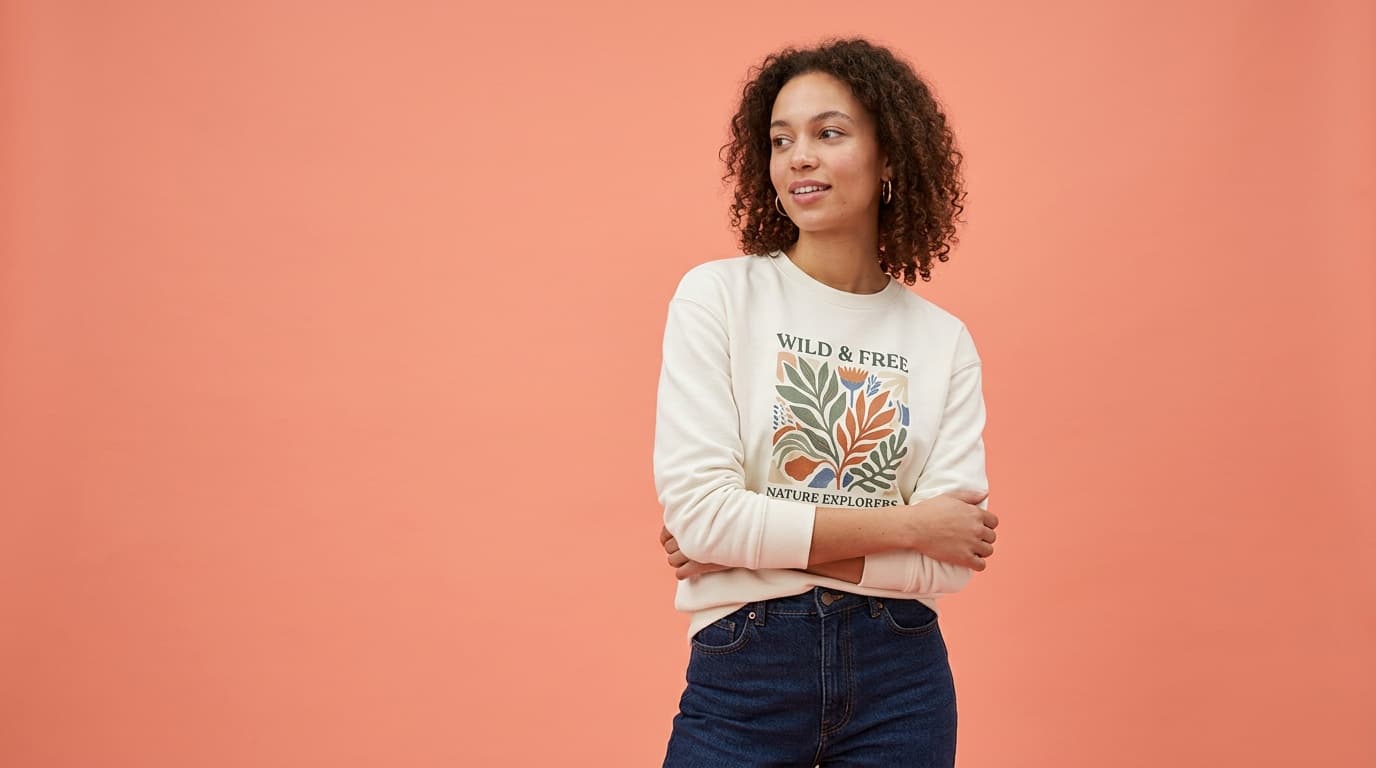
Virtual try-on is a tool that puts a garment from one photo onto a person in another and shows how it looks worn. You upload two files: the garment and the person. You get one image of that person wearing your item. You do not need a model, a photographer or a studio, and the whole thing takes a few dozen seconds.
How it differs from a normal AI image edit
A normal image generator takes a text prompt and invents an outfit. Give it your product photo and ask it to “put this on a model” and it often draws something close: the print shifts, the cut changes, the logo turns into an unreadable smudge. That is fine for a mood board, but a buyer has to receive exactly what the photo showed.
A try-on model is built for one job: it takes your garment photo and applies it to a person instead of drawing an outfit from scratch. That is why the cut, colour and large prints usually match. It is still AI, so we do not promise a pixel-perfect copy. The biggest risk is in small details: text, small logos, thin stripes and buttons.
How to do a try-on in FATTLY, step by step
- Step 1: Log in and pick the “Try-on” tile on the start page. Ad Studio opens with the “AI Try-On” style.
- Step 2: Upload a garment photo (JPG, PNG or WebP up to 10 MB): one whole item, sharp, evenly lit, ideally on a plain background.
- Step 3: Choose a person from the catalogue (five people) or upload your own photo. For someone else’s photo you confirm that the person shown has consented.
- Step 4: Check the price on the button (20 credits) and generate. After about 30 seconds you download the photo, or for 50 credits turn it into a video of about 5 seconds.
The full tool description, pricing and questions are on the AI try-on page.
What to check in the result before you list it
- Print, logo and text: compare with the original at full zoom. If they differ, do not publish.
- Cut and length: sleeve, hem, neckline and waist should look like the real piece.
- Colour: check on screen that the shade matches the item, as it is the most common reason for returns.
- Hands and details: with long sleeves the AI can draw fingers badly or cover part of the garment.
- Background: the result keeps the background of the person’s photo, so pick a person whose scene fits your brand.
How much it costs and whether you can test it for free
One try-on is 20 credits, and the optional video from the result is 50. After signing up with a confirmed e-mail you get 10 free credits, which is 10 short of your first try-on. The smallest pack (150 credits) covers 7 try-ons, or 8 together with the free credits. Credits do not expire and a subscription is optional. Current pack prices are on the pricing page. You can spend the free credits in the image generator to get to know the service before buying a pack.
| Approach | What you get | Watch out for |
|---|---|---|
| Normal AI image edit | An outfit similar to yours, redrawn | Print and logo often change |
| Try-on model (FATTLY) | Your garment applied to a chosen person | Check small text and logos by hand |
| Photo shoot | Full control of light and pose | Cost of model, photographer and studio |
Who uses it
Small clothing shops building a catalogue without a shoot budget, second-hand sellers who want a clean on-person photo for a listing, and dropshippers showing apparel on believable models. Wherever you would normally book a model, try-on gives a quick preview from a flat-lay. It does not replace a full lookbook shoot, but it saves one where speed and price matter.
Being honest with buyers
If you publish a realistic photo that could be taken for real, the FATTLY Terms (§11) require you to disclose that it was generated by AI. Files also carry an AI-content marker in their metadata, which you must not remove. Check the rules of the marketplace you sell on and make sure the photo does not mislead buyers about the product. If you need pictures of the item itself, see also AI product photos.
Frequently asked questions
Will try-on keep my exact print and logo?
It usually keeps the cut, colour and large prints, because the model receives your garment photo and applies it instead of drawing an outfit from scratch. We do not promise a pixel-perfect copy, though. Compare small text, small logos, thin stripes and buttons with the original, and if the result differs, do not use it in a listing.
Do I need my own model?
No. You can choose one of five people from the catalogue or upload your own photo, for example of a customer or yourself. For someone else’s photo you tick a declaration that the person has consented (Terms §10). Photos of minors must not be uploaded without a legal guardian’s consent.
Can I turn the result into a video?
Yes. Below the result there is a “Turn into video” button: for 50 credits it makes a clip of about 5 seconds with gentle motion. Watch it carefully, because motion can alter garment details.
How much does it cost to test try-on?
One try-on is 20 credits and you get 10 free at sign-up, so you need to buy a pack for the first one. The smallest pack (150 credits) is 7 try-ons, or 8 with the free credits. Credits do not expire and a subscription is optional.
How long does a try-on take?
About 30 seconds. You get one JPG with the proportions of the person’s photo. The result stays in your history for 30 days, so download what you want to keep.
Ready to try?
Try the AI try-on