GuideBy Rafał Czarnecki7/5/20268 min read
AI UGC ads: how to make a UGC video from one product photo
In short
A UGC video ad, the kind that looks filmed on a phone, can now start from a single product photo. Here are the three UGC formats in Fattly and when to use each, three English scripts you can copy, the real costs in credits and the mistakes that make AI UGC look fake.
Contents
- What is a UGC ad, and why does it work?
- Three UGC video formats in Fattly
- 1. Get a product photo that works for UGC
- 2. Pick the format, and for a creator, the tone
- 3. Write a UGC script that sounds like a person
- 4. Choose the AI creator, scene and language
- 5. Check the first frame before you record
- 6. Longer UGC videos: 2 or 3 scenes
- 7. Download and make more versions
- How much does an AI UGC video cost?
- Common mistakes in AI UGC ads
- Summary
This guide covers one format: the UGC ad. If you sell on Shopify, Etsy, Amazon or TikTok Shop, here is how to make one in Fattly's Ad Studio from a single product photo, which UGC format to pick, and how to write a script that sounds like a recommendation rather than a product listing.
What is a UGC ad, and why does it work?
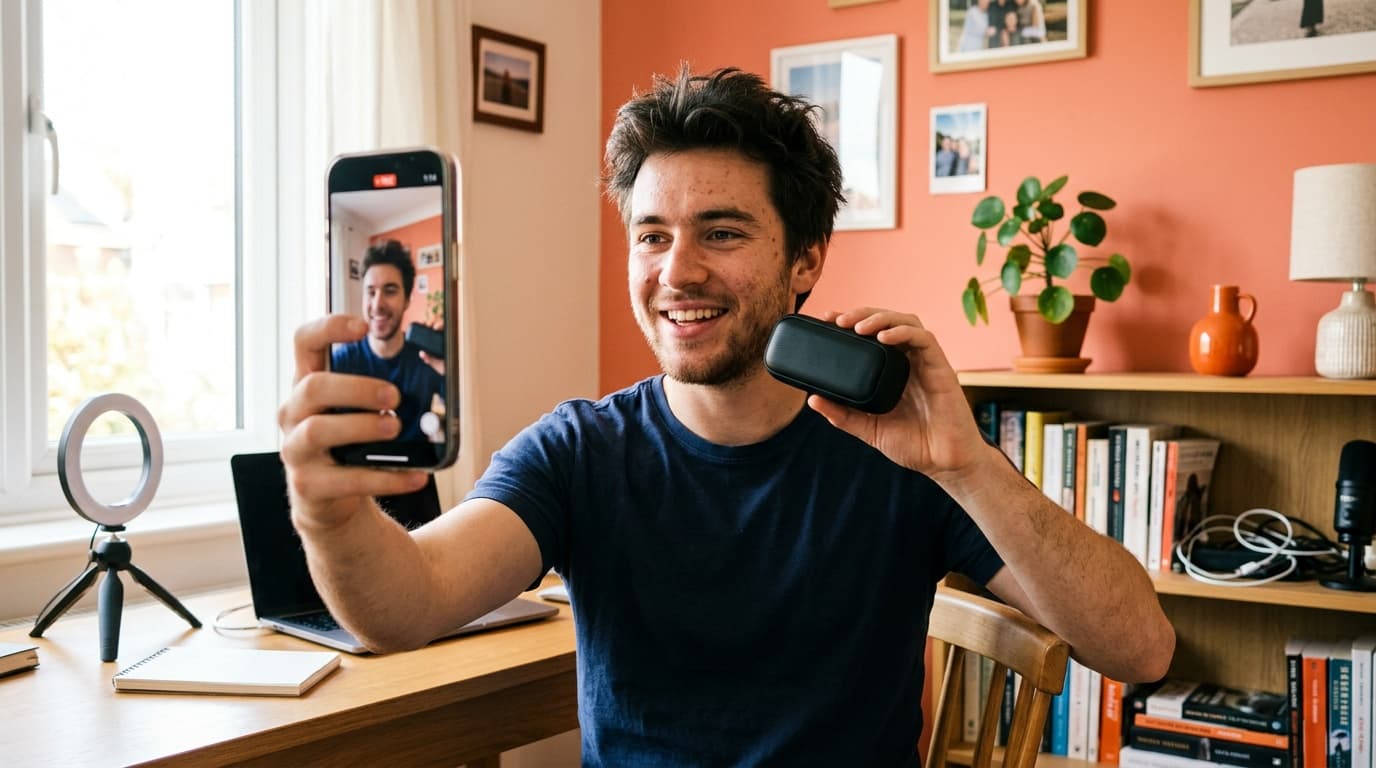
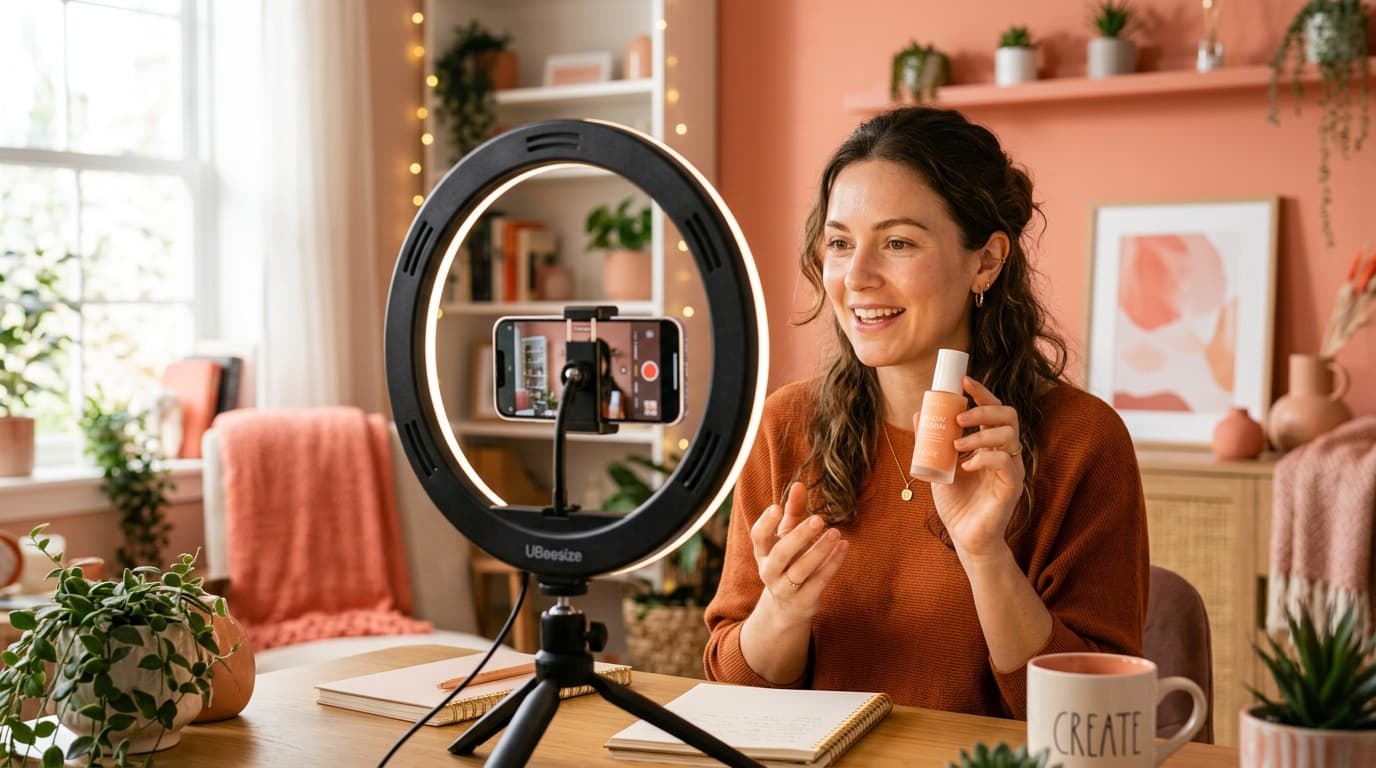
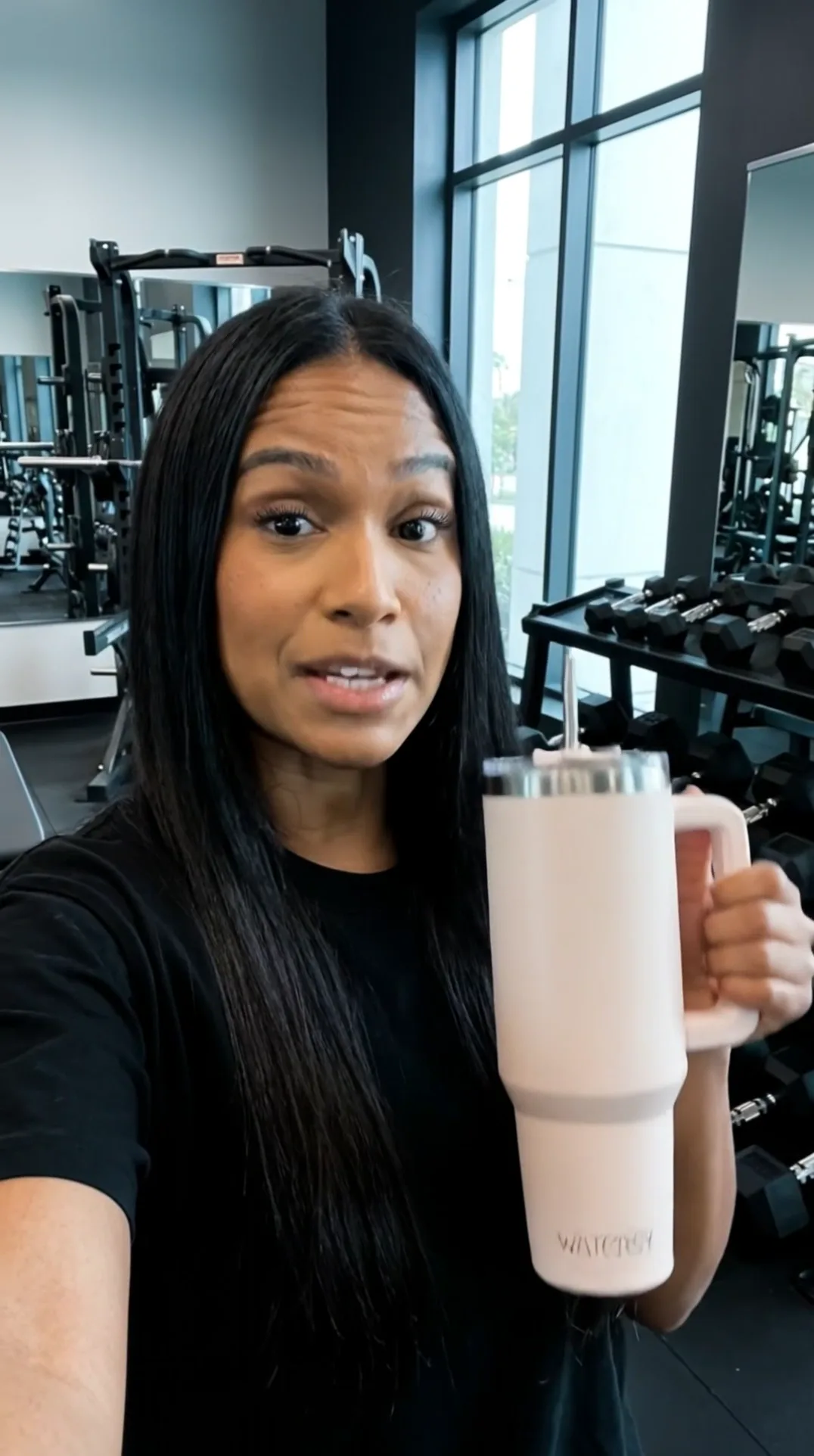
UGC stands for user-generated content. A UGC ad is a short video where someone holds a product, talks about it in their own words and films it on a phone. It blends into a TikTok, Reels or Stories feed like a post from a friend. Usually that means hiring a creator, shipping samples and paying for every reshoot; here the creator is an AI character, and a new version takes minutes.
One honest caveat: treat the AI creator like an actor in a commercial. It can speak in the first person, but don't present the video as a real customer's review, and don't have it promise results your product doesn't deliver.
Three UGC video formats in Fattly
On the Video tab of Ad Studio, pick the format with the tiles under “Ad format” or with the “With avatar” / “No avatar” switch:
| Format | What viewers see | When to pick it |
|---|---|---|
| Creator talks to camera | An AI creator holds your product and says your script, lips in sync with the words | Skincare, kitchen gear, gadgets: products that sell on a personal recommendation |
| Hands + voiceover | A first-person shot of a hand holding your product, no face, voice off camera | No face wanted, or the product speaks for itself |
| Top-down unboxing | Seen from above: hands unbox the product and show it up close, no voiceover | Nice packaging, gifts, an ASMR feel |
1. Get a product photo that works for UGC
Drop your photo into “Start with your product” (JPG, PNG or WebP, up to 10 MB) or paste a product page link to fill in the photo and name for free; if a marketplace blocks the import, upload the photo instead. Keep the name: with an empty script, the AI writes one from it.
The creator holds the product in one hand, so use a photo of the whole product with a readable label and nothing else in the shot. For items too big to hold, pick the “In use” tone and preview the frame first.
2. Pick the format, and for a creator, the tone
In the creator format, open the “Tone” list: it sets how the product is held and how the shot is framed. These suit classic UGC:
- UGC: a casual handheld selfie, like a friend's recommendation.
- Testimonial: the creator looks straight into the camera in a tidy home.
- In use: the product in action in an everyday moment.
- Unboxing: the product fresh out of its packaging, opened box nearby.
- Founder: the product presented by the face behind the brand.
Niche tones such as “Beauty & Skincare” or “Pets” exist too; skip “TV Spot” and “Giant Figure”, which look like a produced commercial.
3. Write a UGC script that sounds like a person
In English, the clip length follows your script in “What the creator says”: about ten words or fewer gives a clip of roughly 5 seconds, and a fuller script of up to 22 words gives 8 to 10 seconds. Aim for an opening line that stops the scroll, one concrete benefit and a short close such as “tap to shop”.
Write in the first person, the way you actually talk. Fattly doesn't rewrite a script you typed yourself: it only spells out numbers and prices as words and swaps the odd word the voice might trip over. The helpers are free: “Need a hook?” suggests 8 opening lines, “No idea? We'll write it for you” drafts a script, and “Shorten to one clip” trims long text.
Three scripts you can copy, each fits one clip:
- Testimonial (tone “Testimonial” or “UGC”), linen apron: “I bake every weekend, and this apron still looks new after three months. Deep pockets, washes like a dream.”
- Problem and solution (tone “In use”, scene “Car Interior”), car seat gap filler: “Phone slipped between the seats again? This filler slides in and catches everything. Fitting it takes ten seconds. Tap to shop.”
- Unboxing reaction (tone “Unboxing”), handmade earrings: “Okay, it's here… look at these earrings! Super light, handmade, and the box is gift-ready. Sister's birthday: sorted.”
4. Choose the AI creator, scene and language
- Creator: the button with the creator's face (Mia by default) opens the “Actor library” with 14 ready-made AI creators. Under “Create your own” you describe a character, e.g. “redhead with freckles”, for 20 credits and reuse it later. A photo of a real person is allowed only if it's you or someone who agreed (you tick a consent box).
- Scene: the “Setting” button opens 14 scenes. For UGC, choose everyday ones such as “Cozy Apartment”, “Bright Bathroom” or “Car Interior”.
- Ad & scene description (optional): one shot in a sentence, e.g. “sitting on the sofa, a dog asleep next to her”, not a multi-scene storyboard.
- Language: English, Polish, German or Spanish. The speaker button plays a sample of the English voice.
- Format: 9:16 for TikTok, Reels and Stories, or 16:9 for YouTube. Leave the video model on Auto; Fattly picks it for the language.
“Hands + voiceover” skips the creator and scene: the AI puts your product in a hand in a bright, everyday home. You can swap the AI narrator for your own voice, cloned and saved in the Audio tool, for 40 extra credits.
5. Check the first frame before you record
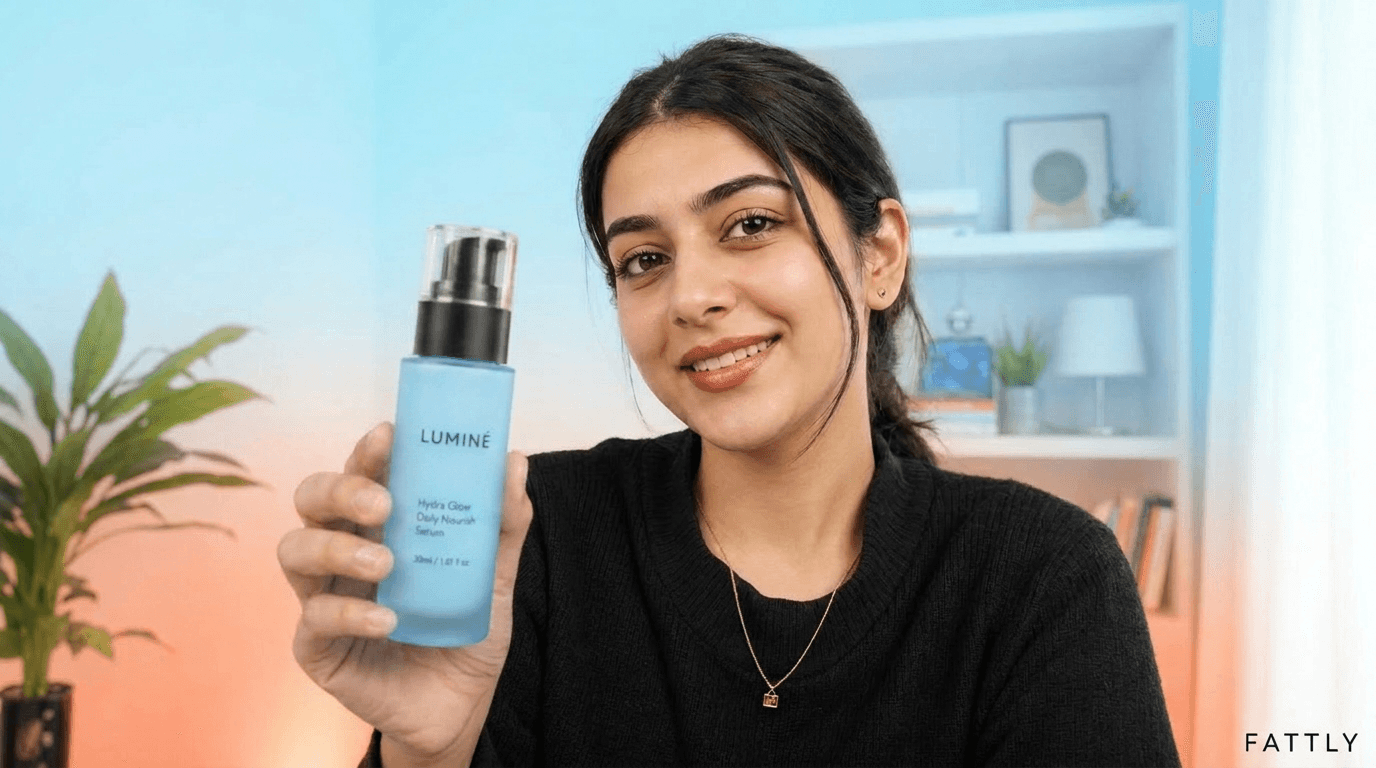
Turn on “Preview the frame first”. For 20 credits you see the opening frame, and those credits come off the video price. Check four things:
- One product, looking like your photo, with a readable label.
- Natural hands with the right number of fingers.
- A scene that fits the product: face cream in a bathroom, not at the gym.
- A creator who matches your buyers in age and style.
Something off? Click “Another frame” (20 credits) or “Change settings”. Once it looks right, “Record the video” costs 130 credits and starts from that exact frame. The discount works once per frame; top-down unboxing has no preview.
6. Longer UGC videos: 2 or 3 scenes
Past 22 words, Ad Studio shows “Too long for one clip” and offers a free shortening or a longer ad: 2 scenes (up to about 20 seconds) for 250 credits or 3 scenes (up to about 30 seconds) for 350, depending on the length. The text is split at sentence ends, so for three scenes write three or six sentences: the problem, the product in use, a reason to buy. Every scene starts from the same frame, which keeps the face and product consistent.
7. Download and make more versions
A clip takes about 2 to 3 minutes; you can close the tab, and the video waits in your history (a generation that fails for technical reasons is refunded). Under the finished video you'll find “Another language”, “Another tone”, a landscape or vertical version and “Turn it into a graphic”, which opens the Graphics tab with the same product.
Change one thing per version, e.g. two creators with one script, and after a few days keep the one with the lowest cost per purchase.
How much does an AI UGC video cost?
| What you make | Cost | Time |
|---|---|---|
| Hooks, script, shortening, product import from a link | 0 credits | a few seconds |
| Frame preview | 20 credits (comes off the video) | about 30 s |
| Creator talks to camera or Hands + voiceover, 1 clip (5–10 s) | 150 credits | about 2–3 min |
| Hands + voiceover in your saved voice | 190 credits | about 2–3 min |
| UGC video, 2 scenes (up to ~20 s) | 250 credits | about 5–8 min |
| UGC video, 3 scenes (up to ~30 s) | 350 credits | about 7–11 min |
| Top-down unboxing (5–10 s, no voiceover) | 42–300 credits, 105 by default | about 2 min |
You get 10 free credits at sign-up, no card required. Honestly, that isn't enough for a frame preview or any video, but scripts and hooks are free. The smallest pack is 150 credits: exactly one creator video, with or without a frame preview, or three short unboxings at the cheapest setting. No subscription, and credits don't expire. Current prices are on the pricing page.
Common mistakes in AI UGC ads
- Copy that reads like a listing. “Premium quality, innovative design” isn't how people talk.
- A storyboard in one clip. “Scene 1, scene 2, scene 3” in the description still becomes a single shot; use 2 or 3 scenes instead.
- A studio look. The “TV Spot” tone or the “Luxury Suite” scene turns UGC into an ordinary commercial.
- Phonetic spellings. Words like “gonna” or “sooo” may be cleaned up before the voice reads them, so don't build your hook on them.
Summary
An AI UGC ad takes one product photo, a short script written the way you talk and the right format. Scripts and hooks are free, a frame preview costs 20 credits and a creator video 150. Preview the frame, make two or three versions that differ in one thing, and keep the one that sells.
Frequently asked questions
What is a UGC ad?
A video that looks made by an ordinary user: someone holds the product, talks about it in their own words and films it on a phone. UGC stands for user-generated content; in an AI UGC ad, the person on screen is an AI character.
Can I make UGC ads with AI for free?
Partly. Scripts, hooks and shortening are free, and you get 10 credits at sign-up with no card. The video is paid: 150 credits with a creator, from 42 for a top-down unboxing. Credits don't expire.
What does an AI UGC video generator do?
It turns a product photo into a short, phone-style video ad. Fattly first builds the opening frame, an AI creator holding your product, then records the video with a voice in your chosen language, all in the browser.
Does a UGC ad have to show a face?
No. “Hands + voiceover” shows only a hand holding the product, with the voice off camera. “Top-down unboxing” shows hands taking the product out of the box, with no voiceover.
How long is an AI UGC video?
In English, one clip runs 5 to 10 seconds, depending on the script (up to 22 words). Longer scripts become 2 scenes (up to about 20 seconds, 250 credits) or 3 scenes (up to about 30 seconds, 350 credits) in one video.
Which languages can the AI creator speak?
English, Polish, German or Spanish, with lip movement matched to the words. You can play a sample of the English voice before you generate.
Can I make an AI UGC video without signing up?
No. Generating requires an account with a confirmed email address. Signing up is free, needs no card, and you get 10 credits to start.
Can I run AI UGC videos as paid ads?
Yes. Our Terms allow commercial use, e.g. paid campaigns on TikTok, Instagram or Facebook. The AI creator must not be presented as a real customer, and you label the ad as AI-generated where the law or the platform requires it, for example under US FTC rules on endorsements.
Ready to try?
Make a UGC video in Fattly