AI Avatar Generator
Make a realistic talking AI avatar without a camera or an actor. Pick one of 14 ready-made actors, describe your own or upload your photo, type the script, and the avatar says it to the camera in English, Polish, German or Spanish, with lip movement matched to the words. Use it as a brand spokesperson, the face of a short service explainer or a product ad for Reels and TikTok. In English a clip runs 5 or 10 seconds and is ready in about 2–3 minutes.
Why creators choose FATTLY
No camera or actor
Skip the studio, the crew and the reshoots. Pick an actor or upload your photo, type the script, and the avatar presents it for you.
Lip-sync in four languages
The avatar speaks English, Polish, German or Spanish. The voice is generated together with the picture, so the lips match the words; it isn't a voiceover pasted on top.
Ready-made, custom or you
14 ready-made AI actors, a custom one from a description for 20 credits that you can reuse in later videos, or your own photo if you have the right to the likeness.
Pay only for what you use
Credits never expire and a subscription is optional. Start with 10 free credits, no card required, and buy more only when you need them.
How to make a talking AI avatar in 4 steps
- 01
Choose your avatar
In Ad Studio, on the Video tab, pick one of 14 ready-made actors, create your own from a description for 20 credits, or upload your photo (only your own, or with the consent of the person in it).
- 02
Type what it should say
Up to 22 words per clip; in English that makes a 5- or 10-second clip, depending on the length. The AI writes hooks and full scripts for free and shortens long text in one click. A service needs no product photo.
- 03
Set the language, tone and scene
English, Polish, German or Spanish, a tone such as Founder or UGC, one of 14 scenes (e.g. Home Office or Clean Studio) and a 9:16 or 16:9 format.
- 04
Check the frame and download
For 20 credits you see the opening frame before you pay for the video, and those credits come off the video price. The clip is ready in about 2–3 minutes.
See what you can create
Real images and video made with Fattly, from AI creators holding a product to social media portraits.
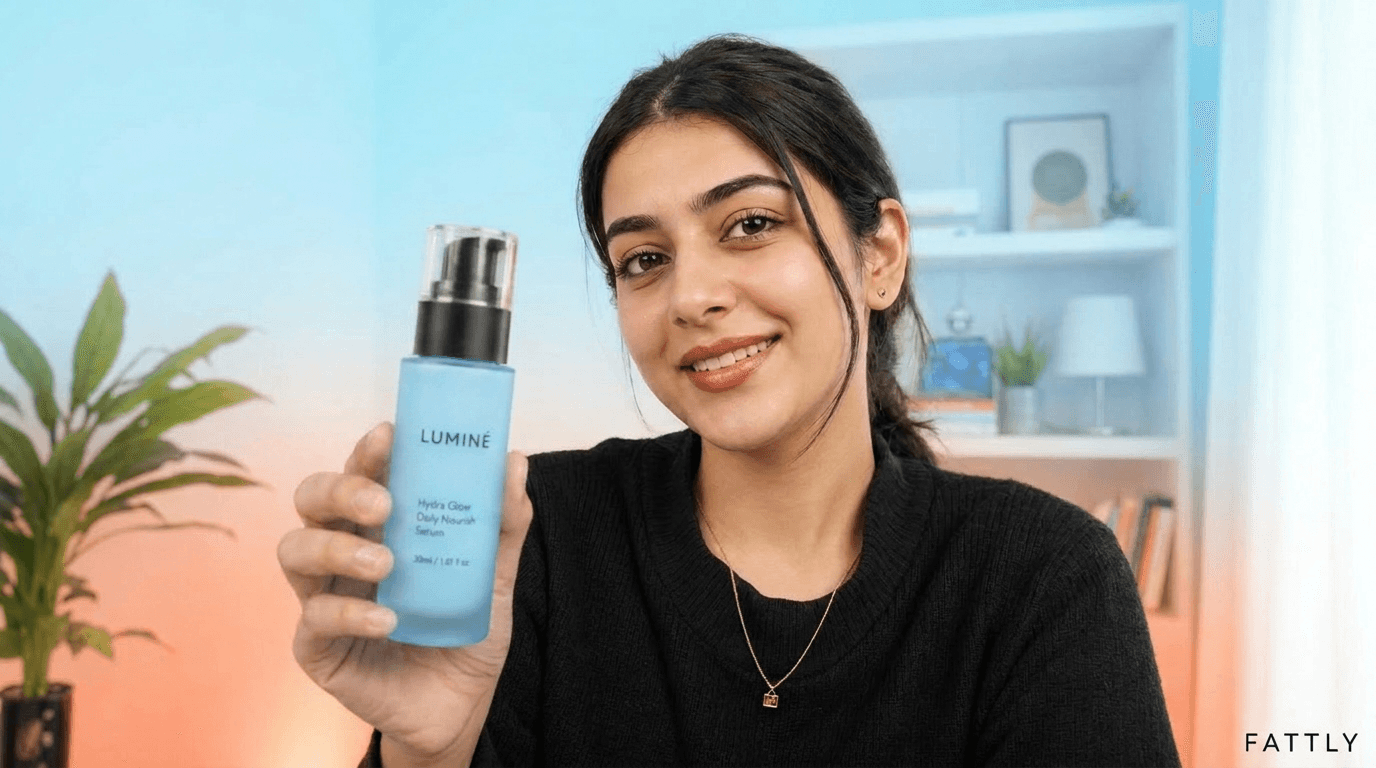
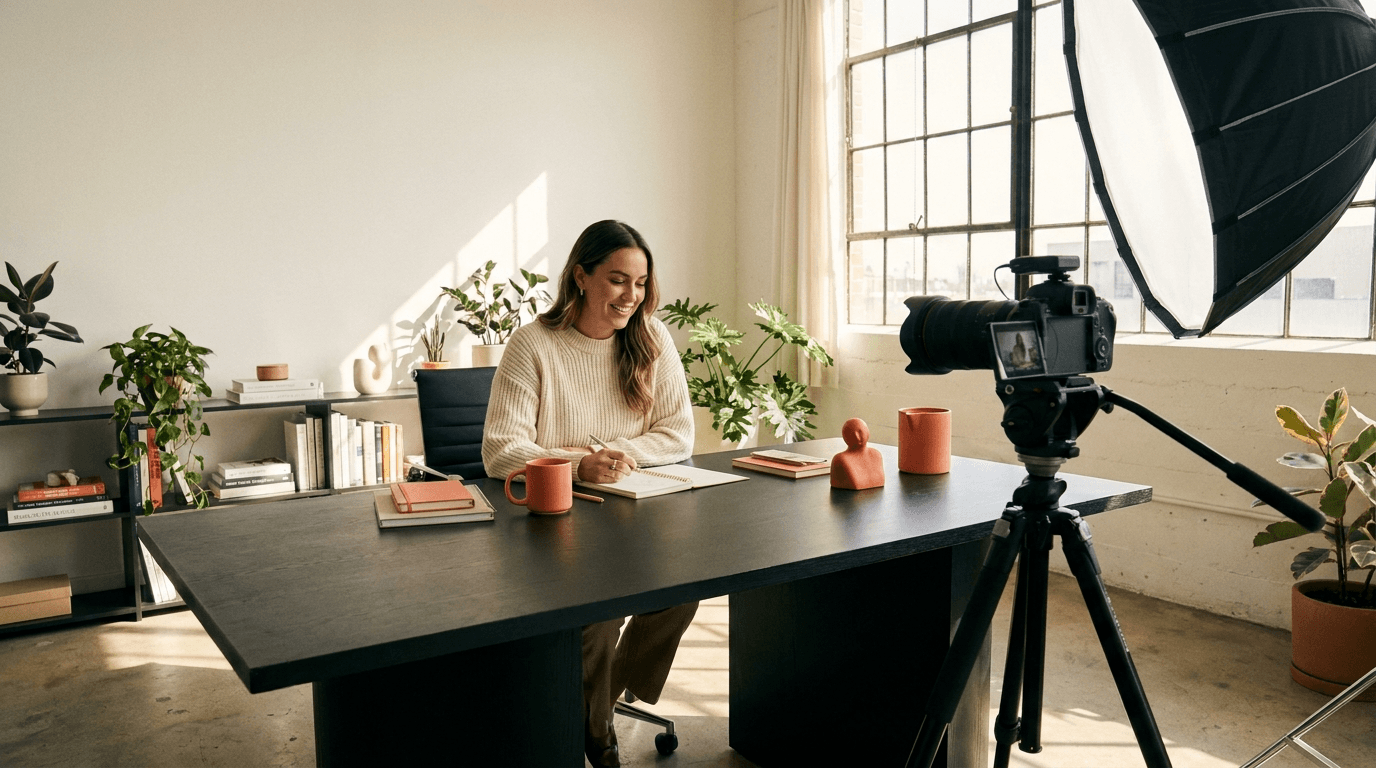
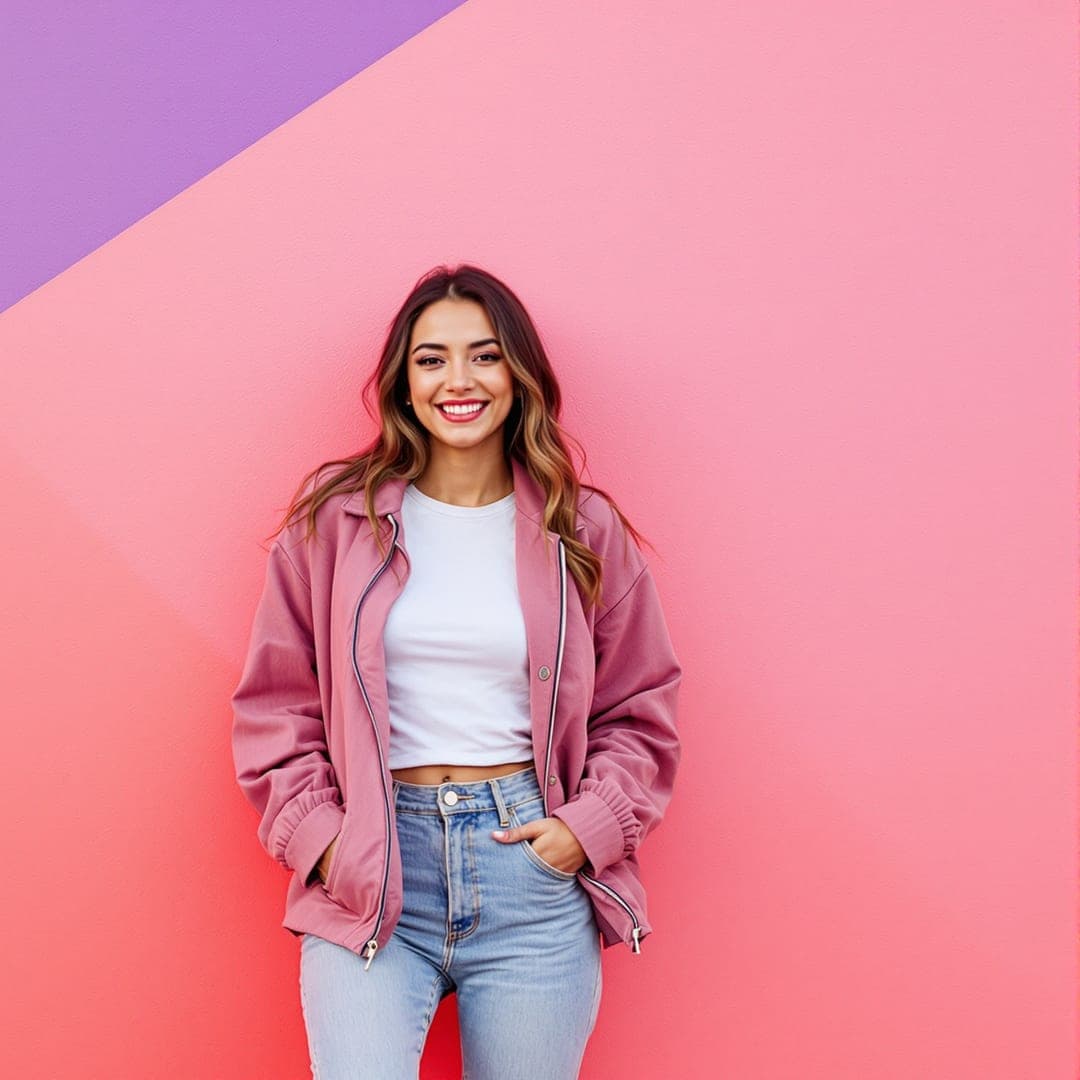
How much a talking AI avatar costs
| Hooks, script, shortening the text | 0 credits |
|---|---|
| Ready-made actor or your own photo | 0 credits |
| Custom actor from a description (reusable for 30 days) | 20 credits |
| Frame preview (comes off the video) | 20 credits |
| Talking avatar video, 1 clip (5 or 10 s) | 150 credits |
| Video from 2 scenes (up to ~20 s) | 250 credits |
| Video from 3 scenes (up to ~30 s) | 350 credits |
The 10 free credits you get at sign-up (no card) don't cover a custom avatar or a video, but you can write the whole script for free. The smallest pack, 150 credits, is one video with a ready-made actor. No subscription, credits don't expire, and a generation that fails for technical reasons costs nothing. Current pack prices are on the pricing page.
AI avatar generator FAQ
How does the AI avatar generator work?
You choose a person: a ready-made actor, your own from a description, or your photo. Then you type the script and set the language, tone and scene. Fattly builds the opening frame with your avatar, then records a video in which the avatar says your script with lip movement matched to the words. It all runs online in your browser, in Ad Studio.
Is the AI avatar generator free?
Not entirely. Ready-made actors, hooks, scripts and shortening cost nothing, and you get 10 credits at sign-up with no card. A custom avatar from a description costs 20 credits and a talking avatar video 150, so you need to buy credits for those. The smallest pack, 150 credits, covers one video.
Can I make an AI avatar of myself from a photo?
Yes, from your own photo (JPG, PNG or WebP, up to 10 MB) or a photo of someone who has agreed to it. When you use it, you tick a statement that you have the right to the likeness; without it, the video won't be made. Celebrities' faces and other people's photos without their consent aren't allowed.
Can I create an AI avatar from text?
Yes. Describe the person in up to 300 characters, such as hair, clothes and personality, and the AI creates a new actor for 20 credits. It's always an adult in their late twenties, shot like a casual phone photo, and it waits in My actors for 30 days.
Which languages can my avatar speak, and can I choose the voice?
The avatar speaks English, Polish, German or Spanish. You choose the language, not the voice: the voice is generated together with the picture and the lip movement, to suit the person and the language. You can play a sample of the English voice for free before you generate. Your own cloned voice works only in a video without a face, with hands holding your product (+40 credits).
How long can a talking avatar video be?
In English, one clip runs 5 or 10 seconds, depending on the script, which fits up to 22 words. A longer script can become 2 or 3 scenes, stitched into one video of up to about 20 or 30 seconds. Multi-minute presentations and courses aren't possible at the moment.
Can I use the avatar videos commercially?
Yes, within our Terms: in ads, on your website or on social media. Don't present the AI avatar as a real customer or its words as a genuine review, and label the video as AI-generated where the law or the platform requires it, for example under US FTC rules on endorsements or New York's rule on synthetic performers in ads.
Does the AI avatar generator work without logging in?
No. Generating requires an account with a confirmed email address, which protects the tool from abuse. Signing up is free, needs no card, and you get 10 credits to start.
Guides
Ready to meet your AI spokesperson?
Sign up with no card, get 10 credits and write your avatar's script for free. A talking avatar video costs 150 credits.