GuideBy Rafał CzarneckiUpdated 8 min read
How to make a talking AI avatar from a photo or text, step by step
In short
A talking AI avatar is a realistic person who says your script to the camera, with lip movement matched to the words. Here is how to make one in Fattly from a ready-made actor, a description or your own photo, what it costs and what not to expect from it.

Contents
- What you get
- What a talking AI avatar is good for
- How much does an AI avatar cost?
- 1. Open Ad Studio and choose the type of video
- 2. Pick a ready-made avatar or create your own
- Avatar descriptions to copy
- An AI avatar of yourself, from your own photo
- 3. Write what the avatar says
- 4. Set the language, tone, scene and format
- 5. Check the frame before you pay for the video
- 6. Generate, download and make more versions
- What a Fattly AI avatar can and can't do
- Common mistakes
- Summary
This guide is for businesses and creators who want a face on screen without filming or hiring an actor. In Fattly, the talking avatar lives in Ad Studio: you pick a person, type a script, and the avatar says it to the camera with lip movement matched to the words. Below: the whole process, real costs in credits, avatar descriptions and scripts to copy, and an honest list of limits.
What you get
- A short video in which a realistic AI person looks into the camera and says your script. In English, one clip runs 5 or 10 seconds, depending on the length of your line; 2 or 3 scenes give you up to about 20 or 30 seconds.
- Vertical 9:16 for Reels, TikTok and Stories, or horizontal 16:9 for YouTube and your website.
- A voice in English, Polish, German or Spanish. Voice and picture are generated together, so the lips match the words.
- Fattly doesn't add captions or background music; put those on in your video editor.
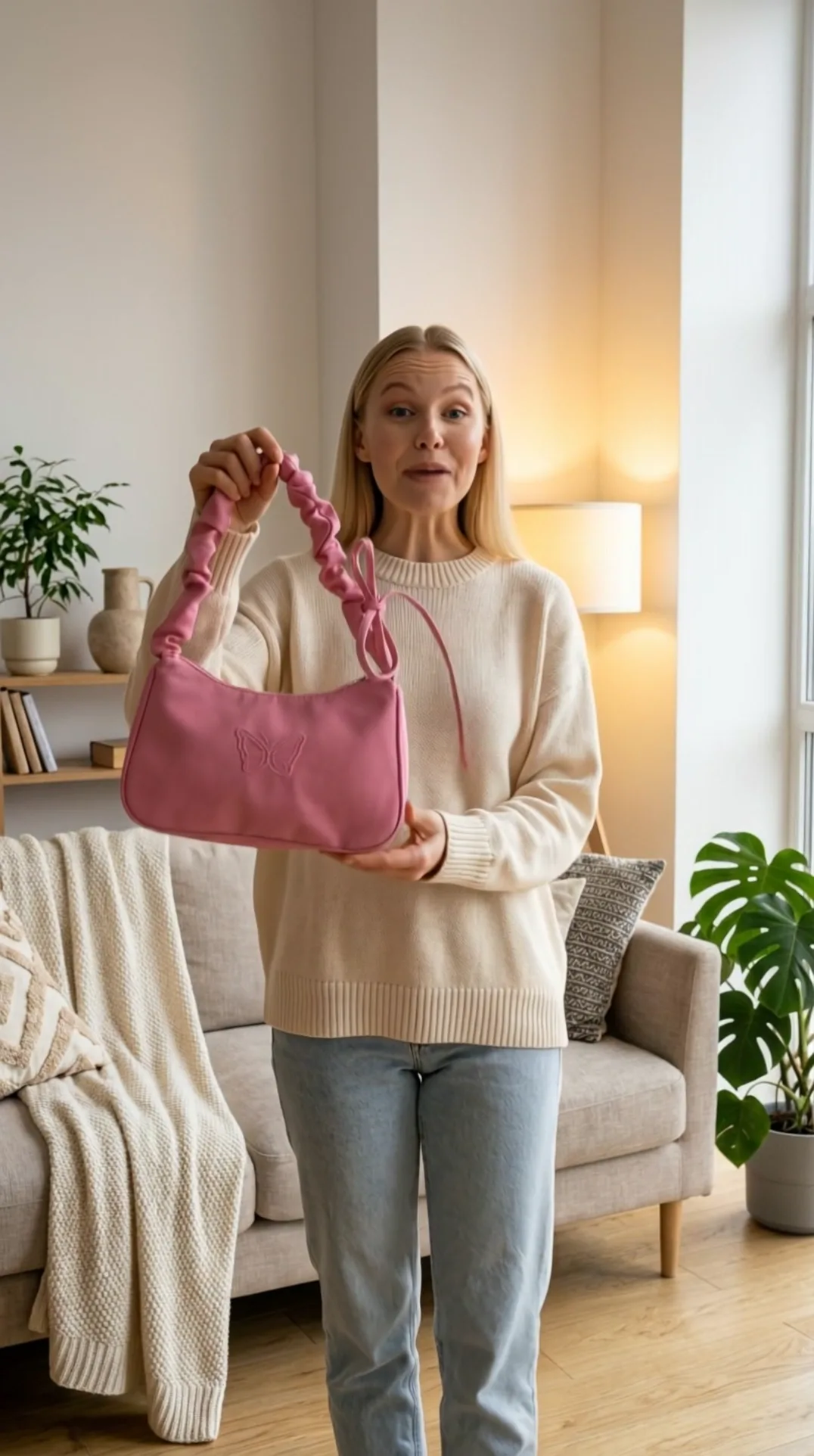
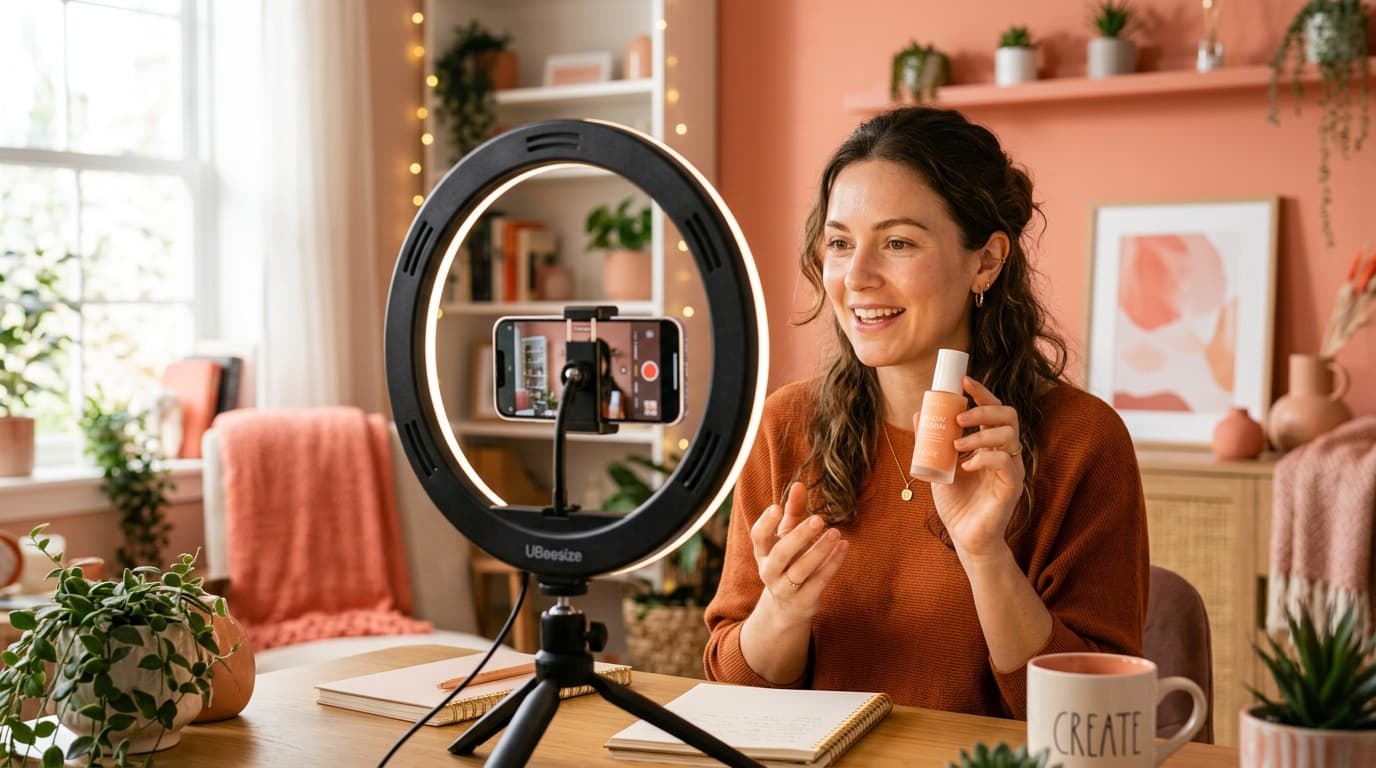
This clip was made with Mia, one of the ready-made actors, the UGC tone and the Cozy Apartment scene.
What a talking AI avatar is good for
- A brand spokesperson: one face across short videos with news, offers or answers to common questions.
- A service explainer: what you do and for whom, in about 20 words. No product photo needed.
- A micro-lesson: one rule or one tutorial step per clip.
- A product ad: the avatar holds your product and recommends it, like a TikTok creator.
How much does an AI avatar cost?
You pay in credits per generation, a subscription is optional, and credits don't expire. The price is on the button before you click.
| What you do | Cost | Time |
|---|---|---|
| Hooks, script, shortening the text | 0 credits | a few seconds |
| Ready-made actor or your own photo | 0 credits | instant |
| Custom actor from a description | 20 credits | under a minute |
| Frame preview before the video | 20 credits (comes off the video) | about 30 s |
| Talking avatar video, 1 clip (5 or 10 s) | 150 credits | about 2–3 min |
| Talking avatar video, 2 scenes (up to ~20 s) | 250 credits | about 5–8 min |
| Talking avatar video, 3 scenes (up to ~30 s) | 350 credits | about 7–11 min |
An honest word about the free start: you get 10 credits at sign-up, no card required. That won't cover any paid step here, since the cheapest costs 20, but you can prepare the whole script for free. The smallest pack, 150 credits, is exactly one video with a ready-made actor. A custom actor plus a video needs 170, so that pack and your 10 free credits leave you 10 short. Credits for a generation that fails for technical reasons come back automatically. Current pack prices are on the pricing page.
1. Open Ad Studio and choose the type of video
Go to Ad Studio and open the Video tab. The talking avatar works in two modes:
- With avatar: the person holds your product and talks about it. You add the product photo (JPG, PNG or WebP, up to 10 MB) once, in “Start with your product” at the top of the page.
- Service: the person talks to the camera without a product. Instead, you describe your service in “Ad & scene description”: what you offer and who it's for. The field says optional, but Service mode needs it. This is the mode for an explainer, a spokesperson or a micro-lesson.
The third mode, “No avatar”, shows only hands holding the product, with a voice off camera and no talking face.
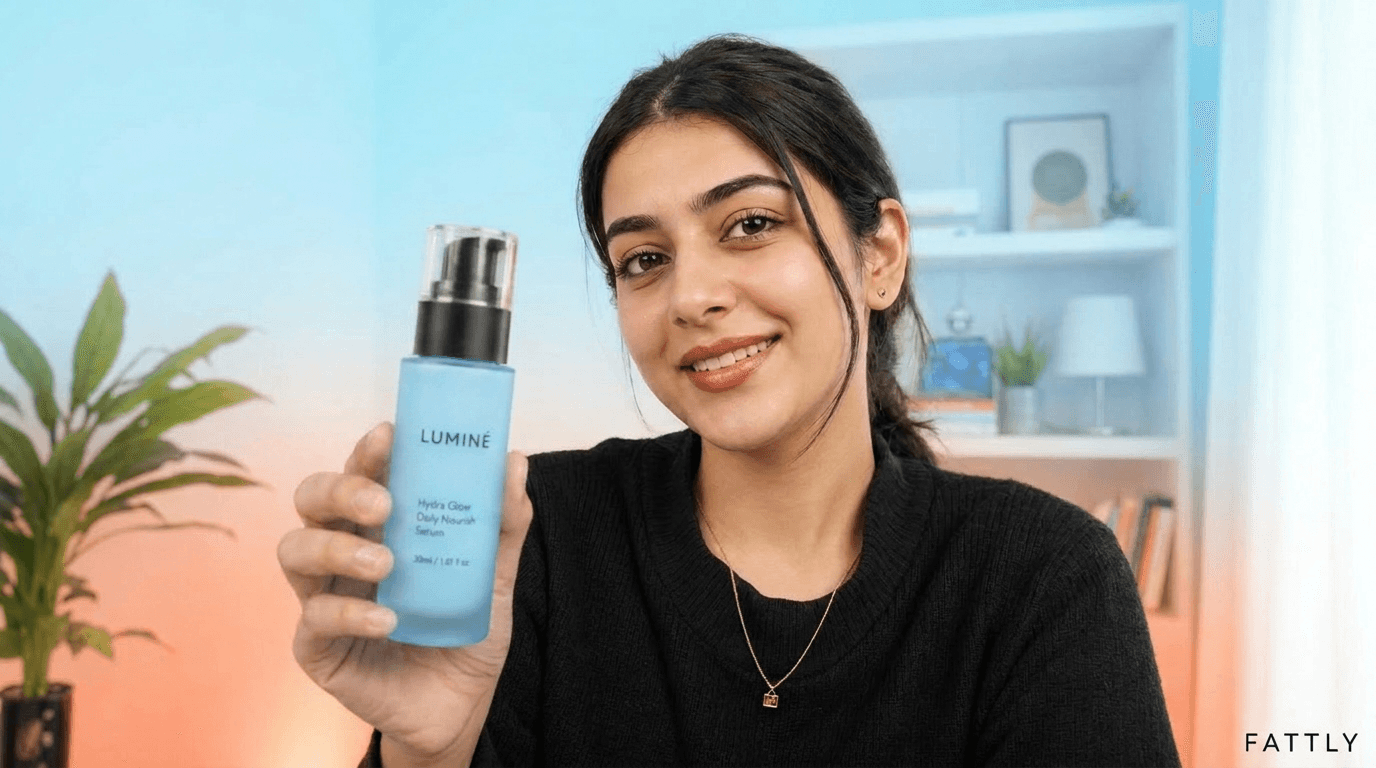
2. Pick a ready-made avatar or create your own
Click the button with the actor's name (Mia by default) to open the Actor library. It has three tabs:
- Our actors: 14 ready-made, fictional AI actors, women and men in different styles. Every user can pick them, so the face isn't exclusive to you.
- My actors: characters you created earlier, so your spokesperson keeps the same face from video to video.
- Create your own: describe a look in up to 300 characters and the AI creates a new person for 20 credits. You can upload a photo here too, or with the “Upload your own” tile in Our actors.
The creator always makes an adult in their late twenties, in casual clothes, framed from the shoulders up, like a phone photo taken by a window. The new actor lands in My actors and stays there for 30 days, like everything in your history.
Avatar descriptions to copy
Describe looks, clothes and personality. Skip words like “photorealistic”: Fattly sets the photo style for you. Don't use real people's names.
- Consultant: “Woman with shoulder-length dark hair and thin-framed glasses, navy blazer over a white T-shirt, calm, matter-of-fact smile, looks like an advisor you would trust”
- Local business owner: “Man with a short beard and slightly curly brown hair, grey hoodie, friendly smile, looks like he runs a small coffee roastery”
- Beauty creator: “Red-haired woman with freckles, long hair in a loose bun, beige sweater, natural makeup, energetic and direct”
An AI avatar of yourself, from your own photo
Want to be the face of your brand without filming? Upload a sharp, front-facing photo of yourself in good light, with nobody else in the shot, and Fattly builds the opening frame of the video from it. Before generating, you tick a statement that you have the right to the likeness of the person in the photo and their consent to use it in an ad (Terms §10). Without it, the video won't be made, and each new photo needs a new tick. A colleague's photo is fine only if they agreed; a celebrity's face is off limits.
3. Write what the avatar says
Type the script into “What the creator says”. In English, with the video model on Auto, the clip length follows your script: up to about 12 words gives about 5 seconds, and up to 22 words (300 characters) about 10 seconds. The meter under the field assumes about 8 seconds per clip, so treat it as a guide. Write the way people talk: short sentences, main point first.
Stuck? “Need a hook?” suggests 8 opening lines, “No idea? We'll write it for you” drafts the whole script, and a script that runs long can be shortened in one click. All free. Fattly doesn't rewrite a script you typed yourself: it only spells out numbers and abbreviations and swaps the odd word the voice might trip over.
Three scripts you can copy, each fits one clip:
- Service explainer, about 10 seconds: “Back aching after a day at your desk? Our first session takes an hour, and you leave with your own exercise plan.”
- Product, about 10 seconds: “Meet the bag that fits your phone, keys and cards and still looks tiny. Tap to shop.”
- Micro-lesson, about 5 seconds: “Customer service rule one: repeat the problem in your own words first.”
For a longer script, end each sentence with a period and choose “Longer ad”. Fattly splits the text into 2 or 3 scenes, starts each from the same frame and stitches them into one video.
4. Set the language, tone, scene and format
- Language: English, Polish, German or Spanish. The speaker button plays a free sample of the English or Polish voice.
- Tone: Service mode offers UGC, Founder, Testimonial, Before / After and TV Spot; with a product there are more, such as In use, Unboxing and tones by industry. For a spokesperson, try Founder or TV Spot; for a casual recommendation, UGC.
- Scene: “Setting” opens 14 scenes, including Home Office, Clean Studio, Coffee Shop and Cozy Apartment. Add details in “Ad & scene description”.
- Format: 9:16 or 16:9. Leave the video model on Auto, and Fattly picks it for the language.
5. Check the frame before you pay for the video
Turn on “Preview the frame first”. For 20 credits you see the video's opening frame: your avatar in the chosen scene, holding the product if you added one. Something off? Click “Another frame” (20 credits) or “Change settings”. Once it looks right, “Record the video” costs only 130 credits, because the frame price comes off, once per frame. Changing the actor, tone, scene, format or description discards the frame, since the video must start from exactly that image.
6. Generate, download and make more versions
The video is ready in about 2–3 minutes. You can close the tab: it waits in your history, where files are kept for 30 days, so download what you want to keep. Under the video you'll find “Another language”, “Another tone” and a landscape or vertical version. For another language, type the script in that language, or clear the field and the AI writes a new one.
What a Fattly AI avatar can and can't do
- Length: in English a clip runs 5 or 10 seconds, and the longest video, 3 scenes, up to about 30 seconds. Too short for a course or a webinar.
- Voice: you don't pick it from a list. The model creates it together with the picture and lip movement, so it may sound a little different from one video to the next. Your cloned voice can't go on a talking face.
- Age: creator-made characters are always adults in their late twenties. For a noticeably older presenter, use a photo of a real person who has agreed.
- Consistency: the face comes from the same actor photo, but every video is generated from scratch, so small differences are possible.
- Storage: custom actors and videos leave your history after 30 days. For a long-running series, download the actor's portrait too.
Common mistakes
- A script that's too long. Past 22 words, the model shortens your line or cuts it off mid-sentence. Trim it or make 2 or 3 scenes.
- An avatar posing as a real person. Our Terms don't allow presenting an AI character as a real customer, or its words as a genuine review. A fictional avatar shouldn't say “I founded this company” either; to be the face of your brand, upload your own photo.
- A storyboard pasted into the description. “Ad & scene description” describes one shot, so a five-scene script still becomes a single shot. Spoken words belong in “What the creator says”.
- A new face in every video. A spokesperson works when viewers recognize them. Create the character once and pick it from My actors.
Summary
A talking AI avatar in Fattly takes a person, a script of about 20 words and a few minutes of waiting. The script is free, a custom actor costs 20 credits, and a video of the avatar speaking English costs 150. Preview the frame first, keep one face for your brand and write short.
Frequently asked questions
Is there a free AI avatar generator in Fattly?
Partly. Ready-made actors, hooks and scripts cost nothing, it runs online in your browser, and you get 10 credits at sign-up with no card. A custom avatar costs 20 credits and a talking avatar video 150, so for those you need to buy credits. A subscription is optional, and credits don't expire.
Can I make an AI avatar without logging in?
No. Generating requires an account with a confirmed email address. Signing up is free, needs no card, and you get 10 credits to start.
Can I make an AI avatar from a photo?
Yes. In the Actor library, upload a JPG, PNG or WebP photo up to 10 MB and tick the statement that you have the right to the likeness of the person in it; without it, the video won't be made. The photo costs nothing extra: you pay 150 credits for the video.
Can I create an AI avatar from text?
Yes. In “Create your own”, describe the person in up to 300 characters and the AI creates a new actor for 20 credits. It's always an adult in their late twenties and stays in My actors for 30 days.
Can I make an AI avatar of a celebrity?
No. Our Terms prohibit impersonating other people and depicting real people in a misleading way. Use your own photo, a photo of someone who has agreed, or one of the fictional actors.
Can the avatar speak in my own voice?
Not in a video with a face, where the voice is generated together with the lip movement. A voice cloned in Fattly's Audio tool (150 credits) works only in the “No avatar” video, with hands holding your product, for 40 extra credits.
How long can an AI avatar video be?
In English, one clip runs 5 or 10 seconds (up to 22 words). Longer scripts become 2 scenes (up to about 20 seconds, 250 credits) or 3 scenes (up to about 30 seconds, 350 credits) in one video. Multi-minute presentations aren't possible at the moment.
Can I use AI avatar videos commercially?
Yes, within our Terms, e.g. in ads or on social media. Don't present the avatar as a real customer, and label the video as AI-generated where the law or the platform requires it, for example under US FTC rules on endorsements. Downloaded files are marked as AI-generated in their name and metadata.
Ready to try?
Make a talking avatar in Fattly