Remove Object from Photo — AI Inpainting
Remove unwanted objects, people or flaws from a photo — or replace part of an image with something new. Just brush over the area, describe what should be there, and FATTLY's AI repaints only that spot, seamlessly.
Why FATTLY for photo inpainting
Remove anything
Objects, people, logos, blemishes — brush over it and it's gone, with the background filled in naturally.
Replace and add
Swap a detail or add a new element by describing it — the AI blends it into the scene.
Brush-precise control
You choose exactly which part changes; the rest of the photo stays untouched.
Fair, size-based pricing
You pay by image size — credits never expire, subscription optional.
What FATTLY creates
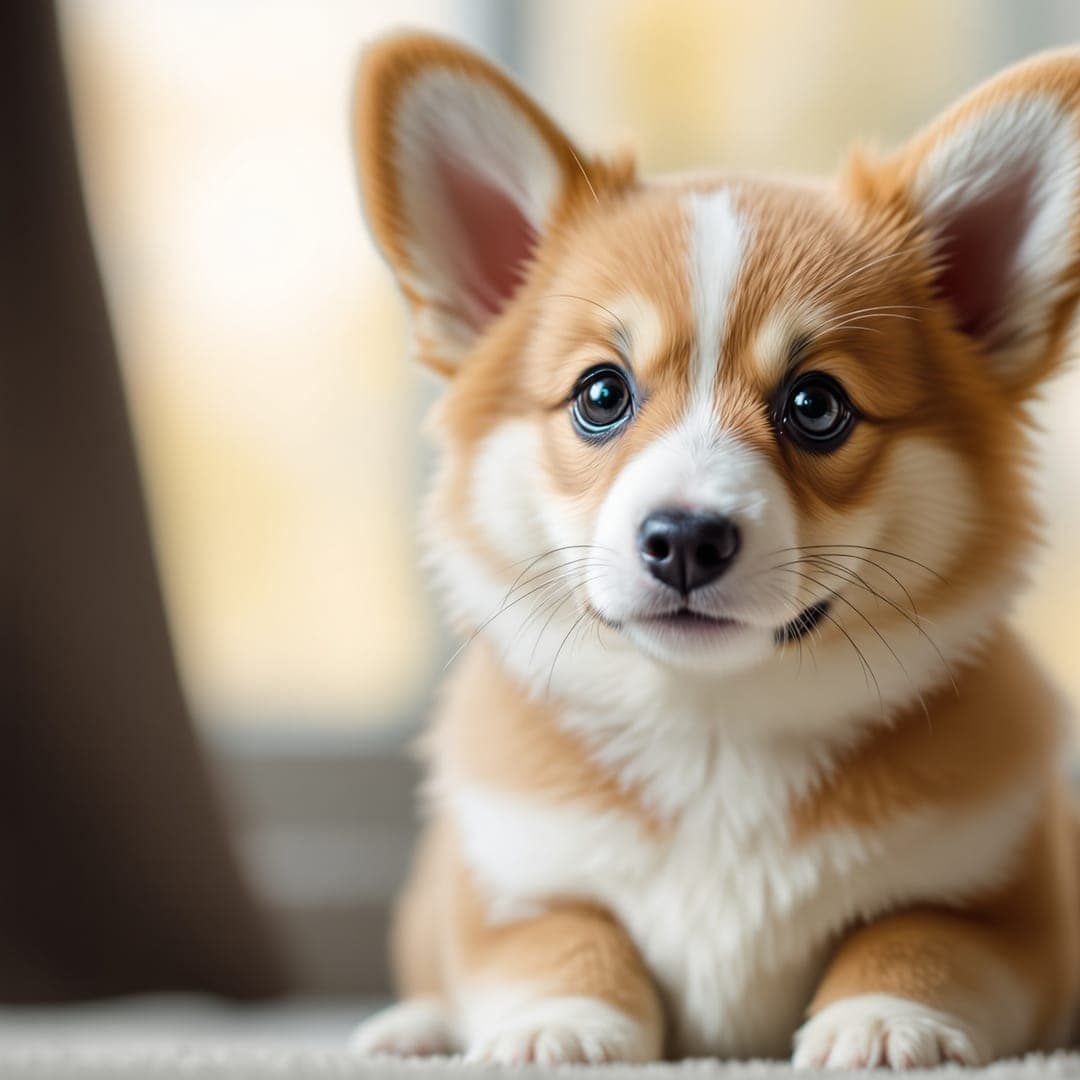
Real images from the platform.


Frequently asked questions about AI inpainting
How do I remove an object from a photo?
Upload the image, brush over the object you want gone, and click Generate. The AI removes it and fills the area to match the surroundings.
Can I replace or add something?
Yes. Brush over an area and describe what should appear there — a different color, a new object, a clear sky — and the AI paints it in.
Does the rest of the photo change?
No — only the area you brush is repainted. The rest of the image stays exactly as it was.
How much does it cost?
Pricing is based on image size (megapixels) — you pay credits per generation, subscription optional, credits never expire.
Can I start for free?
Yes — after signing up you get free starter credits, no card.
Guides
Ready to edit your photos?
Create an account and claim your free starter credits.