ArticleBy Rafał Czarnecki6 min read
AI product photography: professional photos without a photographer
In short
You do not need a studio to get professional product photos. Upload one plain shot and AI gives you clean backgrounds, lifestyle scenes and on-model images — for a fraction of a photo shoot.
Contents
Why product photos make or break a listing
Online, the photo is the product. A buyer cannot touch what you sell, so a flat, badly-lit phone shot on a messy table quietly kills conversions no matter how good the item is. But a proper shoot — studio, lighting, a model, editing — costs money and days most small sellers do not have. AI product photography closes that gap: one plain photo in, professional shots out.
What AI product photography actually does
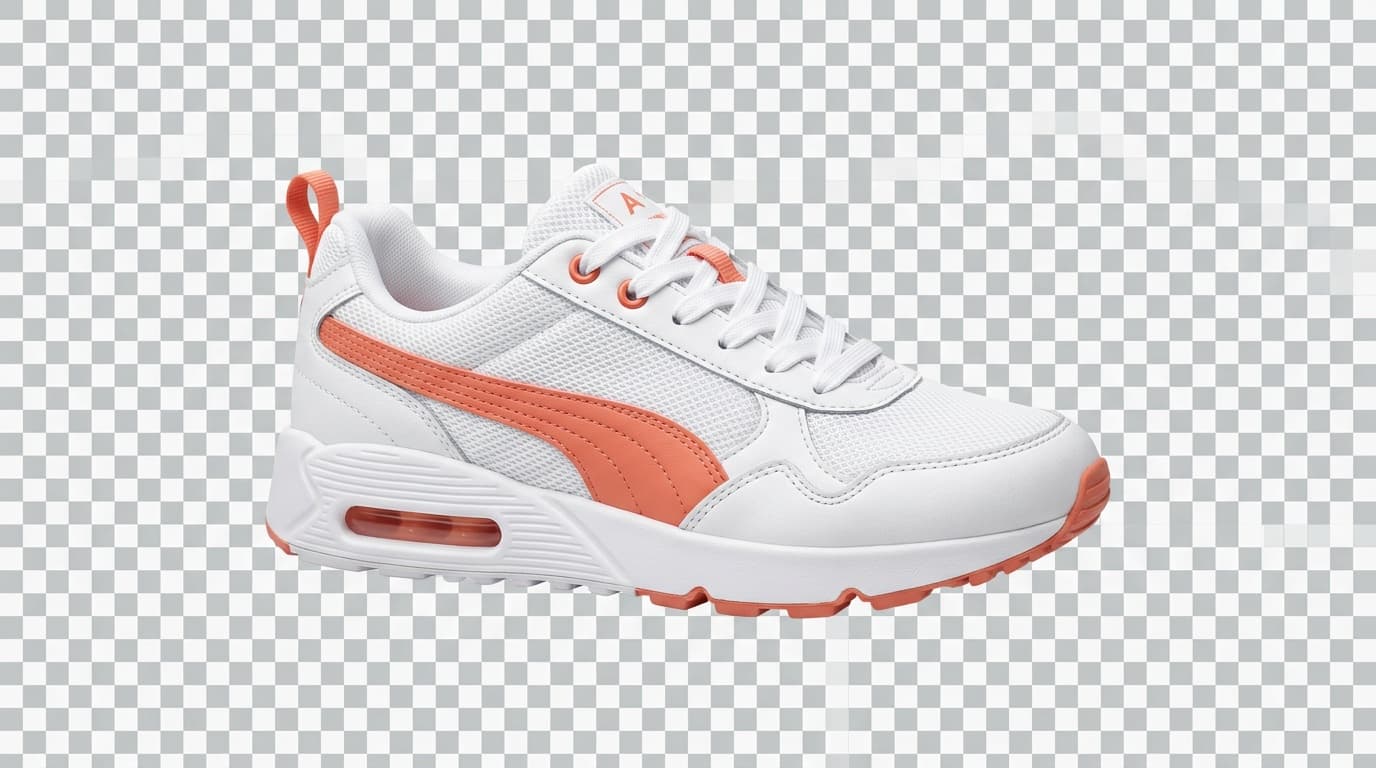
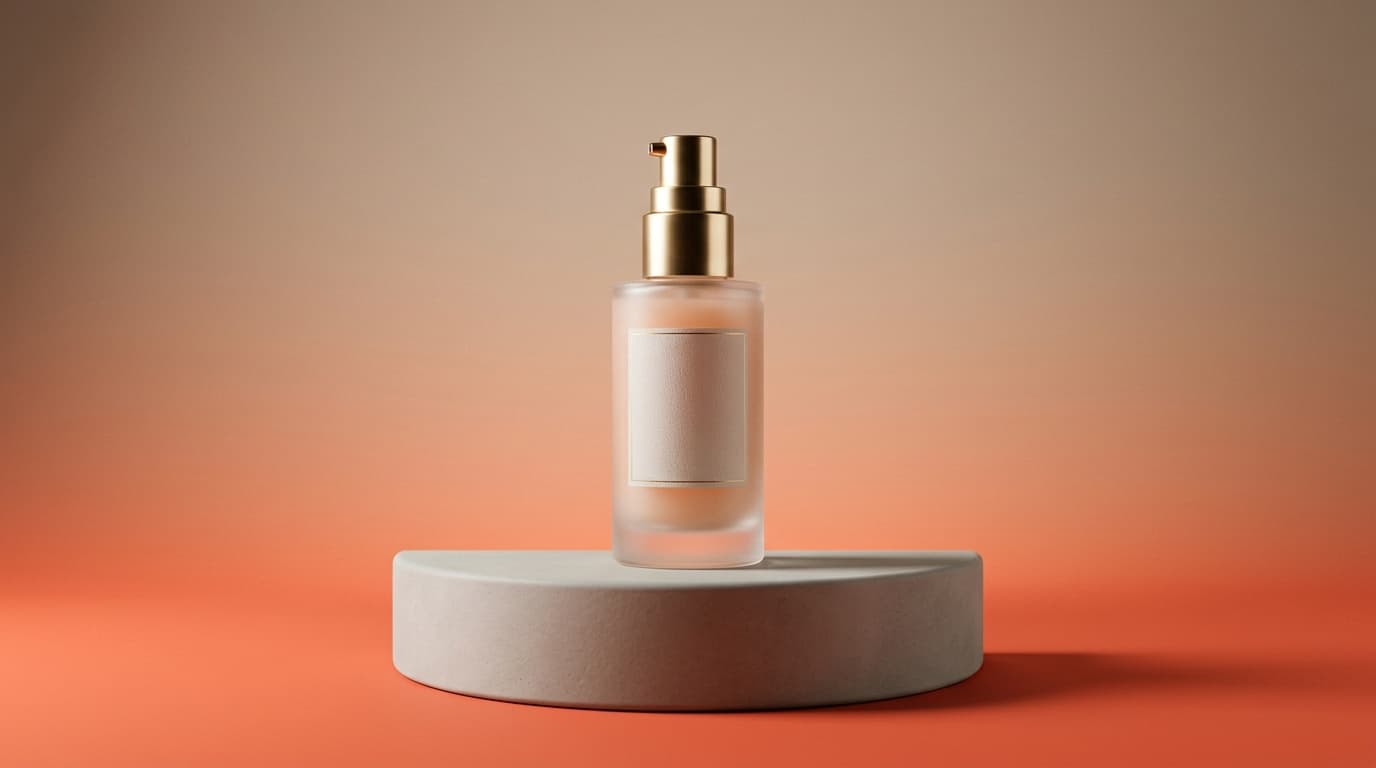
You upload a single photo of your product and the AI re-stages it: a clean white or colour background for marketplaces, a lifestyle scene that fits the product, or the item worn or held by a model. The product itself stays the same — the same shape, colour and label — while everything around it becomes the kind of shot you would pay a studio for. No booking, no props, no editing pass.
What good AI product photos need
Before you trust any tool with your catalogue, check whether it holds these:
- The real product kept intact — same shape, colour and label, not redrawn
- Clean marketplace backgrounds (white or neutral) on demand
- Lifestyle scenes that match the product and its audience
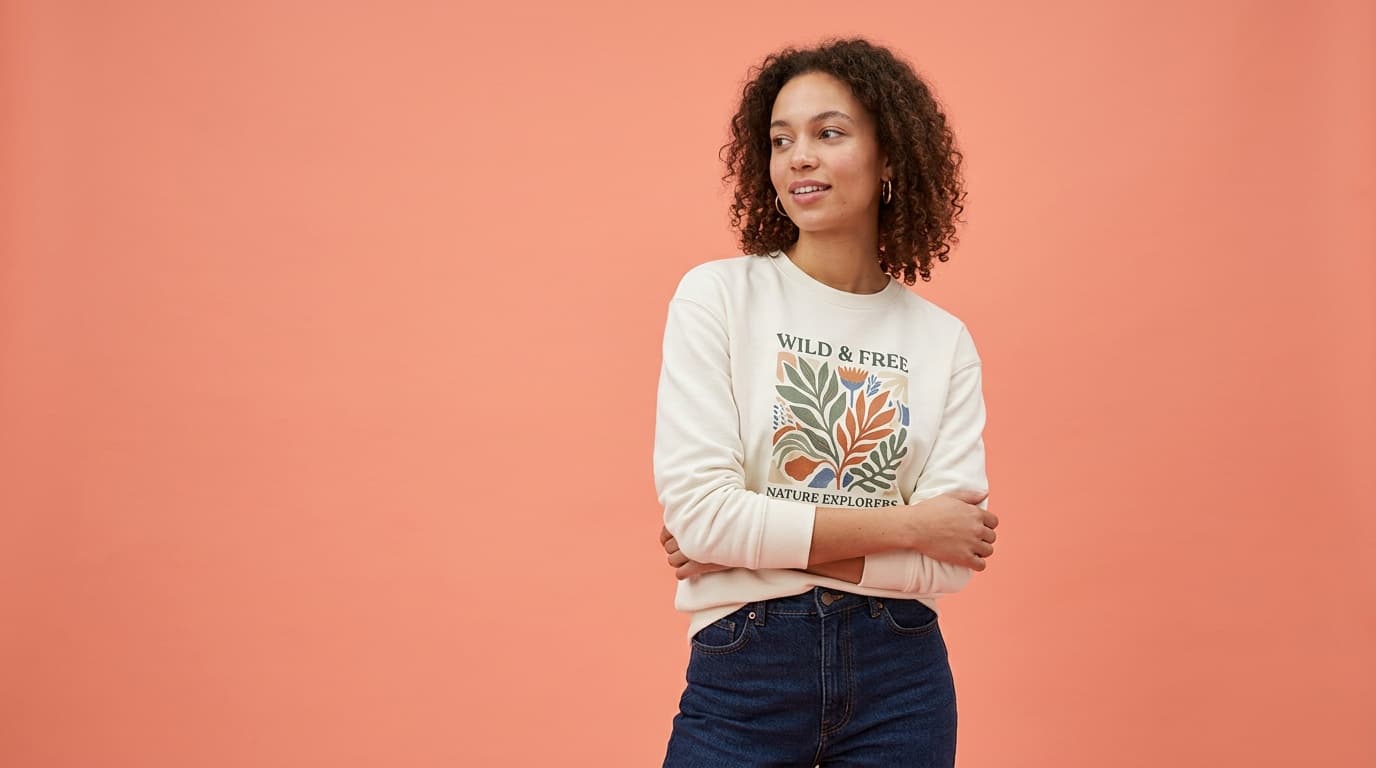
- On-model shots for clothing and accessories
- Output at the sizes marketplaces and ads need
- Fast enough to shoot a whole catalogue without a studio
How Fattly does it
In Fattly you upload a product photo and get back professional shots: swap the background for a clean marketplace white, drop the product into a lifestyle scene, or — for clothing — put it on a model with the real garment kept one-to-one (the try-on). You can then animate the best shot into a short clip for a product page or reel. It is the same product, staged like a studio did it.
It runs on 40+ AI models under one roof, pay-per-credit, credits that never expire and no mandatory subscription — so studio-quality photos become a per-item cost you control, not a shoot you have to budget.
| What to look for | A real photo shoot | Fattly |
|---|---|---|
| Cost | Studio, lighting, model, editing | A few credits per shot |
| Time | Days to book and deliver | Minutes |
| Backgrounds | One set per session | Any background on demand |
| On-model | Hire a model | Try-on with the real garment |
| Motion | A separate video shoot | Animate a shot into a clip |
| Pricing | Per shoot | Pay per credit, credits never expire |
Who uses it
Vinted, Depop and Allegro sellers who need clean listing photos fast; small e-commerce brands building a catalogue without a studio budget; dropshippers who only have supplier photos to work with; and anyone relaunching a product who wants a consistent look across every shot. Wherever you would have booked a shoot, AI product photography gives you the same result from one photo.
Try it on one of your products
Take one clear photo of something you sell, upload it and generate a clean background and a lifestyle version. With Fattly you can do that on free credits and judge the result against a real listing before you spend anything. Upload, pick a background or scene, and get a shot you can post.
Frequently asked questions
Does it keep my real product, or invent a new one?
It keeps your real product. The AI re-stages the same item — same shape, colour and label — against a new background or scene, rather than generating a lookalike. For clothing, the try-on places the real garment on a model one-to-one, so the photo shows exactly what the buyer receives.
Can I get both a white background and a lifestyle scene?
Yes. From one product photo you can generate a clean marketplace white background and a lifestyle scene that fits the product, plus on-model shots for apparel. That lets you cover a listing, a catalogue and an ad from a single upload.
Can I turn the photo into a video?
Yes. After the still, you can animate the best shot into a short clip for a product page or a reel. It runs on the same pay-per-credit account, so the photo and the clip come from one place.
How much does it cost to test?
You start with 10 free credits and no card, enough to stage a product and judge the result. After that it is pay-per-credit — credits never expire and there is no mandatory subscription, so you only pay per shot you actually make.
Ready to try?
Try AI product photos