ArticleBy Rafał CzarneckiUpdated 6 min read
AI video generator with sound: which models, what it costs
In short
In Fattly, Gemini Omni Flash 1.1, Kling 3.0 Pro and Seedance 2.5 generate sound together with the picture. A clip with sound costs from 80 credits. Kling speaks English, and for Polish speech we recommend only Gemini Omni Flash 1.1.
Contents
- Silent AI video is only half the job
- What changes when the sound is generated with the picture
- Which Fattly models generate video with sound?
- How do you make a video with sound, step by step?
- Can the video speak a language other than English?
- How much does AI video with sound cost?
- What can't AI video with sound do yet?
- When is a silent clip the better choice?
Silent AI video is only half the job
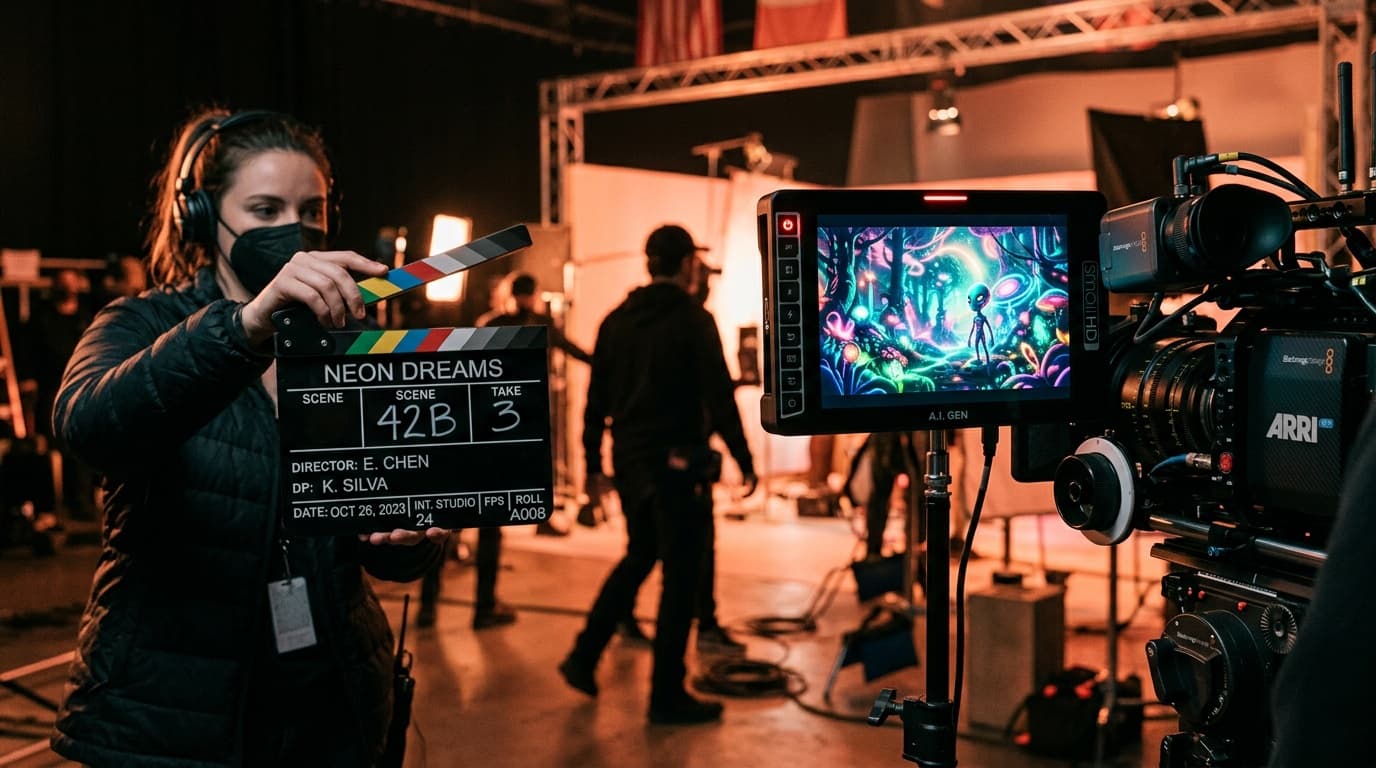
Some AI video models hand you a clip with no sound. It looks fine on a muted phone, but before you can post it you still need a voice, effects and background sound. Each of those has to be recorded or found, then lined up with the picture frame by frame. With a talking character that is the hardest part, because the lips have to hit the words.
What changes when the sound is generated with the picture
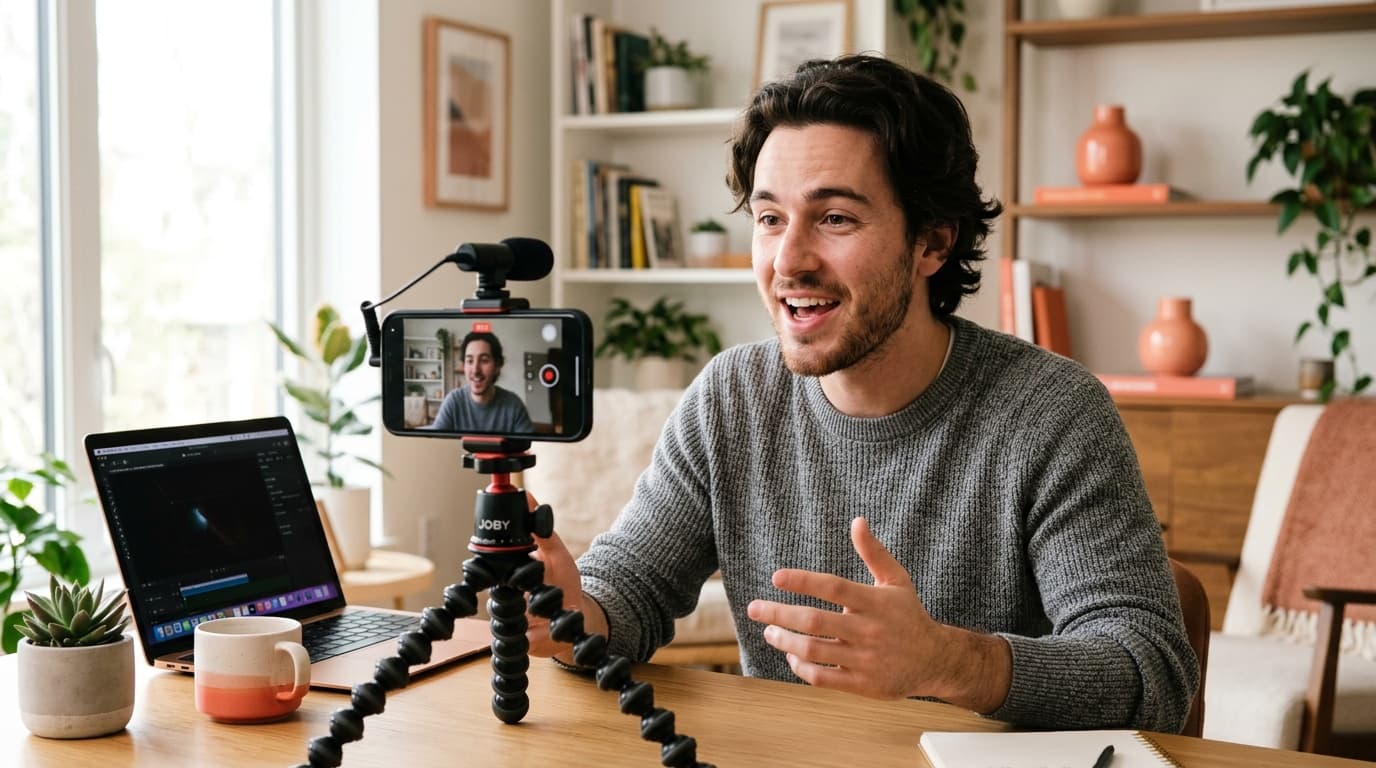
AI video with sound in one pass means the model generates the picture and the audio track at the same time: a character's line, footsteps, street noise. You get a single MP4 in which the lip movement matches the words from the start. There is no separate dubbing pass and no nudging tracks along a timeline.
Update, October 13, 2026: this article used to be about Veo 3.1. Fattly no longer offers that model, because the provider we served it through is switching off its access to Veo 3.1 on October 22, 2026. Veo 3.1 itself is still a Google model and remains available in Google's products. Google names Gemini Omni 1.1 Flash as the successor, and you'll find it in Fattly as Gemini Omni Flash 1.1. Everything below describes only what works here today.
Which Fattly models generate video with sound?
The video generator gives you 13 models to choose from. Gemini Omni Flash 1.1, Seedance 2.5 and Kling 3.0 Pro generate sound together with the picture. Each of them works from a text prompt or from a starting image.
| Model | Sound and speech | Clip length | Cost |
|---|---|---|---|
| Kling 3.0 Pro | Sound as standard, speech in English | 5 or 10 s | 80 / 160 credits |
| Gemini Omni Flash 1.1 | Sound always on; the only model we recommend for Polish speech | Always 8 s | 144 credits |
| Seedance 2.5 | Sound always on, up to 50 reference images | 5 to 30 s | 300 credits for 5 s, 1,800 for 30 s |
| LTX-2 and LTX-2.5 | No sound | 6, 8 or 10 s | 30–50 and 60–100 credits |
We don't promise sound on the other models in the list. If the audio track matters to you, pick one of the first three rows. The exact cost of a clip is on the “Generate video” button before you click.
How do you make a video with sound, step by step?
- Describe the scene in one to three sentences: who, where, what they do and what you can hear.
- Put the line a character should say in quotation marks and keep it short. Prompts in other languages are translated into English before they reach the model, but quoted text is left exactly as you wrote it.
- Check the Language field. English shows every model. Polski leaves only Gemini Omni Flash 1.1, the model we recommend for Polish speech.
- Pick a model and a length, set the aspect ratio (16:9 or 9:16) and click “Generate video”. A clip is usually ready in 1–3 minutes.
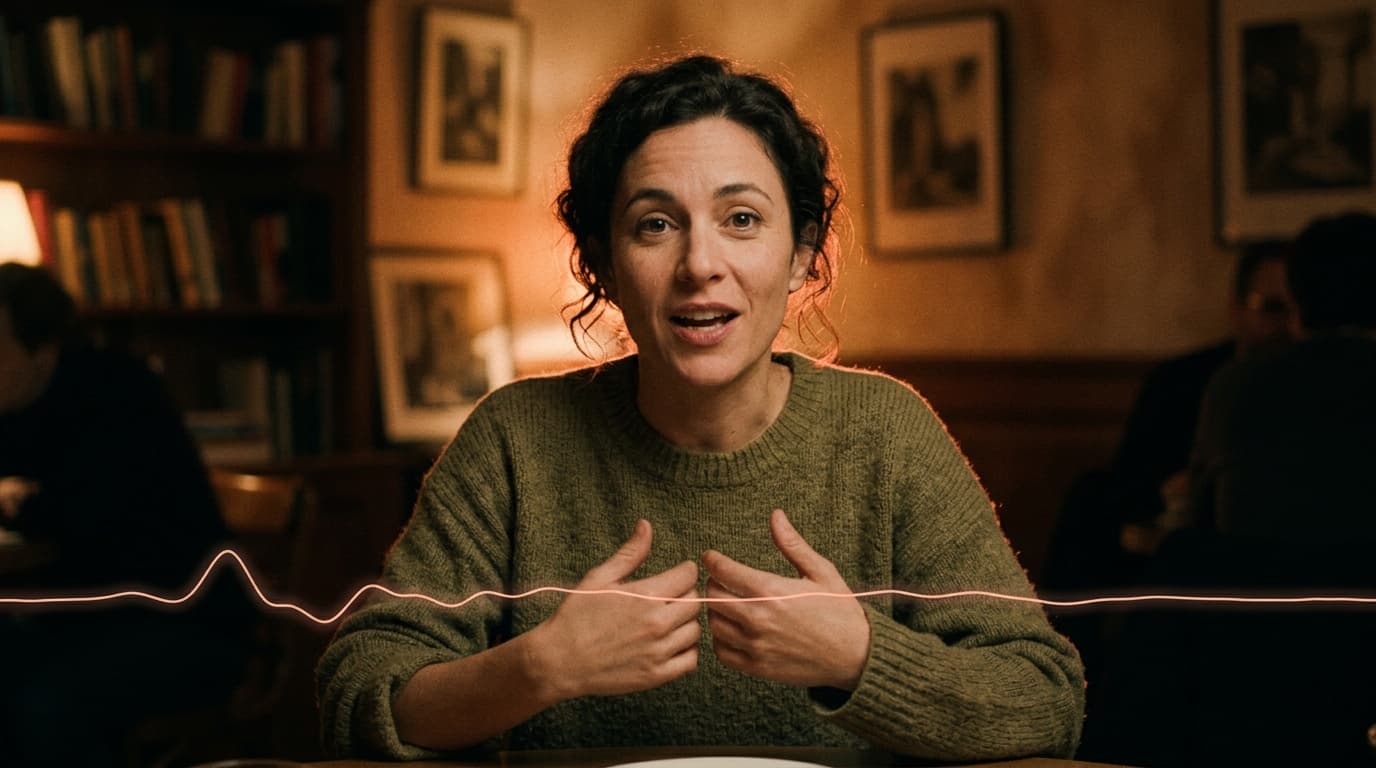
A prompt to copy: A woman in a green sweater sits at a café table and says to the camera: “I spent three months looking for coffee like this.” Quiet chatter and clinking cups in the background. Static camera, warm light.
Only have a rough idea? “Enhance prompt” expands a few words into a full scene description for free. If a generation fails or moderation blocks the result, your credits come back automatically.
Can the video speak a language other than English?
English is the safe case. Kling 3.0 generates speech in English and Chinese, and it turns lines written in other languages into English. For Polish we recommend one model: Gemini Omni Flash 1.1 (144 credits for 8 s). In our tests from October 2026, Polish speech sounds noticeably better on it than on the other video models. That is our own testing, not a guarantee from the model's maker.
German and Spanish are in the Language field marked as beta, and we make no recommendation yet for them or for French. If you need one of them, write the line in quotation marks, generate a single clip on Gemini Omni Flash 1.1 and listen closely before you plan a series. When the same voice has to carry every clip, a separate AI voiceover laid under the video in your editor is more predictable.
How much does AI video with sound cost?
You pay credits per clip. Kling 3.0 Pro costs 80 credits for 5 s and 160 for 10 s. Gemini Omni Flash 1.1 is always 144 credits for 8 s. Seedance 2.5 is the most expensive: 300 credits for 5 s, 600 for 10 s and 1,800 for the full 30 s.
About the free credits, honestly: you get 10 credits at sign-up with no card, and they don't buy a video clip. The cheapest silent clip (LTX-2, 6 s) costs 30 credits and a clip with sound costs 80. What 10 credits do cover is a starting image in the image generator (from 1 credit). The smallest pack is 150 credits, enough for one Gemini Omni Flash 1.1 clip, or for one 5-second Kling 3.0 Pro clip plus two test clips on LTX-2. Credits never expire and a monthly subscription is optional. Current pack prices are on the pricing page.
What can't AI video with sound do yet?
- Long formats. Gemini Omni Flash 1.1 always makes 8 s, Kling 3.0 Pro makes 5 or 10 s, and Seedance 2.5 tops out at 30 s. Anything longer you cut together from several clips.
- Long lines. Eight seconds holds one sentence, two short ones at most, so split a longer script across clips.
- A choice of voice. The video generator has no voice list and no separate settings for music and effects. You describe the sound in the prompt and the model picks it, so the same character can sound different in the next clip.
- Silence on demand. The models with sound have no switch to turn it off. For a silent clip, pick LTX-2 or LTX-2.5.
- Polish speech on more than one model. For Polish lines we recommend only Gemini Omni Flash 1.1.
- High resolution on every model. Gemini Omni Flash 1.1 and Seedance 2.5 generate 720p clips here.
When is a silent clip the better choice?
When you're adding music or your own voiceover anyway: a looping post, an animated product photo, a background for captions. LTX-2 then costs 30 credits for 6 s, and it lets you test the motion before you spend more on a model with sound. The step-by-step for photos is in how to animate a photo with AI, and tools from across the market are compared in best AI video generator.
Frequently asked questions
Does the AI really generate the sound, or do I add it afterwards?
It depends on the model. In Fattly, Gemini Omni Flash 1.1, Kling 3.0 Pro and Seedance 2.5 generate sound together with the picture, so you get one MP4 with speech, effects and ambience. LTX-2 and LTX-2.5 make silent clips, and you add the sound yourself.
Can the video speak Polish, not just English?
Yes, on Gemini Omni Flash 1.1 (144 credits for 8 s). It is the only model we recommend for Polish speech, based on our tests from October 2026. Put the line in quotation marks and set Language to Polski. Kling 3.0 speaks English and Chinese.
How much does a video clip with sound cost?
From 80 credits for 5 s on Kling 3.0 Pro. Gemini Omni Flash 1.1 costs 144 credits for 8 s, and Seedance 2.5 runs from 300 credits for 5 s to 1,800 for 30 s. The exact cost is on the button before you click.
Is there a free AI video generator with sound?
Not entirely. You get 10 free credits at sign-up with no card, but a clip with sound costs at least 80 credits, so your first video needs a credit pack. The smallest pack is 150 credits, credits never expire and a subscription is optional. Generating requires an account with a confirmed email address.
Can I turn a photo into a video with sound?
Yes. Gemini Omni Flash 1.1, Kling 3.0 Pro and Seedance 2.5 take a starting image (JPG, PNG or WebP, up to 10 MB) and generate the sound together with the motion. Seedance 2.5 accepts up to 50 reference images at once.
How long can a clip with sound be?
Seedance 2.5 makes the longest: 30 s for 1,800 credits. Gemini Omni Flash 1.1 always makes 8 s, and Kling 3.0 Pro makes 5 or 10 s.
Does Fattly have Veo 3.1?
No. Fattly stopped offering Veo 3.1 on October 13, 2026, because the provider is switching off its access to that model on October 22, 2026. Veo 3.1 is still a Google model, available in Google's products. In Fattly you make video with sound on Gemini Omni Flash 1.1, which Google names as the successor, and on Kling 3.0 Pro and Seedance 2.5.
Ready to try?
Try the AI video generator