GuideBy Rafał Czarnecki6 min read
How to make a logo with AI (that renders the text correctly)
In short
Most AI image tools butcher the text in a logo and hand you a flat JPG you can not scale. A design-focused model fixes both. Here is how to make an AI logo, step by step.
Contents
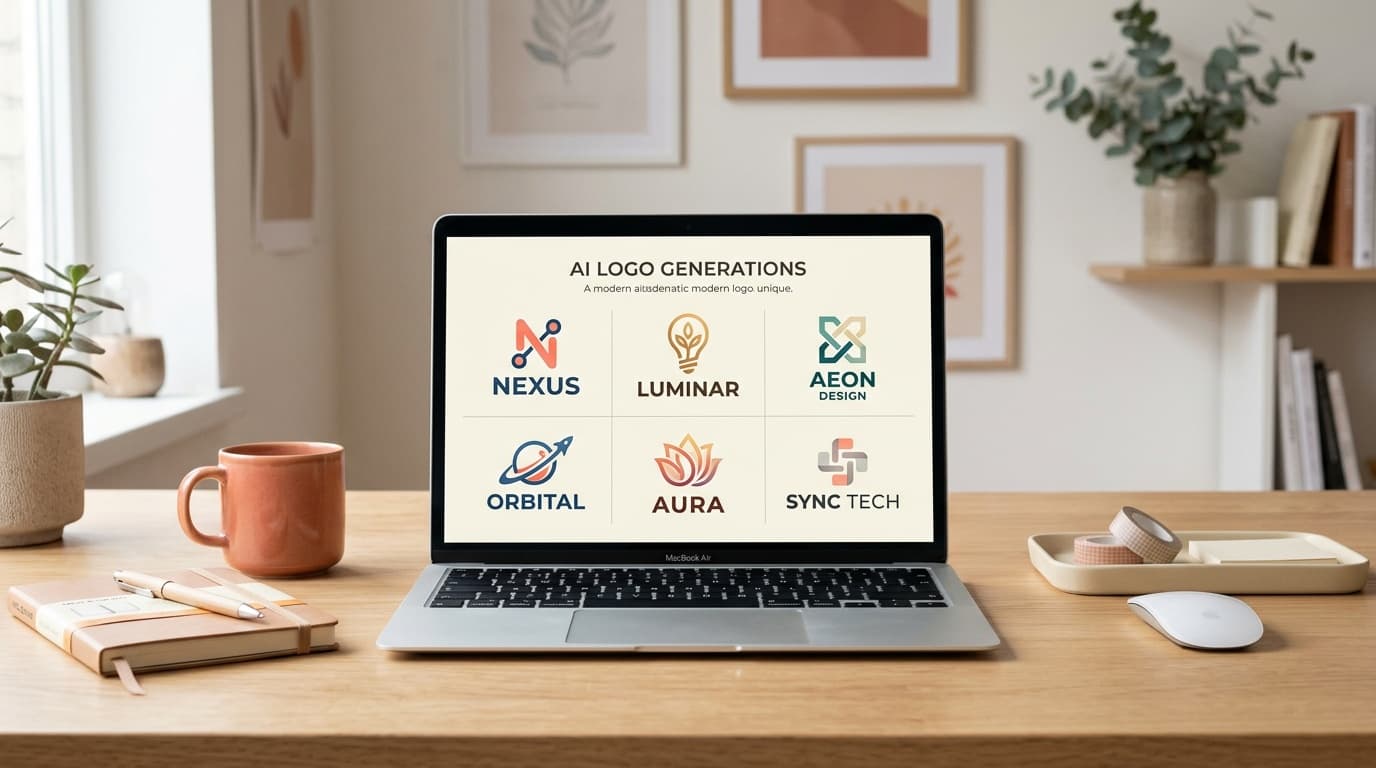
Logos are where most AI image generators fall apart: the brand name comes out as garbled letters, and you are left with a flat JPG you cannot scale. A design-focused model changes that — it renders real, readable text and can return a true vector (SVG) you can size from a favicon to a billboard. Here is how to make a logo with AI, step by step.
1. Write a one-line brief
Name the brand, say what it does, and give the feeling you want — modern, playful, premium. Put the exact text that should appear, the brand name and any tagline, in quotes so the model renders it letter for letter. For example: a minimalist emblem for a coffee brand reading “NORDIC ROAST”, warm and craft.
2. Pick a design style
Choose the style that matches your brand from the style library — flat vector, line art, bold illustration, or realistic. For a logo you almost always want a vector style: clean shapes, solid colours and no photographic noise.
3. Set your brand colours
Add your palette as a few colours. The model steers the logo toward those tones, so the result already sits in your brand instead of a random scheme you have to redo. A tight palette of two or three colours reads best on a mark.
4. Generate and get the vector
Generate. A vector style returns a real SVG — scalable to any size with no blur — plus a raster preview. Ask for a few variants in one pass and keep the strongest direction instead of settling for the first.
5. Refine the wording and shape
If a letter looks off, regenerate — text quality varies slightly from run to run. Shorten the tagline, sharpen the emblem idea, and the model converges fast. Keep the SVG for anywhere you need crisp, resizable artwork: web, print, merch.
Summary
An AI logo is now a brief, a style, your brand colours and a scalable SVG — no designer round-trip for a first mark. In FATTLY you pick the Recraft design model, set the style and palette, and export the vector.
Frequently asked questions
Will the text come out readable?
With a design-focused model like Recraft, yes — it is built to render real lettering, unlike general image models that garble text. If a run is slightly off, regenerate, and keep the brand name short for the cleanest result.
Can I get a vector (SVG) file?
Yes. A vector style returns a true SVG you can scale to any size without blur — from a favicon to large-format print — and edit in any vector tool.
Can I use the AI logo commercially?
As a rule yes, within the Terms and the model provider's conditions. For a registered trademark you should still run a clearance check, as with any logo. Details are in the Terms.
Ready to try?
Make your logo with AI