GuideBy Rafał Czarnecki6 min read
How to make faceless YouTube videos with AI
In short
A faceless YouTube channel needs no camera, face or voice on tape. AI writes the script, narrates it and fills the visuals. Here is how to make a faceless video, step by step.
Contents
Faceless YouTube channels — explainers, top-10s, stories, finance and history — grow without ever showing a face or recording your own voice. AI now covers the whole chain: the script, the narration, the visuals for each beat and the captions. Here is how to make a faceless YouTube video with AI, step by step.
1. Pick a topic and get a script
Choose a specific angle, not a broad theme — “three money mistakes in your 20s” beats “personal finance”. Describe it and let the AI write a spoken-word script with a hook, a clear middle and an outro, or paste your own. Keep sentences short; they are meant to be heard, not read.
2. Generate the AI voiceover
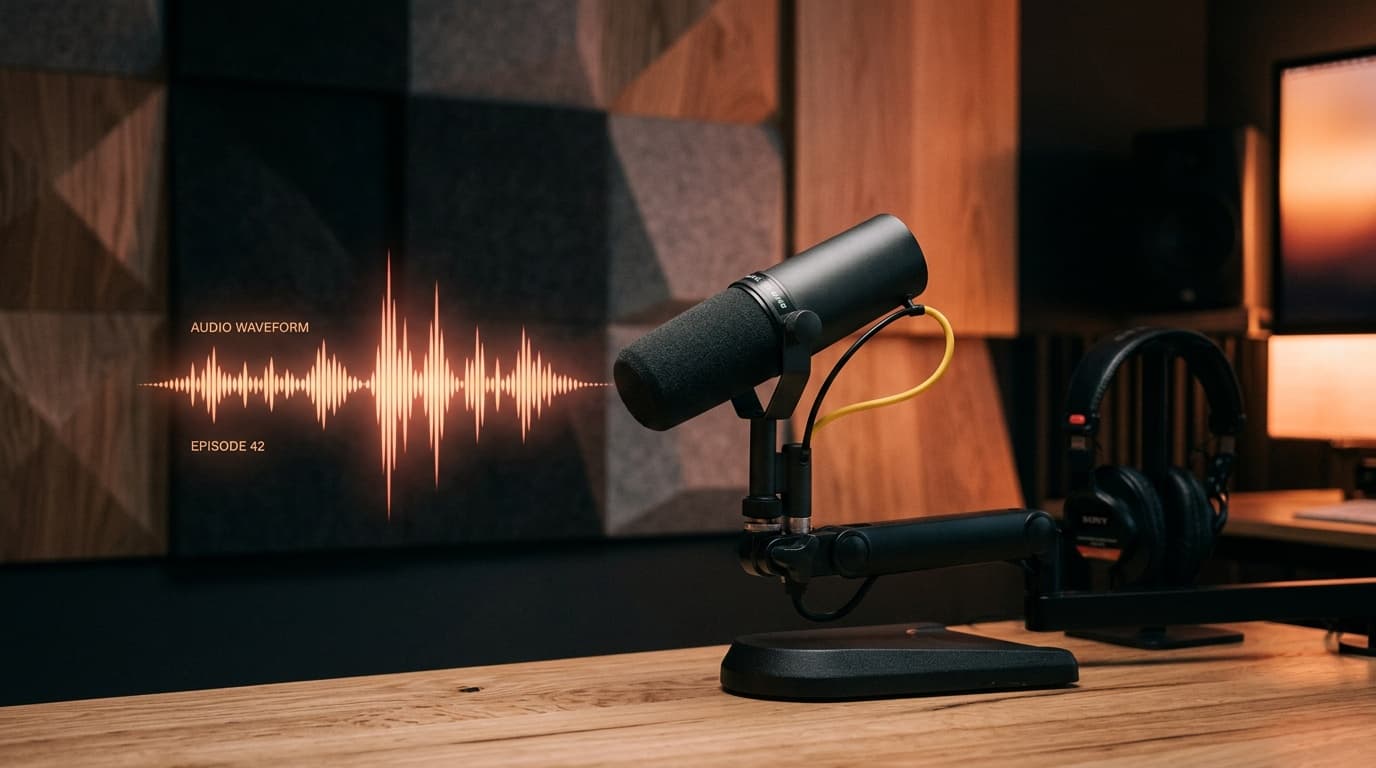
Turn the script into a natural AI narration — the voice of the channel. Pick a tone that fits the niche (calm for history, punchy for listicles). No microphone, no retakes; regenerate a line if the delivery is off.
3. Build the visuals for each beat
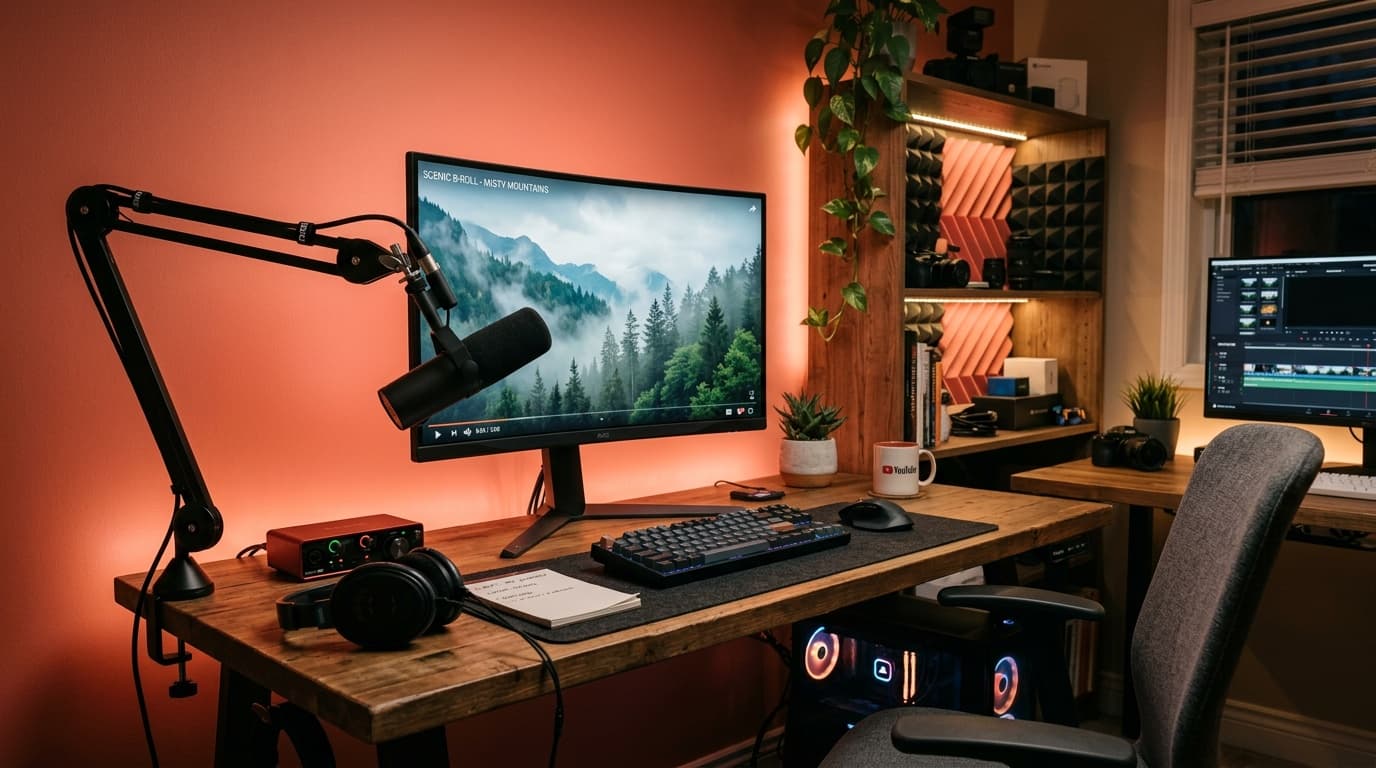
A faceless video is carried by b-roll: one clear visual per sentence. Generate images or clips that match each beat — the AI keeps the look consistent across the video so it feels like one piece, not a stock-footage collage.
4. Add captions
Most faceless views happen on mute, so burned-in captions are not optional. They lift watch time and retention — the metrics YouTube rewards — and make the video work in a feed as well as on the platform.
5. Assemble and export
Line the narration, visuals and captions to the same timeline and export in 16:9 for YouTube — or 9:16 to cut Shorts from the same script. Then publish, watch retention, and double down on the hooks that hold viewers.
Summary
A faceless YouTube video is now a topic, an AI script, an AI voice, matching visuals and captions — no camera, face or voice on tape. In FATTLY the faceless kit lives in one place.
Frequently asked questions
Do I need to show my face or use my own voice?
No. The script, the narration voice and the visuals are all generated. A faceless channel runs entirely on AI-made assets — nothing filmed or recorded by you.
Can faceless AI videos be monetised on YouTube?
Yes, if they add real value — a genuine script, a clear voice and relevant visuals — rather than low-effort reuploads. YouTube rewards original, useful content; thin auto-generated spam is what gets demonetised.
Which niches work best faceless?
Explainers, listicles, finance, history, tech, motivation and storytelling all work without a face — anything carried by narration plus visuals rather than a presenter on camera.
Ready to try?
Make a faceless video with AI