GuideBy Rafał Czarnecki5 min read
How to face swap with AI (photos and video)
In short
AI face swap used to mean hours in a photo editor. Now it is upload two images and let the AI blend them. Here is how to face swap, step by step — and how to do it responsibly.
Contents
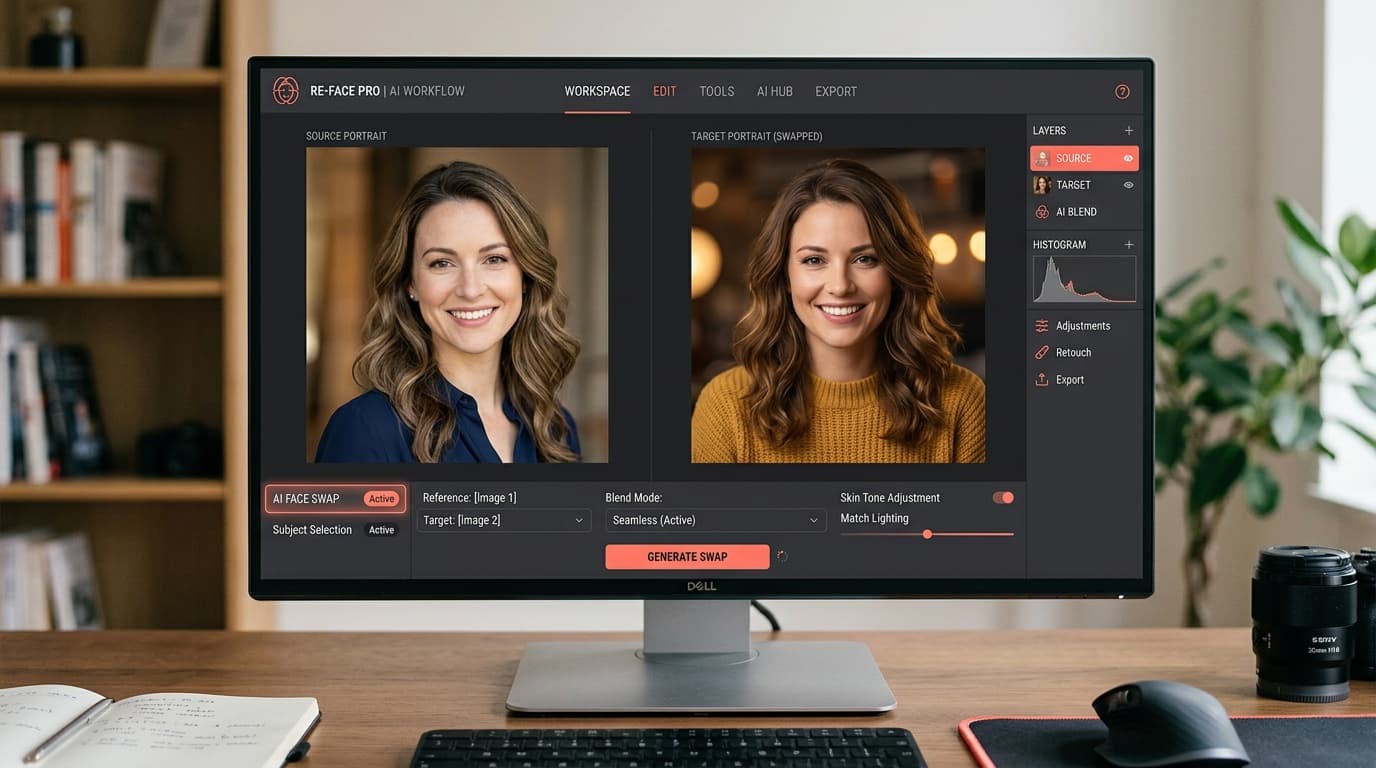
Face swapping used to mean masking, warping and colour-matching in a photo editor for hours. With AI it is two uploads and a few seconds: the model finds the face, matches lighting and skin tone, and blends it into the scene. Here is how to face swap with AI, step by step.
1. Upload the base image
Start with the target — the photo or video frame whose scene, pose and lighting you want to keep. Choose one where the face is clearly visible and roughly front-facing; extreme angles and heavy shadow make any swap harder.
2. Upload the face to place
Add the source face — the person you want in the scene. A sharp, well-lit, front-facing portrait blends best. The clearer the features, the more natural the result.
3. Let the AI detect and blend
The model locates both faces, maps the source onto the target, and matches skin tone, lighting and angle so the swap sits in the scene instead of looking pasted on. This runs in seconds — no manual masking.
4. Check the result
Look at the edges, the eyes and the lighting direction. If it looks off, swap in a cleaner source portrait or a base image with a more front-facing pose and regenerate — most misses come from a difficult input, not the model.
5. Take it to video
The same idea extends to clips: keep a scene and place a different face across the frames. Use it for content, memes, fan edits or trying a look — then download in the format you need.
Summary
An AI face swap is now two images and a few seconds — no editing skills, no manual masking. Pick a clear base and a clean source face, blend, and check the edges. In FATTLY it runs in the browser.
Frequently asked questions
Does the face swap look realistic?
Yes, when the inputs are good — a clear, front-facing source portrait and a base image with even lighting. The AI matches skin tone, lighting and angle. Difficult angles or heavy shadow are what usually break realism, not the model.
Can I face swap in video, not just photos?
Yes. The same approach works on clips — keep the scene and place a different face across the frames — as well as on single photos.
Is AI face swap legal and okay to use?
As a tool, yes. But do not create deepfakes of real, identifiable people without their consent, and never anything involving minors — that is off-limits and against the Terms. Fictional characters, your own face, or consenting participants are fine. Details are in the Terms.
Ready to try?
Try the AI face swap