GuideBy Rafał CzarneckiUpdated 8 min read
How to make an AI ad: video with voiceover and graphics, step by step
In short
One product photo is enough for a video ad with an English voiceover in about three minutes, or an ad graphic in 30 seconds. Here is the whole process in Fattly, the real costs in credits, three scripts you can copy and the mistakes that most often ruin the result.
Contents
- What you end up with
- How much does an AI ad cost?
- Before you start: what to prepare
- 1. Upload a product photo or paste a link
- 2. Choose what you're making and the type of ad
- 3. Write what the creator says (or let the AI do it)
- 4. Pick the creator, language, scene and format
- 5. Check the frame before you pay for the video
- 6. Generate, download and make more versions
- Graphic ads instead of video
- Common mistakes
- Summary
This guide is for Shopify and Etsy store owners, Amazon sellers, small brands and service businesses who want an ad for Reels, TikTok, Shorts or Facebook without filming or an agency. Here is how Fattly works as an AI video ad maker: what to upload, what it costs, what to avoid, plus three scripts to copy.
What you end up with
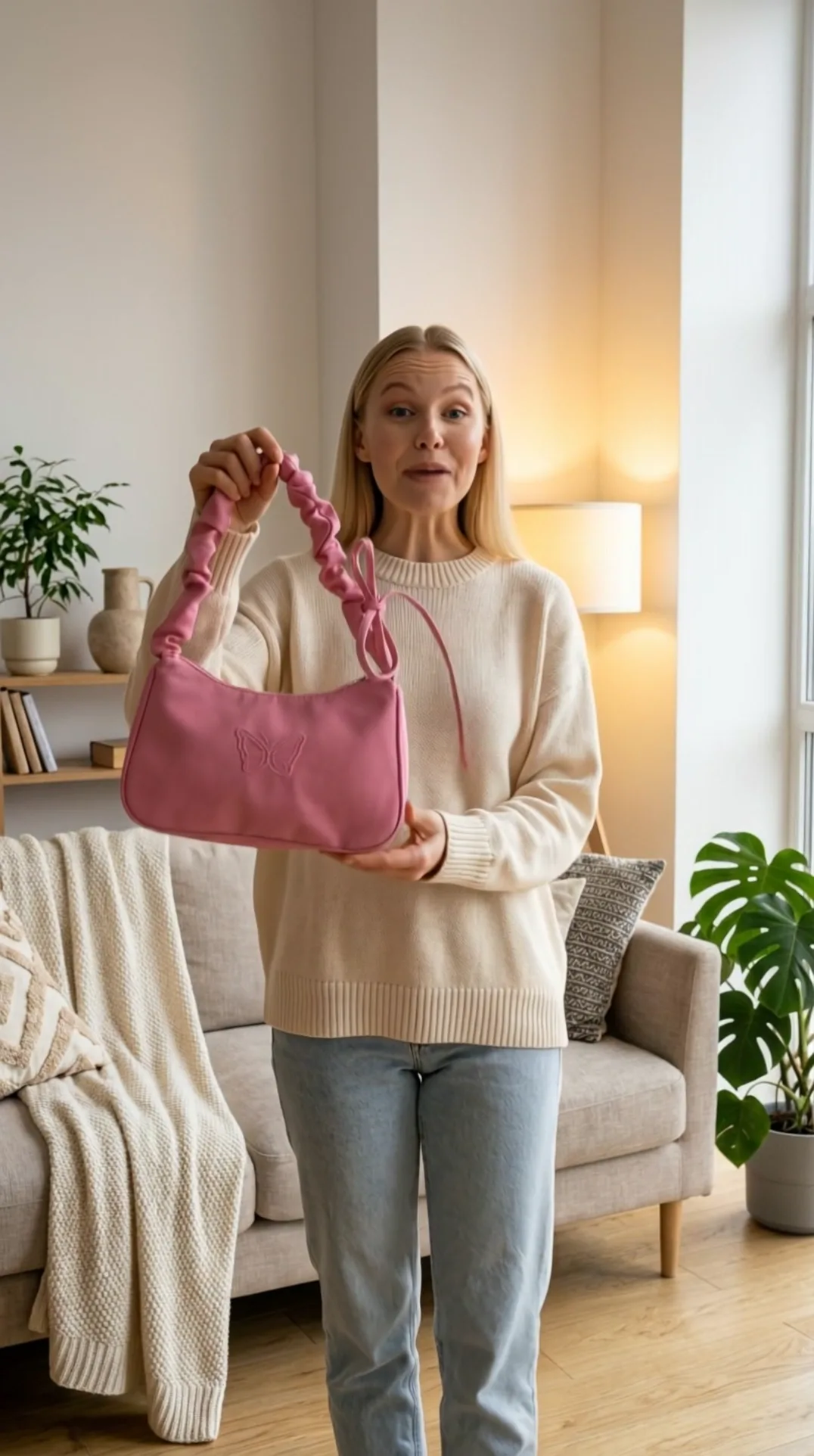
- A 9:16 or 16:9 video ad: an AI creator holds your product and talks about it in English, lips matched to the words. One clip runs 5 to 10 seconds; 3 scenes make up to about 30 seconds.
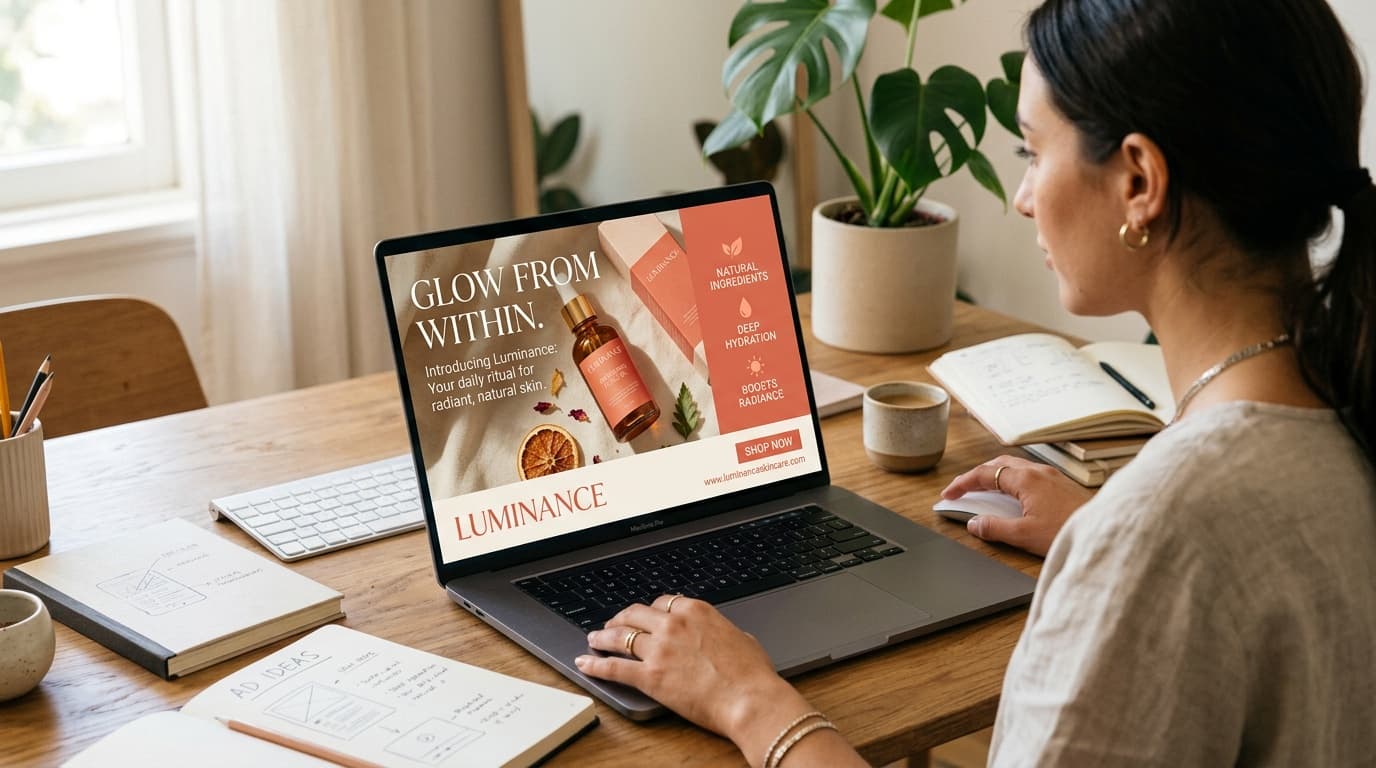
- Or an ad graphic with your product: a packshot, a lifestyle scene, a banner or a poster.
- Ad copy: 8 opening lines (hooks) and a full script, free.
How much does an AI ad cost?
You pay credits per generation. A subscription is optional and credits don't expire. The price is always on the button before you click, and if a generation fails on our side, the credits come back automatically.
| What you make | Cost | Time |
|---|---|---|
| Hooks, script, product import from a link | 0 credits | a few seconds |
| Ad graphic (1 image) | 20 credits | about 30 s |
| Talking video ad, 1 clip (5–10 s) | 150 credits | about 2–3 min |
| Frame preview before the video | 20 credits (then 130 for the video) | about 30 s |
| Video ad, 2 scenes (up to ~20 s) | 250 credits | about 5–8 min |
| Video ad, 3 scenes (up to ~30 s) | 350 credits | about 7–11 min |
| Top-down unboxing video, no voiceover | from 42 credits | about 2 min |
Signing up gives you 10 free credits, no card required. Honestly, that isn't enough for any paid step in Ad Studio, where the cheapest is a 20-credit graphic; it covers a few test images in the regular image generator. Hooks, scripts and product import are free, though, so you can prepare the whole ad at no cost. The smallest pack is 150 credits: exactly one video ad or seven graphics. Current prices are on the pricing page.
Before you start: what to prepare
- A product photo in JPG, PNG or WebP, up to 10 MB: the whole product on a plain background. A phone photo by a window is enough.
- One sentence of message: what you sell, to whom, and what you promise. For example: “A tote that fits a 13-inch laptop and doesn't look like a laptop bag.”
- Optionally, a product page link. Fattly reads the name, description and photo from most store pages, Shopify included. Some marketplaces block automated requests; then just upload the photo.
1. Upload a product photo or paste a link
Open Ad Studio and, in the “Start with your product” step, drop in the photo, pick it from your computer or paste it from the clipboard (Ctrl+V works anywhere on the page). Add the product name too: the AI writes your ad copy from it. No photo yet? Try the tool on the sample product.
2. Choose what you're making and the type of ad
Ad Studio has three tabs: Video, Graphics and Copy. In the Video tab you pick one of three ad types:
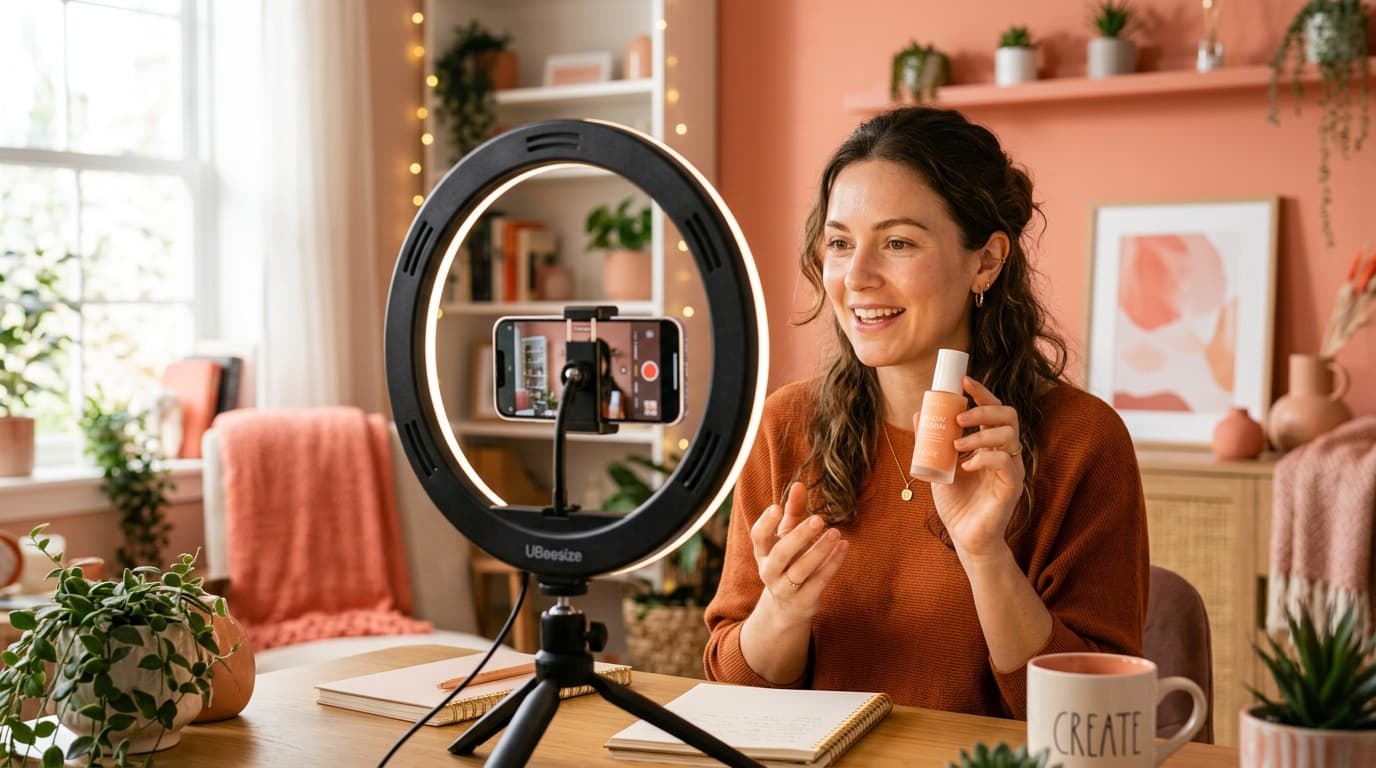
- With avatar: an AI creator holds your product and talks to the camera, like the classic UGC ads on TikTok.
- No avatar: a first-person shot of hands with the product and a voice off camera, for when you don't want a face in the ad.
- Service: no product photo. Describe the service, say a salon, a course or an app, and the creator talks about it to the camera.
Then you pick a tone, such as UGC, Founder, Testimonial, Before / After or TV Spot, or an industry template: Beauty & Skincare, Food & Drink, Fitness & Supplements, Fashion & Apparel, Tech & Gadgets, Pets and more. There is also a top-down unboxing format: hands open the package, no face, no voiceover, from 42 credits.
3. Write what the creator says (or let the AI do it)
In English, the clip length follows your script: up to about a dozen words gives a clip of roughly 5 seconds, a full script of 15 to 22 words roughly 8 to 10 seconds. Past 22 words you get a “Too long for one clip” warning with two fixes: shorten the text with AI in one click, or make a longer ad of 2 or 3 scenes. Each clip takes at most 300 characters.
Stuck? Click “Need a hook?” for 8 opening lines, or “No idea? We'll write it for you” for a full script. Both are free, and so is shortening. Leave the field empty and the script is written from your product name.
Three scripts that fit in one clip, 20 to 21 words each:
- Skincare: “One week with this serum on my dry skin. No more tight mornings, and my makeup stays put. Tap to shop.”
- Handmade candle: “I lit this candle ten minutes ago and the whole room smells amazing. Hand-poured soy wax, forty-hour burn. Grab one.”
- Cleaning service: “Spend your Saturday on anything but scrubbing. We'll deep-clean your home in three hours. Book online, first clean twenty percent off.”
Write numbers as words, so you know how they will be read. For a 5-second test, stay under a dozen words: “Okay, this candle smells like a bakery. Tap to order.”
4. Pick the creator, language, scene and format
- Creator: 14 ready-made AI creators, or your own character generated from a description (20 credits). You can also upload a photo, but only of yourself or of someone who has agreed to it, and you confirm this when you upload.
- Voiceover language: English, Polish, German or Spanish. You can play a sample of the English voice before you generate.
- Scene: 14 backgrounds, from a modern kitchen and a bathroom to a coffee shop, a car interior, a gym and a clean studio.
- Format: vertical 9:16 (Reels, TikTok, Shorts, Stories) or horizontal 16:9 (YouTube).
- Scene description (optional): one shot in plain words, e.g. “morning routine at a bathroom mirror, soft daylight, ends on a close-up of the bottle”. Each clip is one continuous take, so a multi-scene storyboard gets condensed into one shot anyway.
- Video model: leave it on Auto. Fattly picks the model for the language, and the voice is generated together with the picture and lip movement, not pasted on as a separate track.
5. Check the frame before you pay for the video
Turn on “Preview the frame first”. For 20 credits you see the opening frame: the creator with your product in the chosen scene. If the product is held awkwardly or the scene doesn't fit, ask for another frame or change the settings. When you're happy, click “Record the video” and pay the remaining 130 credits. That way you never pay for a video with the wrong frame.
6. Generate, download and make more versions
The video is ready in about 2 to 3 minutes. You can close the tab meanwhile; the finished ad waits in your history. After downloading, one click starts the next version: another language, another tone, the horizontal format, or a graphic with the same product.
A habit from paid campaigns: publish three versions with different opening lines, not one. After 2 or 3 days, keep the one with the lowest cost per click or purchase. Hooks are free, so the test only costs the videos.
Graphic ads instead of video
Need a post, a banner or a store image? The Graphics tab has three routes:
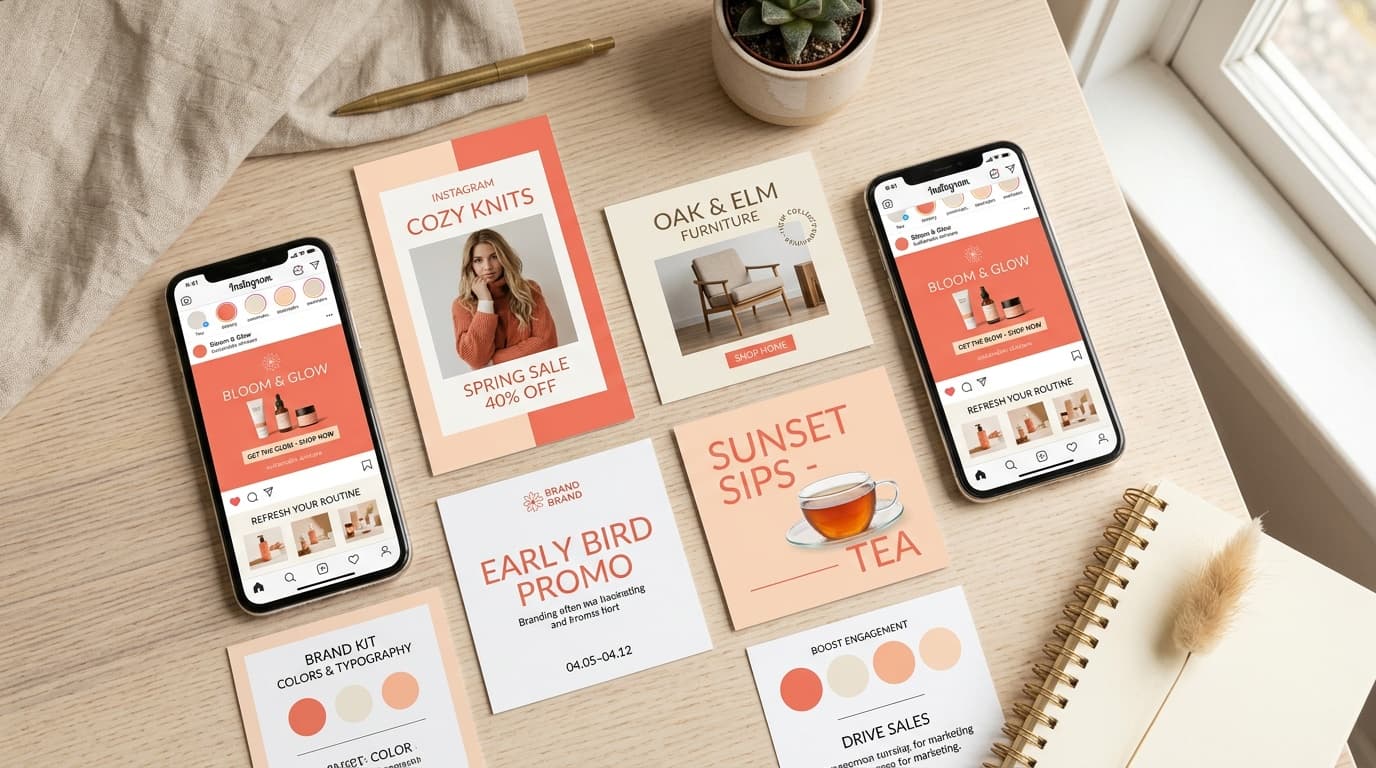
- From a template: 30 ready-made, designed product compositions. One click recreates the template with your product.
- Your own scene: describe the picture, pick a style (close-up, wide shot, flat lay, lifestyle, studio) and a format. 1 to 4 images at a time.
- With a model: an AI model poses with your product, and clothing can go through the AI try-on.
Each graphic costs 20 credits and takes about 30 seconds. In your own scene you choose the format: square 1:1 for the feed, 9:16 for Stories, 16:9 for banners, 2:3 for posters, plus 4:3 and 3:2.
Common mistakes
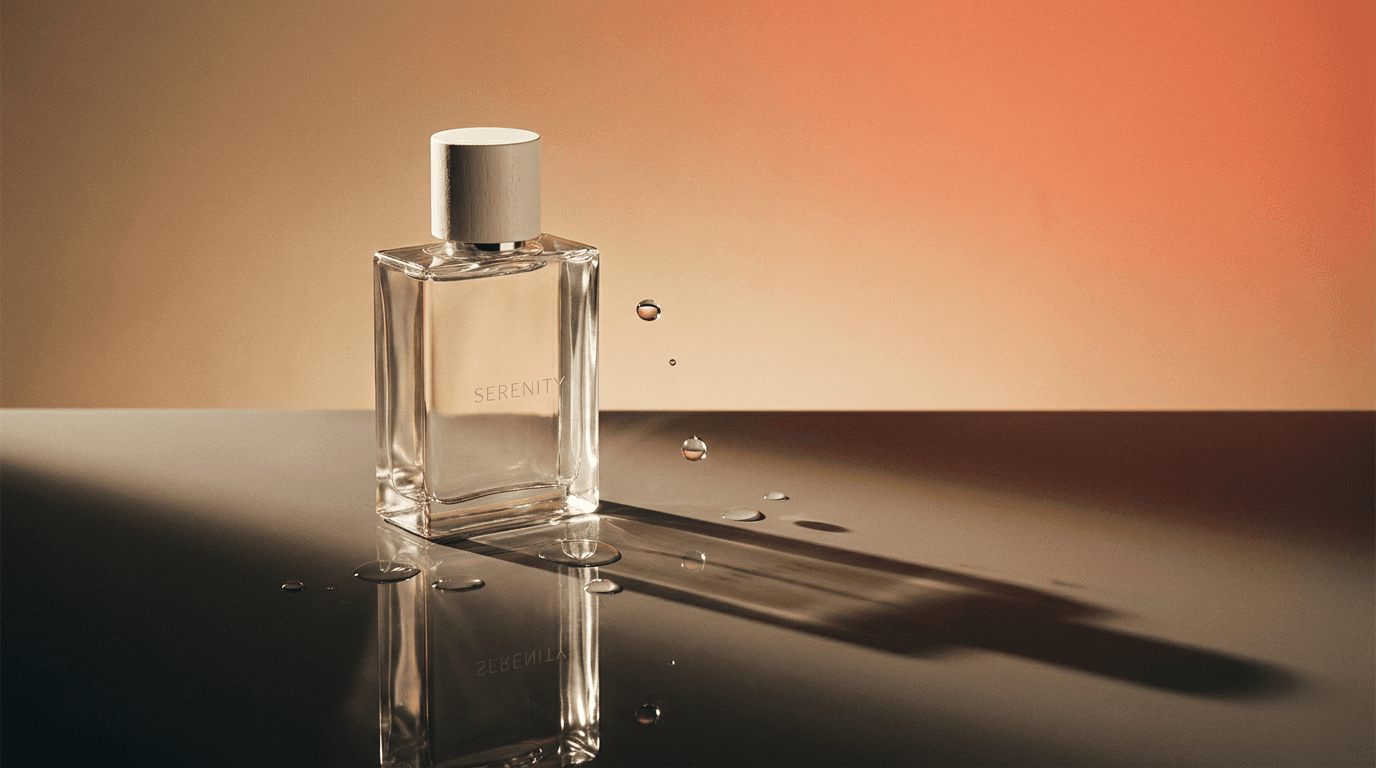
- A weak product photo. Clutter, a cropped product or glare on the label make the AI reproduce it less faithfully.
- No hook. The first two seconds decide whether people scroll past. Open with a problem or a surprise, not your brand name.
- Promises your product can't keep. The AI says whatever you write, but you are responsible for the ad, and ad platforms reject exaggerated claims, especially health claims.
- One version instead of several. AI ads are fast and cheap precisely so you can test variants.
Summary
An AI ad now takes a product photo, one sentence of message and a few minutes. In Fattly the copy is free, a graphic costs 20 credits and a talking video ad in English 150. Preview the frame, make three versions with different hooks and keep the one that sells.
Frequently asked questions
Is there a free AI ad generator?
Partly. Hooks, scripts and product import are free, and you get 10 credits at sign-up with no card. A graphic costs 20 credits and a talking video ad 150, so for those you need a credit pack (the smallest has 150 credits). A subscription is optional, and credits don't expire.
Can I use an AI ad generator without signing up?
Not in Fattly. Generating requires an account with a confirmed email address. It protects the tool from abuse, and you get 10 free credits to start.
How long does it take to make an AI video ad?
One clip takes about 2 to 3 minutes, a graphic about 30 seconds, and a longer ad of 2 or 3 scenes about 5 to 11 minutes.
How long can an AI video ad be?
In English, one clip runs 5 to 10 seconds, depending on the script. A longer script of your own can become 2 scenes (up to about 20 seconds, 250 credits) or 3 scenes (up to about 30 seconds, 350 credits), stitched into one video.
Can the AI ad speak languages other than English?
Yes: English, Polish, German or Spanish. The creator says your text with lip movement matched to the words, and voice and picture are generated together in one pass.
What should I write in the AI ad prompt?
You don't need one: a product photo and its name are enough, and the AI writes the script. For more control, the optional description field takes up to 2,500 characters. Describe one shot, not a storyboard.
Can I use my own face or someone else's photo?
Yours, or that of someone who has agreed to it; you confirm this when uploading. Using someone's likeness without consent is not allowed.
Can I use AI ads commercially?
Yes, within our Terms, for example in paid campaigns on Facebook, Instagram or TikTok. Platforms may label the content as AI-generated, and the advertiser is responsible for the claims in the ad.
Ready to try?
Make an AI ad in Fattly